
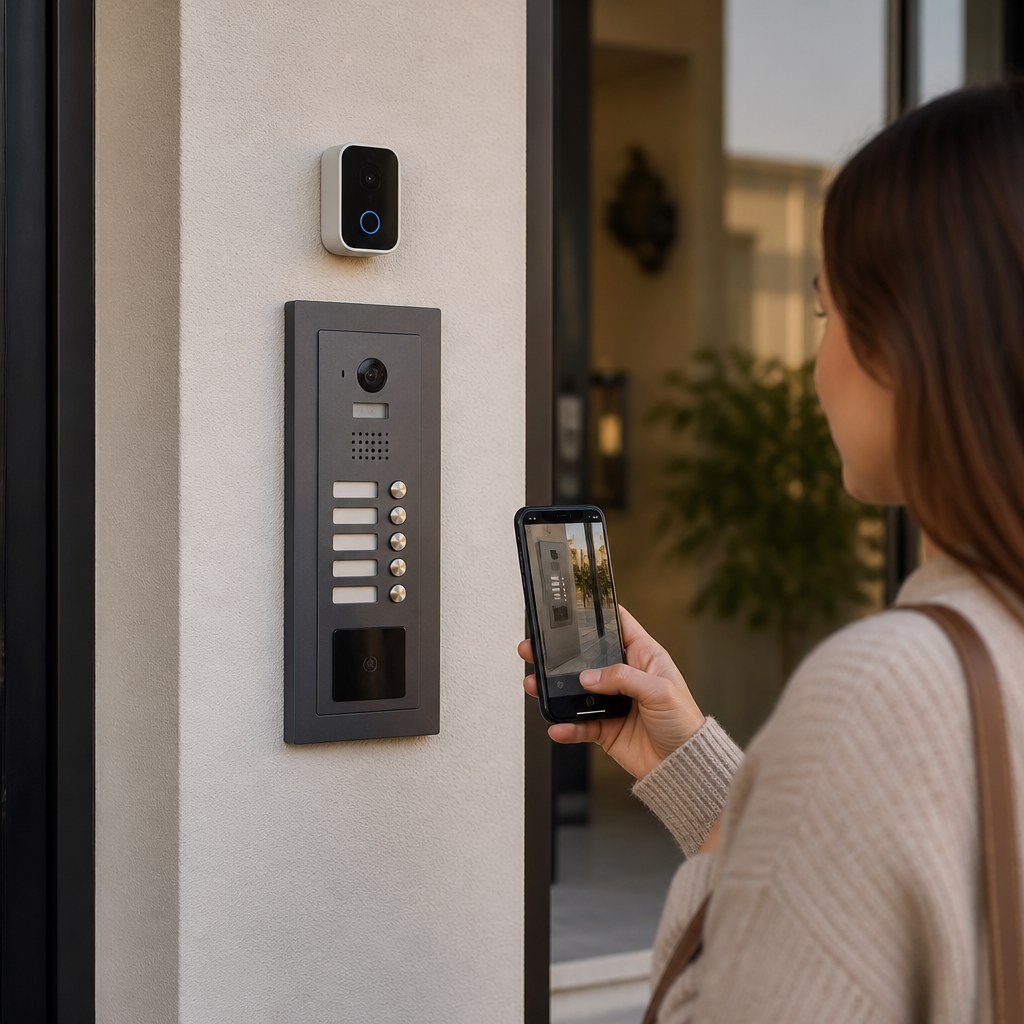
Do Video Doorbells Work With Apartment Buzzer/Intercom Systems?
Yes, but usually not as one integrated system. Most video doorbells can show visitors and send alerts at your apartment door, while the building’s buzzer still handles lobby entry. Direct unlocking requires a compatible intercom adapter; Ring, for example, publishes an Intercom Compatibility Checker for model-specific verification.
By Olami Y.
Last updated October 28, 2026
How do the 2 systems work together?
In most apartments, the video doorbell and building intercom perform separate jobs.
A video doorbell installed beside your apartment door records or streams the person standing in that hallway. Depending on the model and current subscription terms, it may also provide motion alerts, 2-way audio, or recorded clips through an app.
The building buzzer connects the lobby entrance to a handset, wall station, or telephone service inside your unit. Pressing an unlock button sends a command through the building’s access-control wiring. A standard video doorbell generally cannot issue that command.
This gives you 3 possible arrangements:
- You use a battery video doorbell at your unit and keep the existing buzzer unchanged.
- You add a compatible intercom controller that lets your phone answer and release the lobby door.
- You use both devices through separate apps when no shared platform supports them.
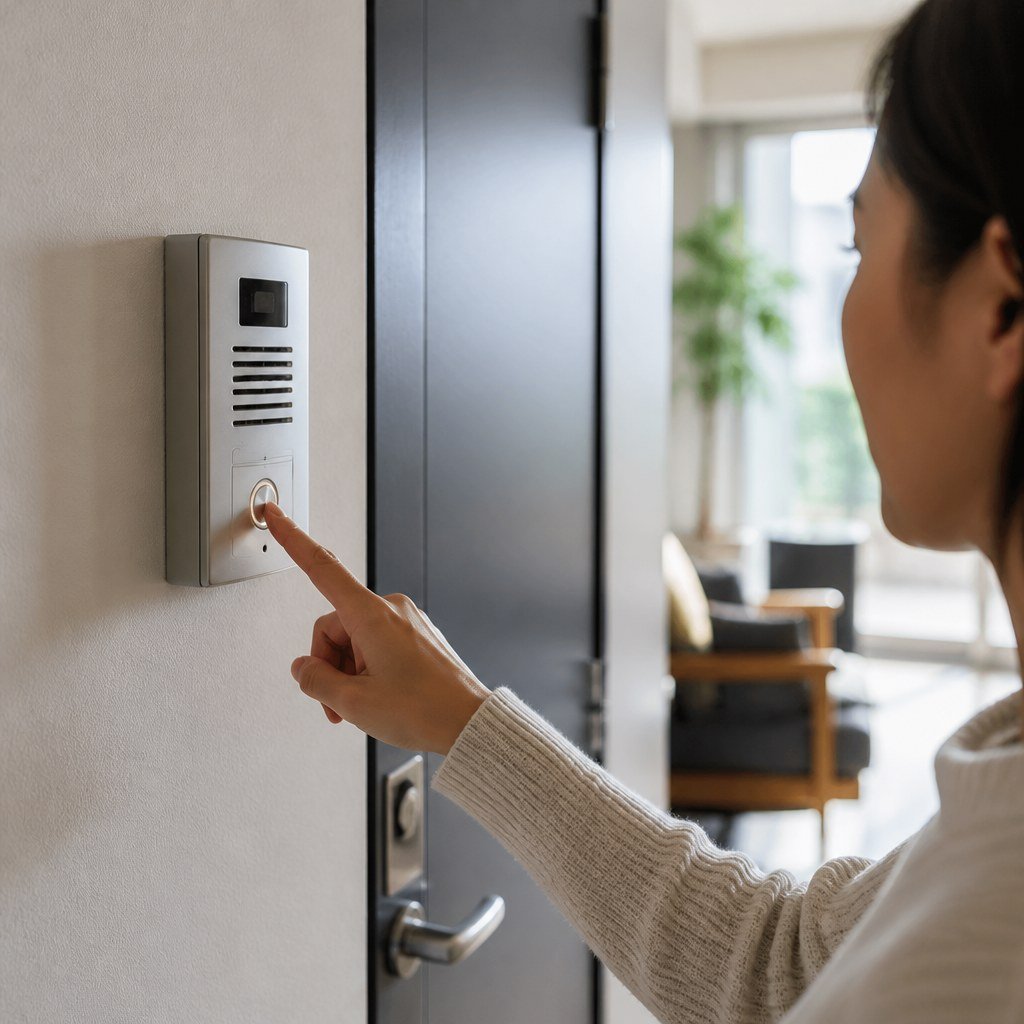
Which setup fits your apartment?
Choose based on where you need video and whether remote lobby unlocking matters.
Choose a battery doorbell if you only need coverage outside your unit. Choose an intercom adapter if phone-based lobby access is the priority. Ask management about a building-wide system if you need video at the shared entrance.
Our renter-safe camera mounting guidance is useful here, especially when drilling into a corridor wall or doorframe is prohibited.
How can you check compatibility?
You need the exact intercom model, wiring type, and installation rules before buying an adapter.
- Photograph the front of the handset or wall station without removing it.
- Look for a manufacturer name and model number on the exterior label, manual, lease packet, or property records.
- Ask management whether residents may connect third-party equipment to the intercom.
- Enter the exact model into the adapter manufacturer’s current compatibility checker.
- Confirm whether every advertised function works, including answering calls, remote release, and automatic unlock options.
- Check whether the device needs nearby power, stable Wi-Fi, a bridge, or a paid plan.
Do not assume that two handsets with similar buttons use the same electronics. Analog, digital, telephone-based, and proprietary intercoms can look alike from the hallway.
Also check our smart home hub compatibility material if you want doorbell alerts on speakers or displays. Platform support can differ from intercom support: a device may send announcements through your smart home while remaining unable to unlock the lobby.
Use the Domoviq Compatibility Checker to narrow down devices that fit your existing smart home setup.
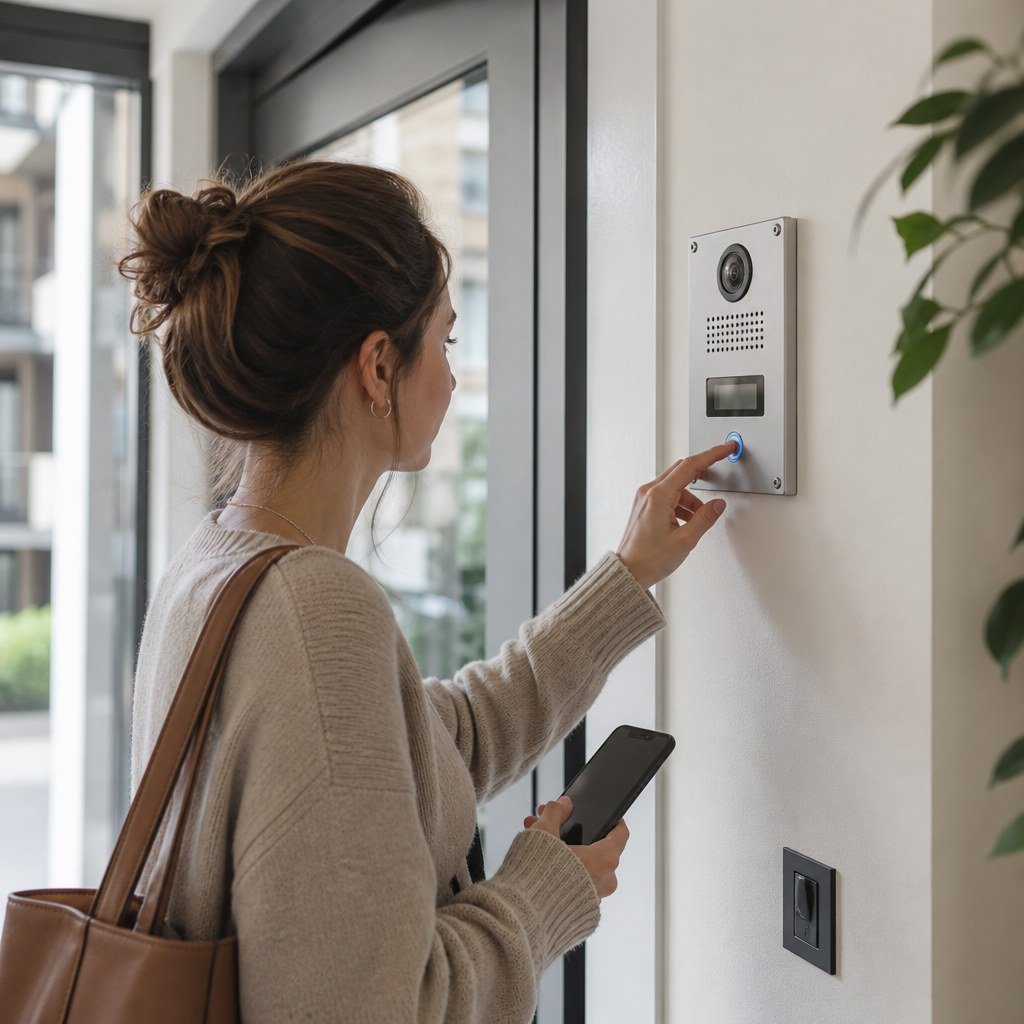
Can you connect a doorbell to intercom wiring?
You should not connect a video doorbell directly to intercom wires unless both manufacturers explicitly approve that configuration.
A wired video doorbell expects a supported power supply and circuit arrangement. Intercom conductors may carry audio, data, power, or a door-release signal. Matching wire colors or a measured voltage does not prove compatibility.
Battery power is usually the simpler renter option because it leaves the intercom circuit alone. Review the manufacturer’s current charging expectations, operating-temperature limits, and mounting requirements rather than relying on a claimed battery duration alone.
Our video doorbell power options and reversible DIY picks for renters can help you compare removable mounting against an approved wired installation.
What should renters ask before installing one?
Get written permission for any device that faces a shared hallway or changes building hardware.
- May you record video or audio in the corridor under the lease and local rules?
- Can you attach a mount to the door, frame, wall, or existing peephole?
- Must the device stay within your doorway rather than face a neighbor’s entrance?
- Who is responsible if an intercom adapter disrupts the building system?
- What must you remove or repair when you move out?
Shared-space recording rules vary by property and location. Ask your landlord or property manager, and seek local legal guidance if audio recording or a neighbor’s privacy is unclear. Disable audio recording or adjust motion zones when the product allows it and permission is limited.
What commonly goes wrong?
Most failed setups come from confusing app compatibility with electrical or intercom compatibility.
- Buying before identifying the handset model can leave you with an unusable adapter.
- Placing the doorbell far from your router can cause delayed alerts or dropped live video.
- Using thick over-door mounts can prevent the apartment door from closing correctly.
- Replacing intercom wires with doorbell wires can damage equipment or disable entry service.
- Assuming a smart speaker can release the lobby door may create a security risk if voice authorization is weak.
Test the least invasive arrangement first: keep the buzzer intact, place the doorbell on an approved removable mount, verify Wi-Fi performance, and confirm that the door closes and locks normally.
Check before you buy
Write down your intercom model and smart home platform, then check both against the device’s current support list.