Renter-Safe Smart Kitchen Faucets (No Plumbing Changes)
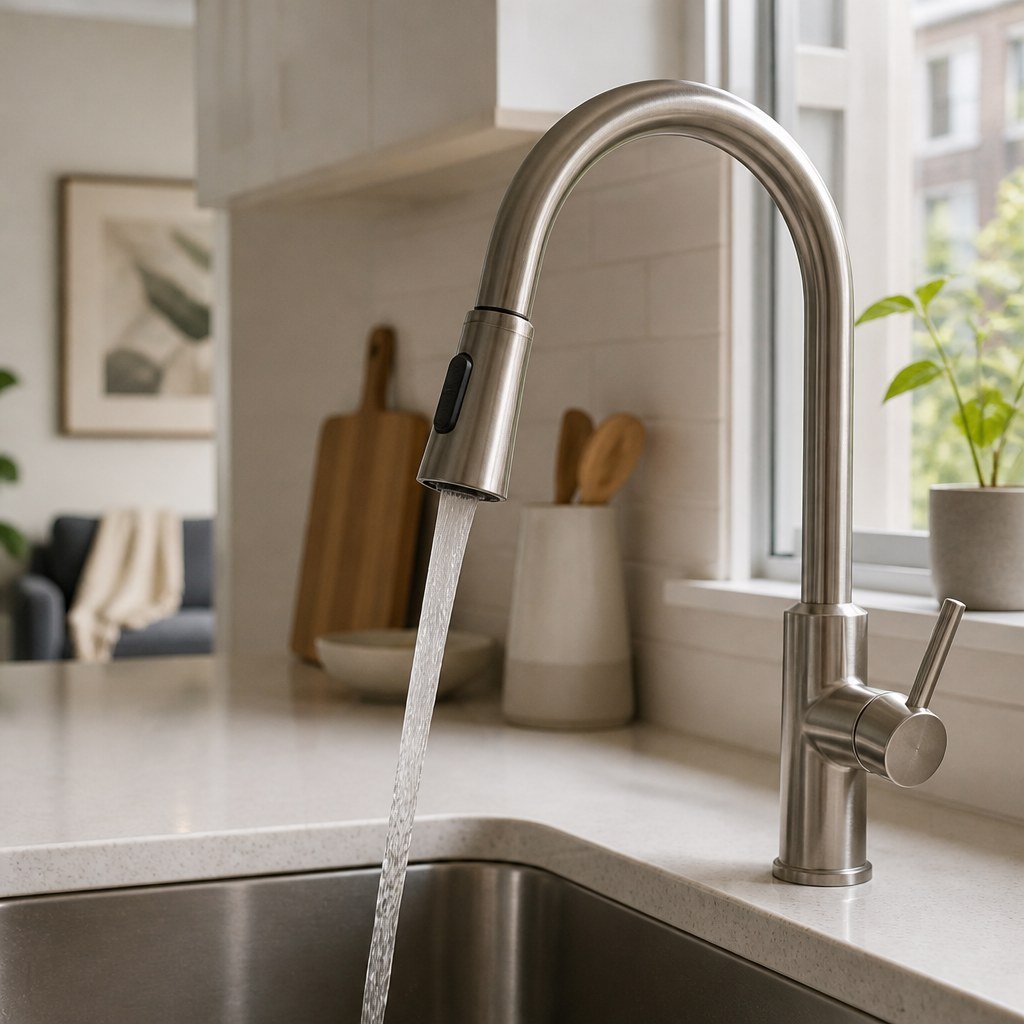
The safest renter option is a battery-powered touchless aerator adapter that screws onto the faucet spout; it adds sensor control without replacing the faucet or touching the 2 shutoff valves below the sink. Confirm thread size, obtain written permission, save the original aerator, and avoid products requiring a control box or supply-line connection.
By Olami Y.
Last updated November 01, 2026
Prices last checked: November 2026
What counts as a no-plumbing smart faucet?
A renter-safe smart faucet is usually an add-on sensor adapter, not a complete faucet replacement.
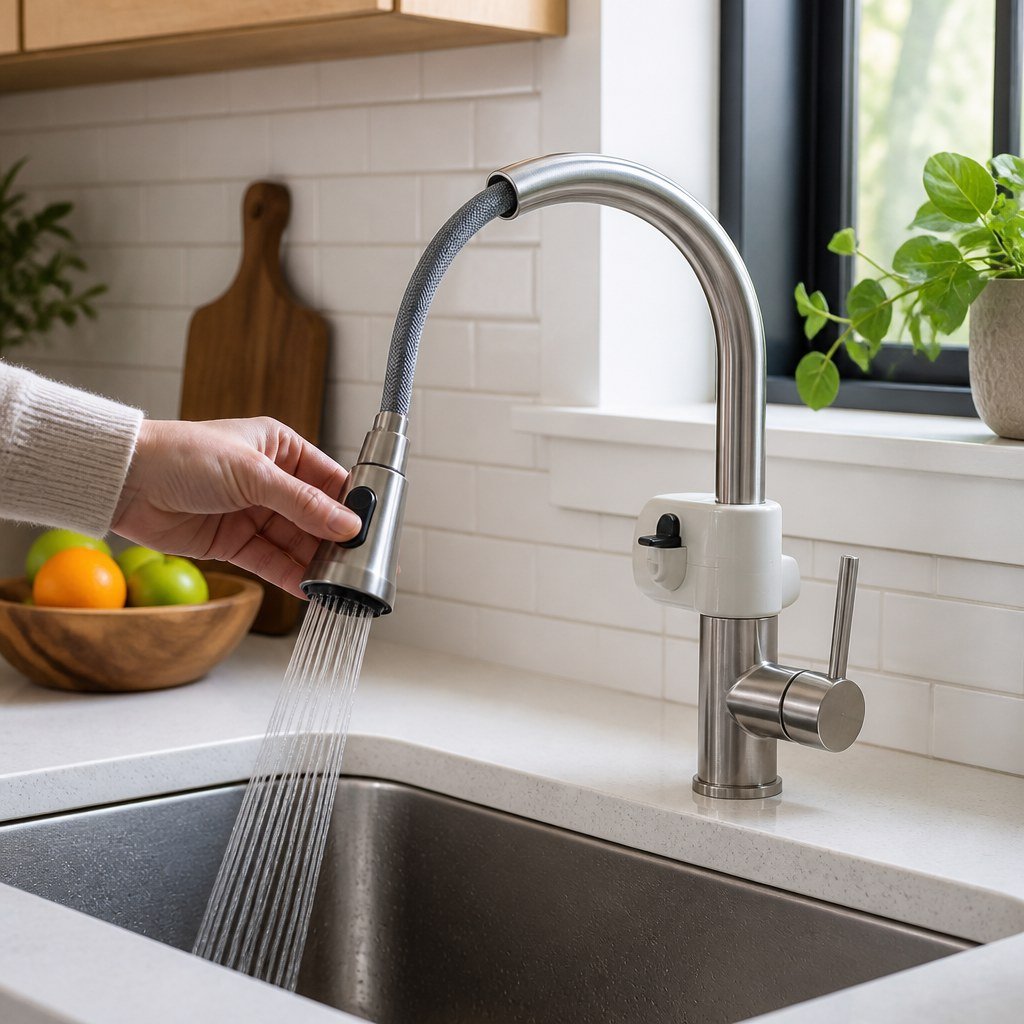
The adapter replaces the removable aerator at the end of your existing spout. An infrared sensor opens and closes the water flowing through it. You still use the faucet handle to set temperature and maximum flow, while the sensor controls whether water exits.
These devices are commonly described as touchless faucet adapters. Some sellers use “smart faucet” more broadly, even when a product has no app, Wi-Fi, voice control, or usage reports. Read the control method rather than relying on the product name.
Touchless aerator adapter
Choose this if you want hands-free rinsing and the existing aerator unscrews cleanly.
Clip-on motion accessory
Choose this only if the manufacturer confirms it fits your exact spout without adhesive or permanent mounting.
Full smart faucet
Skip this as a no-change rental upgrade. Installation normally involves the faucet body, supply connections, or under-sink hardware.
Will an adapter fit your kitchen faucet?
It will fit only if the aerator is removable and the supplied threads or adapters match your faucet.
Unscrew the aerator by hand before ordering anything. If it is recessed inside the spout, you may need the faucet maker’s aerator key. Do not use pliers directly on a finished surface; they can scratch plating and create a deposit dispute.
Planning voice or app control too? Use Domoviq’s Compatibility Checker for digital ecosystem support, then verify the physical faucet fit separately.
How do you install one without risking damage?
Install it as a removable accessory and stop if any part requires force.
- Photograph the faucet and aerator before removing anything.
- Ask your landlord for written approval if your lease restricts fixture attachments or alterations.
- Close the faucet handle, cover the drain, and unscrew the aerator by hand or with its proper key.
- Clean loose mineral deposits from the threads with a soft cloth.
- Install the exact washer and adapter specified in the product instructions.
- Hand-tighten the sensor unit, keeping its detection window clear of the sink wall and handles.
- Open the faucet slowly and inspect the connection for drips.
- Run several on-off cycles with cold water before testing mixed water.
- Dry the joint and check it again after normal use.
- Label and store the original aerator, washer, key, and receipt together.
Do not loosen supply hoses, valves, faucet mounting nuts, or under-sink control boxes. Ask the landlord or a licensed plumber to handle leaks originating below the faucet deck.
This installation approach fits naturally beside our reversible DIY kitchen upgrades and damage-free rental improvement ideas. It should leave the original fixture ready for move-out restoration.
What should you check before buying?
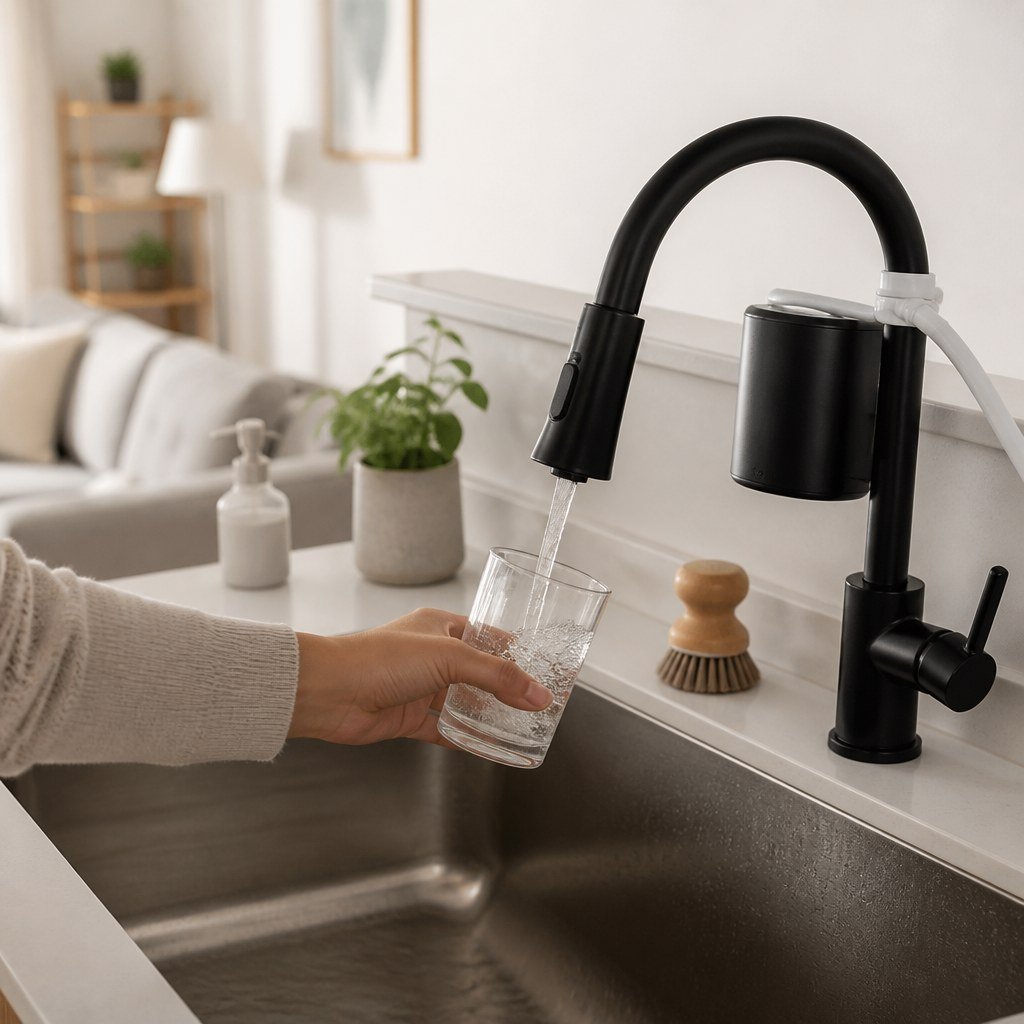
Prioritize physical fit, manual operation, and easy removal before connected features.
- Compare the manufacturer’s thread diagram with your removed aerator.
- Check whether every required adapter and washer is included.
- Confirm how the unit behaves when batteries run out.
- Look for a manual bypass or straightforward removal procedure.
- Check the current listing for battery type, water-resistance claims, warranty terms, and replacement parts.
- Confirm that the sensor range suits your sink depth and usual hand position.
Voice commands rarely justify extra complexity at a kitchen sink. Choose touchless sensing if your main goal is cleaner food preparation. Choose connected control only if the current manufacturer documentation names your platform and explains what works without a subscription.
Our smart home hub compatibility coverage can help with platform questions, while our Smart Home Lab sensor guides explain the practical limits of motion and presence detection.
What problems are most common?
Leaks, unwanted activation, and weak response usually come from fit, placement, or battery issues.
If the joint drips, remove the adapter and check for a missing, doubled, twisted, or wrong-size washer. Reinstall it by hand. Thread tape should be used only when the manufacturer explicitly calls for it.
If the sensor triggers while you wash dishes, adjust its angle or range according to the instructions. Reflective sink surfaces and objects left in the detection zone may also cause activation. If response becomes inconsistent, clean the sensor window and install the specified fresh batteries before replacing the unit.
Remove the adapter immediately if it becomes loose, cracks, restricts flow unexpectedly, or continues leaking after correct reassembly.
FAQ
Can a landlord charge you for installing an aerator adapter?
That depends on your lease and whether the fixture is damaged.
Get written approval when alteration rules are unclear, retain the original parts, and restore the faucet before inspection.
Can you use one on a shared apartment faucet?
Yes, if every tenant agrees and the adapter fits safely.
Show everyone how to disable or remove it so a dead battery does not leave the sink confusing to operate.
Will a touchless adapter control water temperature?
Usually no.
The existing faucet handle normally sets temperature. Check the product manual because operating methods differ.
Check compatibility before you order
Photograph your removed aerator and record its measurements, then check any connected features against your existing smart-home platform.