Best Robot Vacuums for Apartments and Renters (2026)
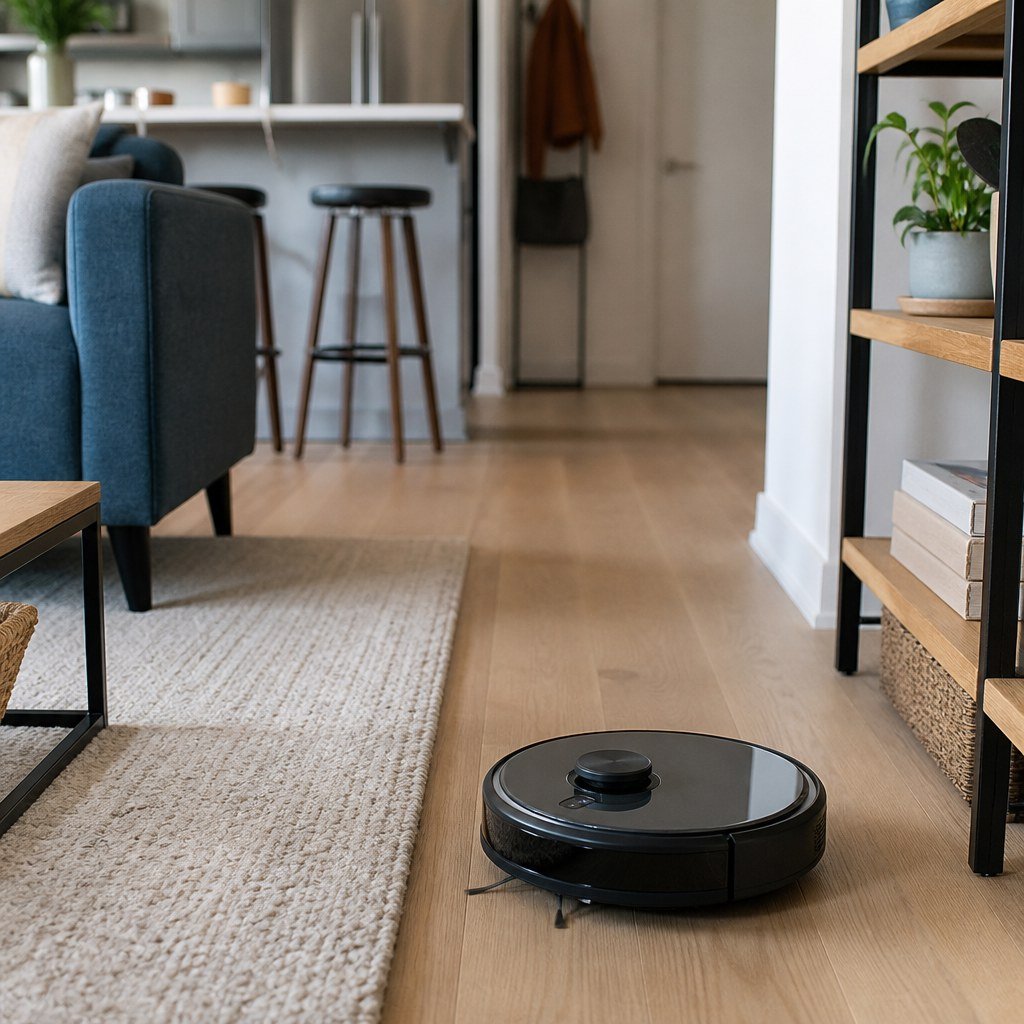
The Roborock Q5 Max+ is the best fit for most apartments because it maps rooms accurately and empties itself. Choose the 2.85-inch-tall eufy 11S Max for low furniture, or the Narwal Freo X Plus when you need mopping without a large dock. Those dimensions come from eufy’s official listing.
By Olami Y.
Last updated October 26, 2026
Prices last checked: October 2026
Which robot vacuum should you buy?
The right choice depends on your available floor space, furniture clearance and tolerance for emptying a dustbin.
This shortlist is based on manufacturer documentation and current product listings, not Domoviq hands-on testing. Prices, replacement-part availability and app support can change, so confirm each item on the manufacturer’s site before ordering.
| Pick | Best for | Why it fits | Main trade-off |
|---|---|---|---|
| Roborock Q5 Max+ | Most apartments | LiDAR room mapping, twin rubber rollers and an auto-empty dock | The dock needs permanent floor space |
| eufy 11S Max | Low beds and sofas | Its official listing gives a height of 2.85 inches | No room mapping or app control |
| Dreame D10 Plus Gen 2 | Value-focused auto-emptying | Mapped cleaning, a dock bag and basic mopping | The mop is intended for routine wiping |
| Narwal Freo X Plus | Mopping with less dock bulk | It stores and compresses debris inside the robot | You still handle the internal dust bag |
| eufy Omni C20 | Hands-off floor washing | Its station empties debris and services the mop pads | The station requires more room and maintenance |
Choose the Q5 Max+ for mapped vacuuming with minimal daily attention. Choose the 11S Max if furniture clearance matters more than app features. Choose a Narwal or eufy mop model if hard-floor washing is part of your weekly routine.
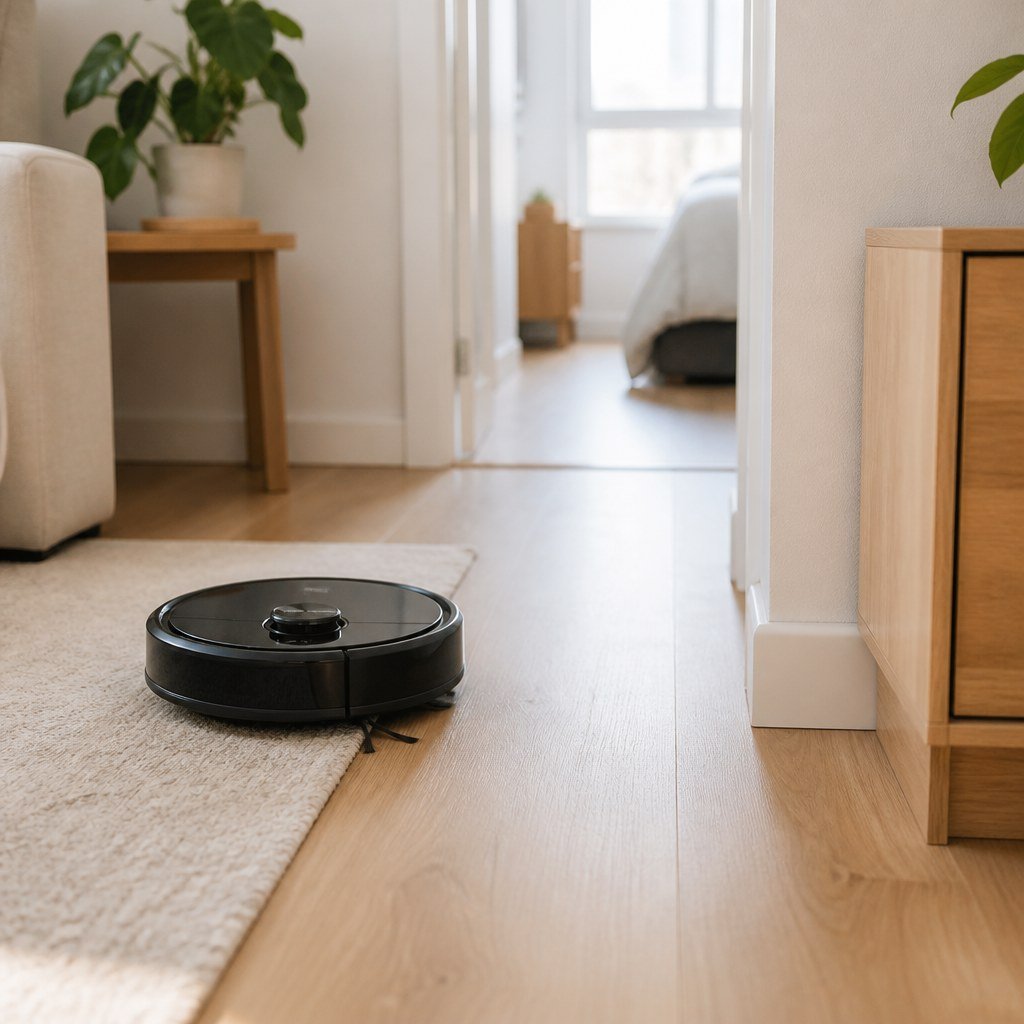
What matters in a small apartment?
Physical fit and predictable navigation matter more than the largest advertised suction number.
- Measure beneath your lowest sofa, bed and cabinet. Leave a little clearance beyond the robot’s listed height so it does not wedge itself under sagging fabric or uneven furniture.
- Measure the dock with its lid or water tanks open. A station that fits under a shelf may still be impossible to service.
- Prefer LiDAR or camera-based mapping if you want room cleaning, no-go zones or reliable coverage. Simpler bump-navigation models cost less but may take longer.
- Check the threshold between every room. Manufacturer limits are useful, but rounded and square-edged transitions can produce different results.
- Confirm that replacement bags, filters, brushes and mop pads remain available. Consumables affect long-term cost more than one discounted purchase price.
Renters should also consider noise through shared floors. Schedule vacuuming during daytime hours, disable automatic emptying at night and place the dock away from a shared bedroom wall. Our apartment Wi-Fi setup advice and smart home hub compatibility coverage can help if the app struggles on a combined network.
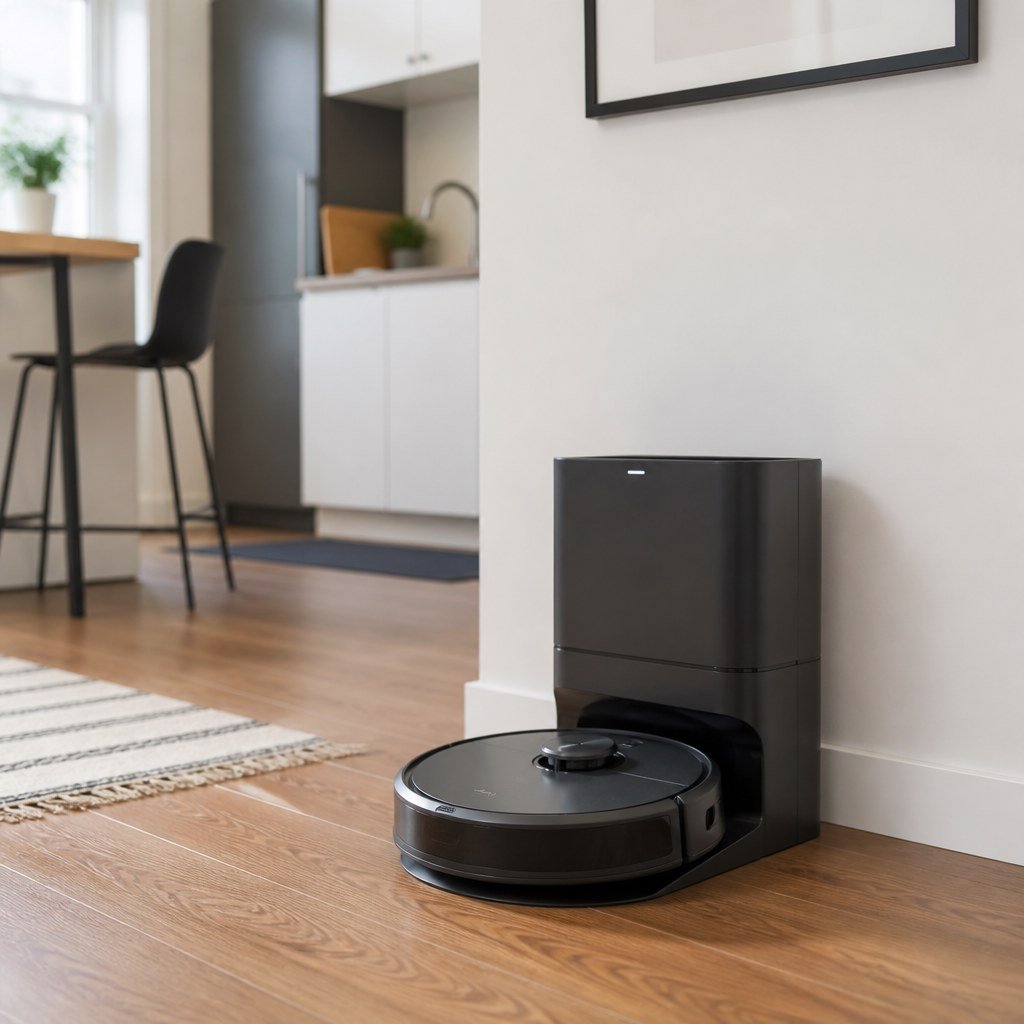
How should you set it up?
A careful first run prevents most navigation problems and does not require drilling or permanent changes.
- Choose a flat dock location near an outlet and follow the manufacturer’s stated clearance requirements.
- Lift charging cables, curtain ties and shoelaces from the floor. Damage-free cable management is safer than taping cords directly to finished flooring.
- Remove lightweight bath mats and fold rug fringe underneath before mapping.
- Open every door you want included, then run one uninterrupted mapping or cleaning cycle.
- Add no-go zones around pet bowls, floor vents and furniture where the robot became trapped.
- Test room-by-room cleaning before creating a schedule. Start with daytime operation so you can hear repeated collisions or jams.
💡 Tip: Use removable cord clips only after checking their surface instructions. Our reversible DIY picks for renters cover deposit-conscious ways to control loose cables.
Which mistakes cause buyer’s remorse?
Most bad purchases come from measuring the robot but ignoring the dock, floor layout or recurring upkeep.
Do not assume a vacuum-and-mop model can replace manual stain removal. Basic drag pads are best for light maintenance. Stations with washable rotating pads reduce hands-on work, but they bring water tanks that need refilling, emptying and cleaning.
Avoid paying for an auto-empty dock if your only open outlet is beside your bed or desk. The emptying cycle is brief but loud. Also check the lease before attaching cord channels or moving landlord-owned furniture. Renter-safe floor care starts with reversible changes.
Finally, verify the return window. Mapping performance depends on your actual thresholds, rugs and furniture, which a specification sheet cannot fully predict.
Frequently asked questions
Do robot vacuums work in studio apartments?
Yes, and a dockless or low-profile model may be enough. A self-empty station saves labor but occupies valuable floor space that may matter more in one room.
Can a robot vacuum damage rental flooring?
A properly maintained robot should not damage ordinary finished floors, but trapped grit or damaged wheels can scratch sensitive surfaces. Inspect the wheels and brush area regularly, and follow your flooring manufacturer’s cleaning guidance.
Will a robot vacuum cross from hardwood to carpet?
Many models cross ordinary transitions, but the result depends on threshold shape, rug thickness and fringe. Check the manufacturer’s current threshold specification and test the route during the return period.
Is an auto-empty dock worth it in an apartment?
Choose one if you have pets, allergies or dislike frequent bin emptying. Skip it if storage space is tight, dock noise would disturb neighbors or replacement bags are difficult to obtain.
Measure before you order
Write down your lowest furniture clearance, dock space and tallest threshold, then compare those numbers with the current manufacturer listing.