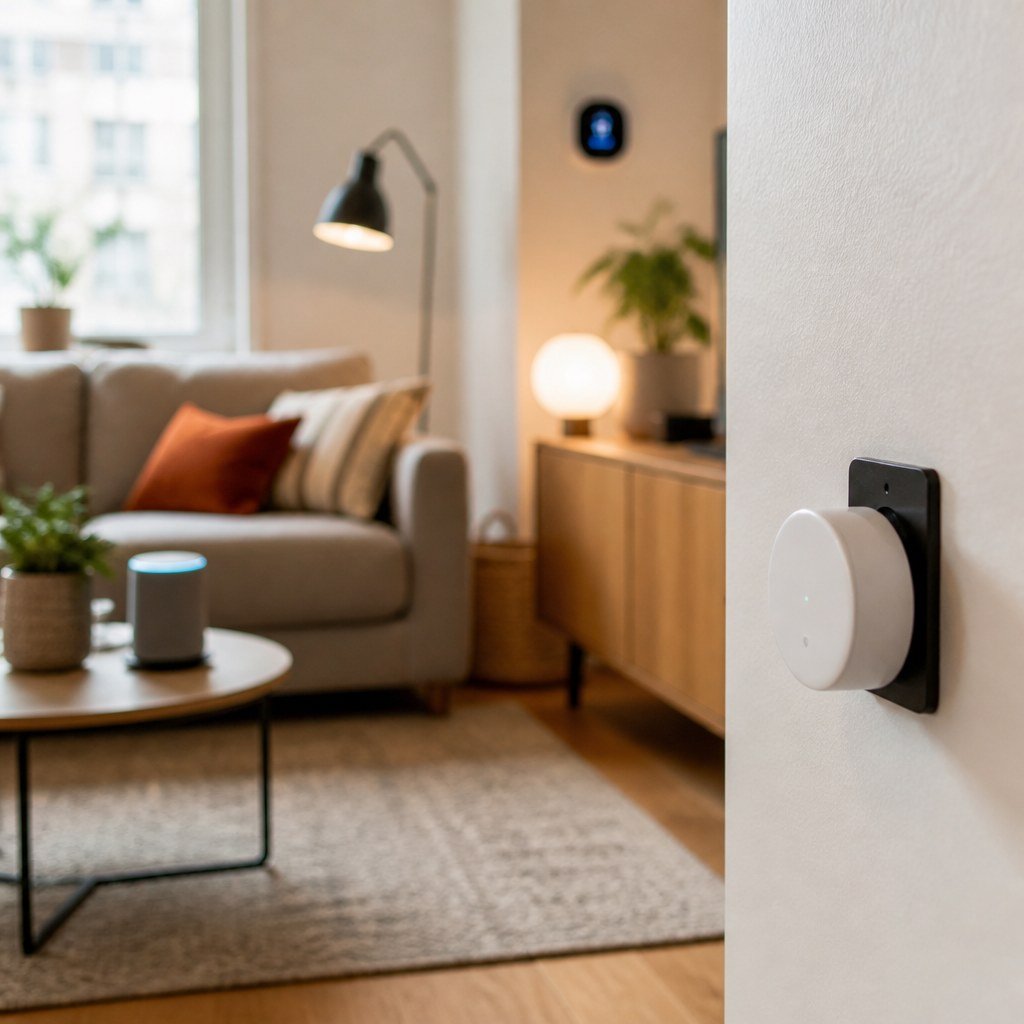
Smart Home Black Friday 2026: What’s Actually Worth Buying on Sale
The smart-home Black Friday deals worth buying are devices already on your list, compatible with your current platform, and cheaper than their normal street price. Prioritize sensors, smart plugs, lighting, and thermostats; verify Matter claims in the Connectivity Standards Alliance product database, and count subscription fees before buying cameras or security hardware.
By Olami Y.
Last updated October 30, 2026
Prices last checked: October 2026
Which smart-home deals are worth watching?
The best targets are mature devices with a clear job, low ongoing costs, and no installation surprises.
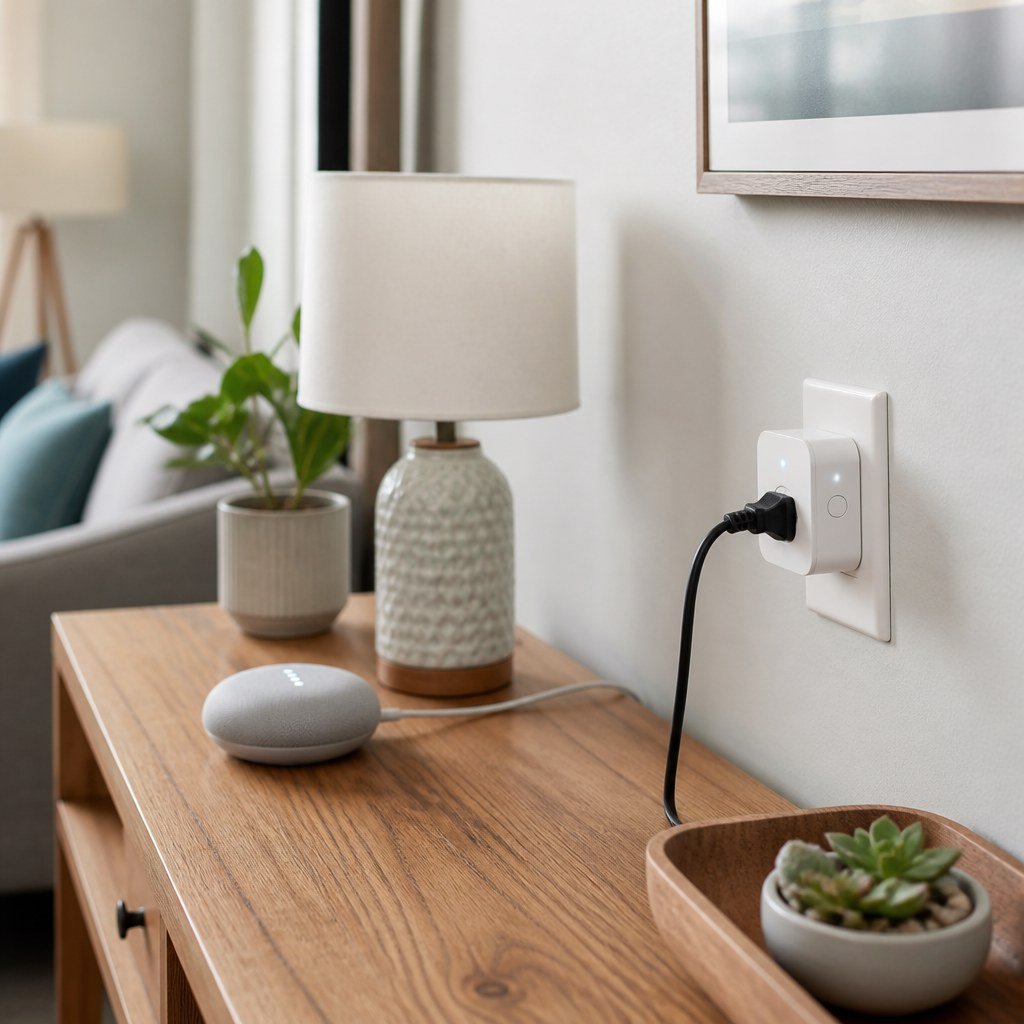
Smart plugs and bulbs are sensible entry points because you can test automation without changing wiring. Contact, motion, water-leak, and temperature sensors can also be good sale purchases when they work with a hub you already own.
A thermostat deserves consideration if your HVAC system is compatible and the discount beats its usual selling price. Check the manufacturer’s wiring guide before ordering, especially if your system lacks a C-wire. Our smart thermostat wiring guidance can help you identify the questions to ask, but a licensed HVAC technician should handle uncertain or unsafe wiring.
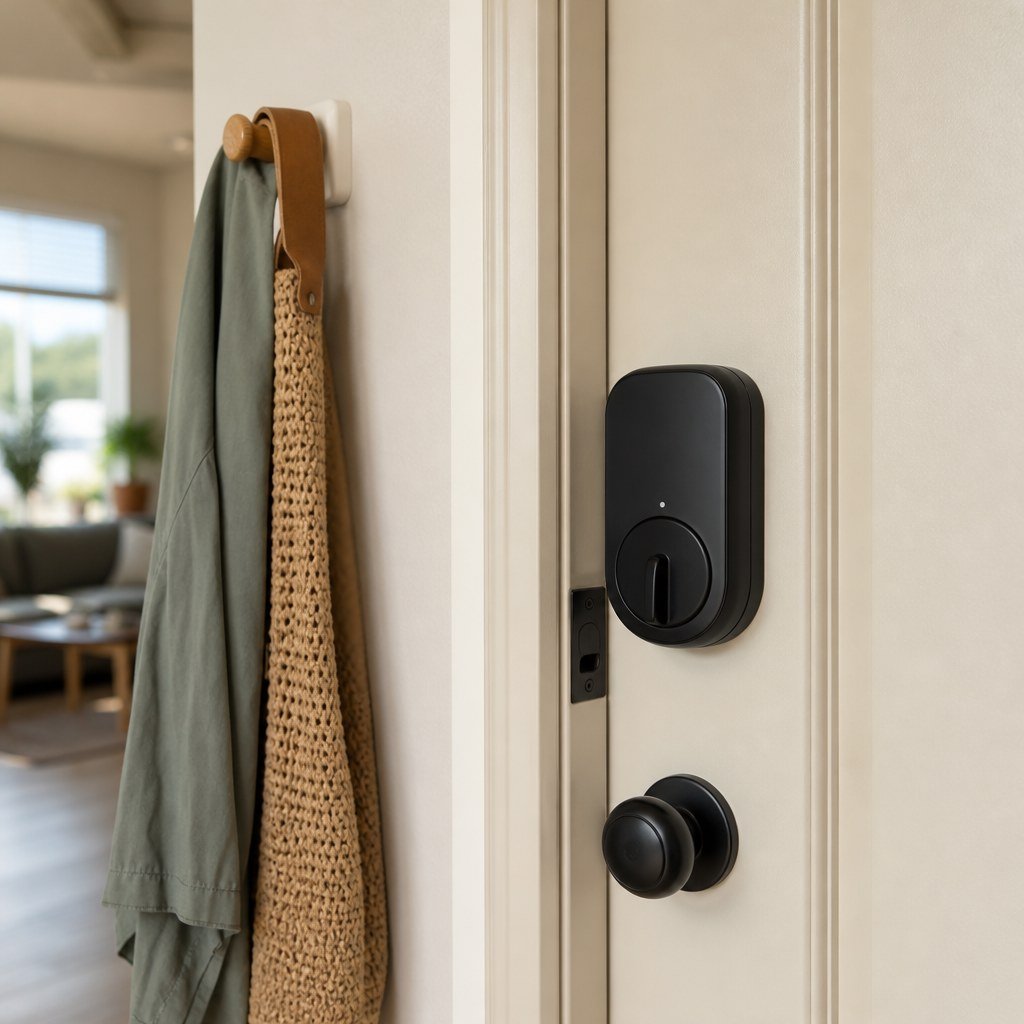
Video doorbells, cameras, locks, and alarm kits need more scrutiny. A tempting hardware price can hide cloud-storage charges, paid detection features, replacement batteries, or a required hub.
What should you skip?
Skip products that create a new ecosystem, duplicate equipment you own, or become much more expensive after checkout.
- Pass on discontinued devices unless the manufacturer still lists security updates and replacement support.
- Avoid mystery-brand cameras that provide no clear privacy policy, update commitment, or account-security controls.
- Do not buy a large bulb bundle before confirming the bulb shape, base, brightness, and control method.
- Skip a “starter kit” when its included hub works with nothing else you plan to add.
- Leave electrical switches on the shelf if your wall box lacks the required wiring or suitable space.
⚡ Safety: Turn off power and verify the circuit is de-energized before electrical work. Hire a licensed electrician if wiring is damaged, unidentified, crowded, or outside your experience.
How do the main categories compare?
Choose by the problem you need to solve, then reject any device that fails the compatibility or ongoing-cost check.
Use the Domoviq Compatibility Checker before a sale to see whether a shortlisted device belongs in your existing setup.
How can you tell whether a discount is real?
Compare the sale price with the product’s recent street price, not only the crossed-out list price.
- Write down the exact model number and current price before Black Friday promotions begin.
- Check the manufacturer’s listing and established retailers for the same model, bundle contents, and product generation.
- Calculate the first-year cost by adding required hubs, storage plans, mounts, and batteries.
- Read the return window and restocking terms before opening the package.
- Save the receipt and take a screenshot of the advertised features in case the listing changes.
A bundle is worthwhile only when you need each included item. If you need 2 sensors, a discounted package of 6 still leaves you paying for 4 unused devices.
What compatibility checks should you make?
Confirm the device’s platform support, radio requirements, account rules, and installation needs on the current manufacturer page.
Matter can reduce ecosystem friction, but the logo alone does not prove that every feature works in every app. Check the exact model in the Connectivity Standards Alliance database, then confirm the feature list with your preferred platform. Our guide to smart home hub compatibility covers the distinction between basic device support and full feature access.
Renters should also check lease restrictions before drilling or replacing fixed hardware. Choose freestanding sensors or adhesive accessories when removal matters. Our no-drill camera mounting guidance and renter-safe smart lighting ideas focus on upgrades that can leave with you.
Choose Wi-Fi devices if you are adding only a few products and want the simplest start. Choose a compatible hub-based system if you plan many sensors or want automations that can continue without a cloud connection. Confirm local-control behavior in the manufacturer’s current documentation.
What should you do when the deal arrives?
Buy only after the model, total cost, return policy, and compatibility all match your written plan.
Install one device before opening a multipack. Update its software, connect it to your chosen platform, test alerts, and run the automation you bought it for. If it fails, troubleshoot the network and hub before opening more boxes.
For security devices, change any default credentials, enable multi-factor authentication when currently offered, and review household access. Test locks and alarms while you still have another way inside. Never discard a working mechanical key until every household member can use the backup method.
Check compatibility before Black Friday
Make your shortlist now, then verify each exact model before a countdown timer pressures you.