Wired vs Wireless Security Cameras for Renters: Which Actually Works?
For most renters, wireless battery cameras work best because they avoid new wiring and can use removable mounts. Plug-in Wi-Fi cameras are better where an outlet is available and continuous power matters. Choose wired only with written landlord approval and professional installation; NFPA publishes the National Electrical Code, which local jurisdictions commonly adopt.
By Olami Y.
Last updated September 02, 2026
What do wired and wireless actually mean?
“Wireless” usually describes data transmission, not freedom from every cable.
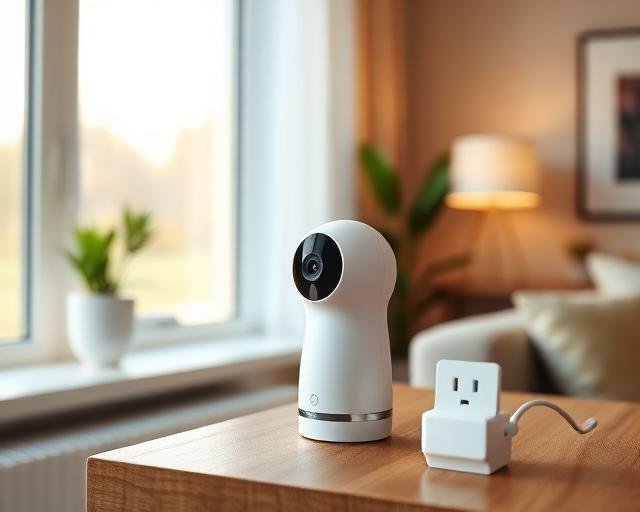
A battery camera sends video over Wi-Fi and needs periodic charging or battery replacement. A plug-in wireless camera also uses Wi-Fi, but its power cord stays connected. A wired camera may carry power and data through Ethernet, or connect to a recorder with dedicated cabling.
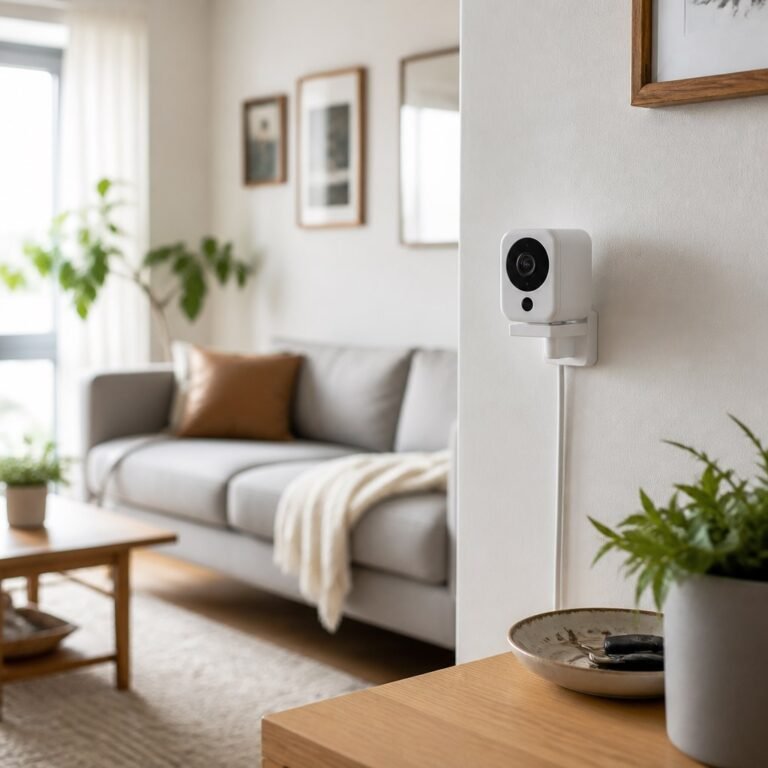
For renters, the mounting method often decides more than the radio. A fully wireless camera still becomes lease-unfriendly if its bracket requires masonry anchors. Our reversible DIY picks for renters focus on removable mounts, freestanding shelves, and surfaces that can be restored.
This guide relies on manufacturer documentation and safety guidance, not Domoviq hands-on testing.
Which type works best in a rental?
Battery or plug-in Wi-Fi cameras suit most rentals; permanent wired systems suit rare, landlord-approved installations.
Wireless performance depends on signal quality. Before buying, stand at the planned location and check whether your phone holds a stable connection on the same Wi-Fi band. This is only a rough screen, but a weak phone signal warns against placing a camera there.
What should renters check before installation?
Start with the lease, landlord permission, camera view, and power plan.
- Read the lease for rules on drilling, exterior fixtures, shared spaces, and adhesive products. Ask the landlord or property manager in writing when wording is unclear.
- Choose a view that covers your own entry or room without aiming into a neighbor’s window or a shared area beyond what security requires. Camera and audio-recording laws vary by state, so check current state and local rules.
- Confirm power and network access. If using a plug-in model, keep its cable away from doors, walkways, heaters, and wet areas. Never pinch a power cable through a closed window or door.
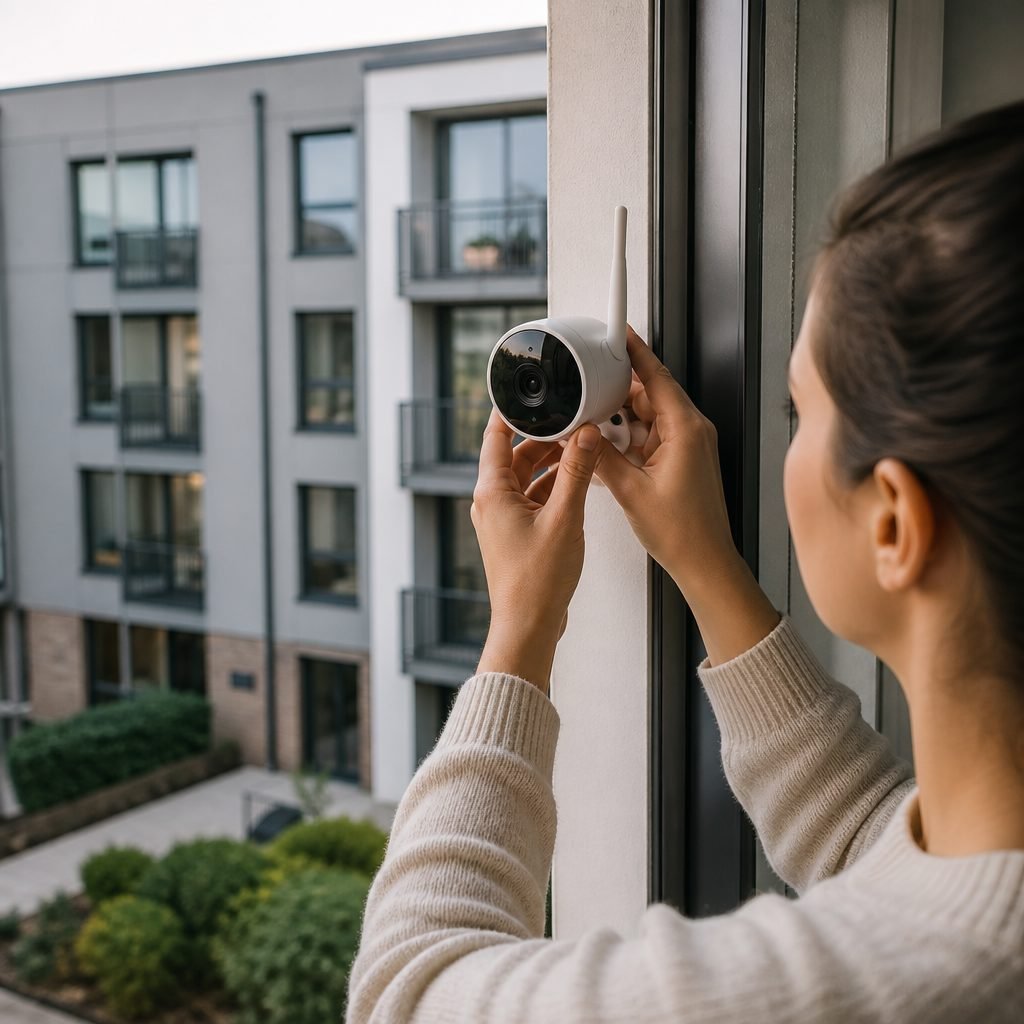
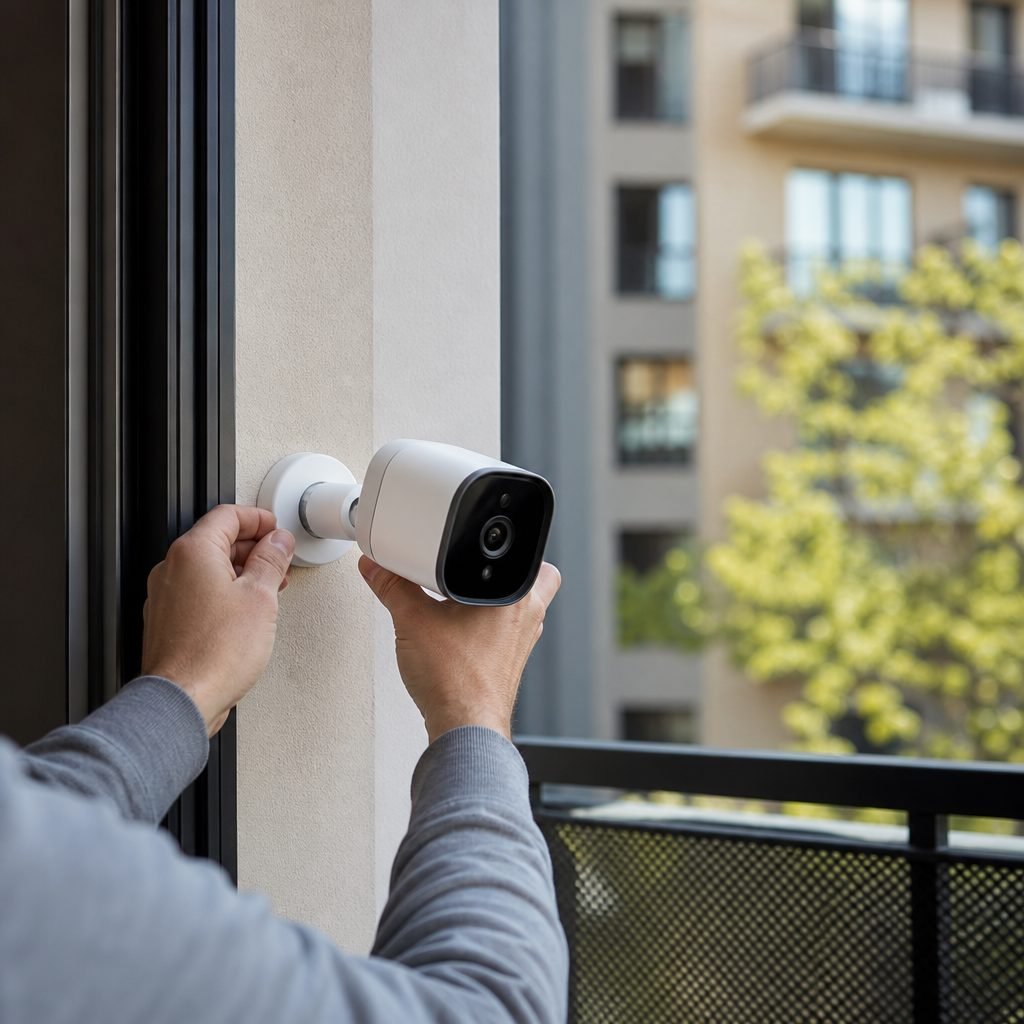
- Select a mount the manufacturer permits. Removable adhesive may damage weak paint, wallpaper, or textured surfaces, so test a hidden spot and follow the stated surface preparation and weight limits.
- Install the camera high enough to reduce casual tampering, but within safe reach for charging. Use a stable step stool; do not balance on furniture.
Domoviq’s smart home camera placement guidance and smart home hub compatibility coverage can help with viewing angles and platform questions, while our damage-free mounting guidance addresses walls that must look unchanged at move-out.
Where do wireless cameras fail?
They fail most often through dead batteries, weak Wi-Fi, poor placement, or account problems.
Battery estimates are not promises. Recording frequency, temperature, live viewing, and signal strength affect runtime, so check the manufacturer’s current listing and plan a charging reminder based on your own usage.
- Move the router or camera a short distance before buying an extender. Walls, metal doors, and crowded wireless channels can matter more than straight-line distance.
- Lower motion sensitivity or narrow the activity zone if passing cars and tree shadows create constant alerts. Recheck detection afterward so a person approaching the door still triggers recording.
- Update the app and camera firmware through the official app, then enable multifactor authentication if the account offers it. Use a unique password rather than one reused elsewhere.
- Test notifications with the phone locked and away from home. Check app permissions, battery-saving settings, and mobile data if alerts appear only while the app is open.
A camera is useful only if it records the event and gets the alert to you. Test both after every placement, router, or account change.
When is a wired camera worth it?
Choose permanent wiring only when you have approval, a long tenancy, and a clear reliability reason.
A wired setup can avoid battery maintenance and may support local recording, depending on the camera and recorder. It also creates the hardest move-out problem: holes, cable paths, equipment removal, and possible wall repair.
Get written agreement on who owns the equipment, who pays for installation, and what must happen at move-out. For a doorbell camera, confirm whether the existing wiring and transformer meet the current manufacturer requirements. A licensed electrician should correct incompatible or unsafe wiring.
What costs and privacy details matter?
Check storage, subscription, replacement-power, and account terms before choosing a camera.
Some cameras require a paid plan for specific features or longer cloud history; others offer local storage. These details change, so read the manufacturer’s current plan page and confirm what happens when a subscription ends. Check whether local storage remains accessible if the internet fails.
Also review the privacy controls for household members. Give each person a separate account when the system allows it, remove access when someone moves out, and decide whether indoor cameras should use privacy shutters or scheduled recording. Avoid placing cameras in bedrooms or bathrooms.
Keep the receipt, permission email, mount instructions, and move-in photos together. That small file makes removal and deposit discussions much easier later.
Pick a renter-friendly camera
Start by writing down your mounting surface, nearest outlet, Wi-Fi strength, preferred storage, and landlord restrictions. Then compare only cameras that fit every nonnegotiable. Do not buy first and solve the mount later; the camera that actually works is the one you can power, position, test, and remove without a lease dispute during move-out inspections.