Is Wyze Safe to Use? What Their Security Incidents Actually Mean for You
Wyze can be safe enough for low-stakes monitoring, but its record does not justify placing a camera in highly private spaces. Wyze reported that a February 2024 incident sent another camera’s event thumbnail to about 13,000 users. Use strong account controls, restrict camera placement, and choose another platform if privacy is your top priority.
By Olami Y.
Last updated October 27, 2026
What security incidents has Wyze had?
Wyze has faced account-data exposure, delayed vulnerability fixes, and 2 incidents in which users could see images associated with other customers.
These events are different in cause, but they support the same practical rule: anything uploaded to a camera provider’s cloud depends on that provider’s access controls and internal systems.
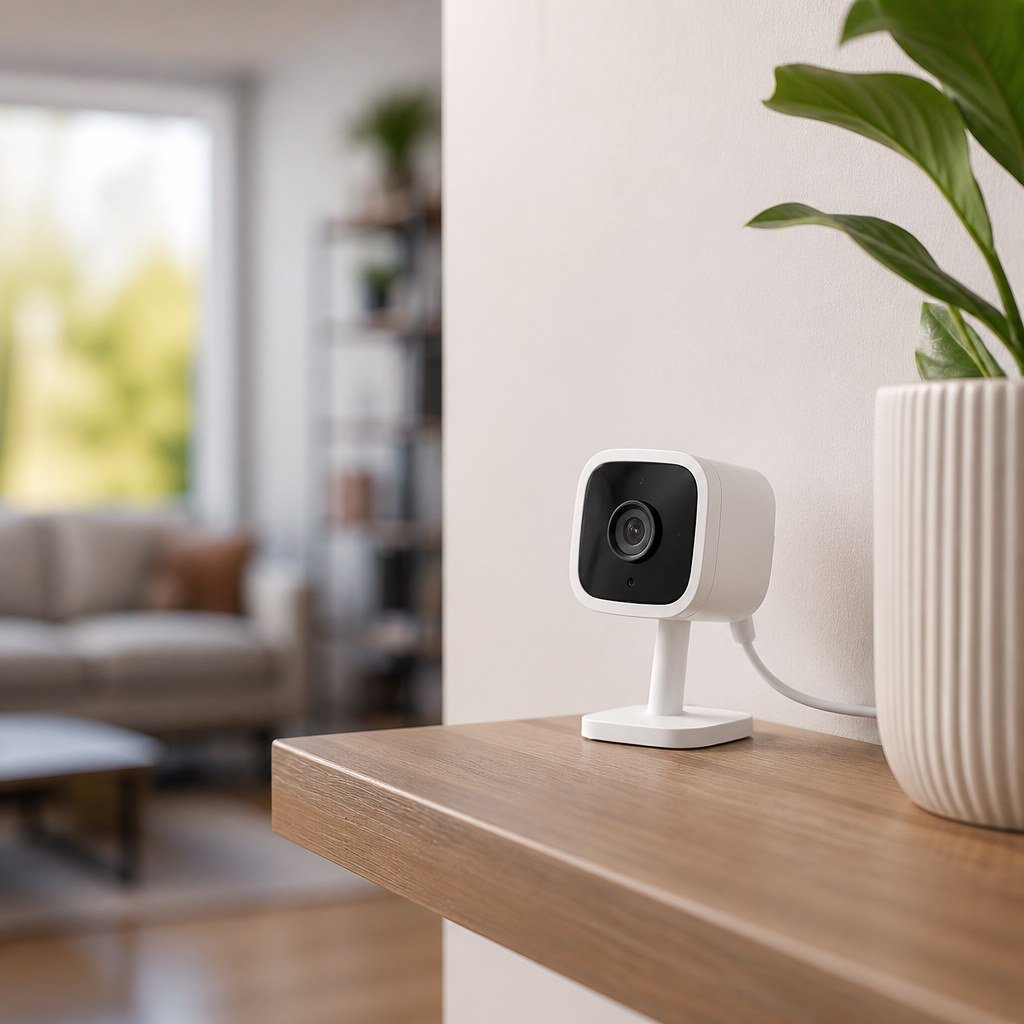
What do these incidents mean for your home?
Your risk depends more on what a camera can see than on the Wyze logo printed on it.
A camera aimed at a driveway creates a different exposure from one watching a bedroom, changing area, home office screen, or child’s sleeping space. If an outdoor event thumbnail appears in the wrong account, it may reveal a visitor or vehicle. An indoor disclosure could expose daily routines and private conversations.
This does not mean strangers can freely open every Wyze camera. It means account security alone cannot prevent a provider-side failure. Our smart camera privacy settings coverage and smart home hub compatibility guidance can help you reduce how much one cloud account controls.
Is Wyze safe enough for you?
Wyze remains a reasonable choice for visible, low-privacy areas if you accept cloud-service risk and keep the hardware updated.
Choose Wyze if
You need basic monitoring of an entrance, garage, pet area, or exterior space and can position the camera away from private activity.
Choose another system if
You need cameras in sensitive rooms, require local-only recording, or want a provider with a stronger incident history. Verify current local-storage behavior before buying.
If you rent, camera position also affects your lease and your neighbors’ privacy. Check building rules before installation, and use renter-friendly camera mounting methods that do not damage trim or shared walls.
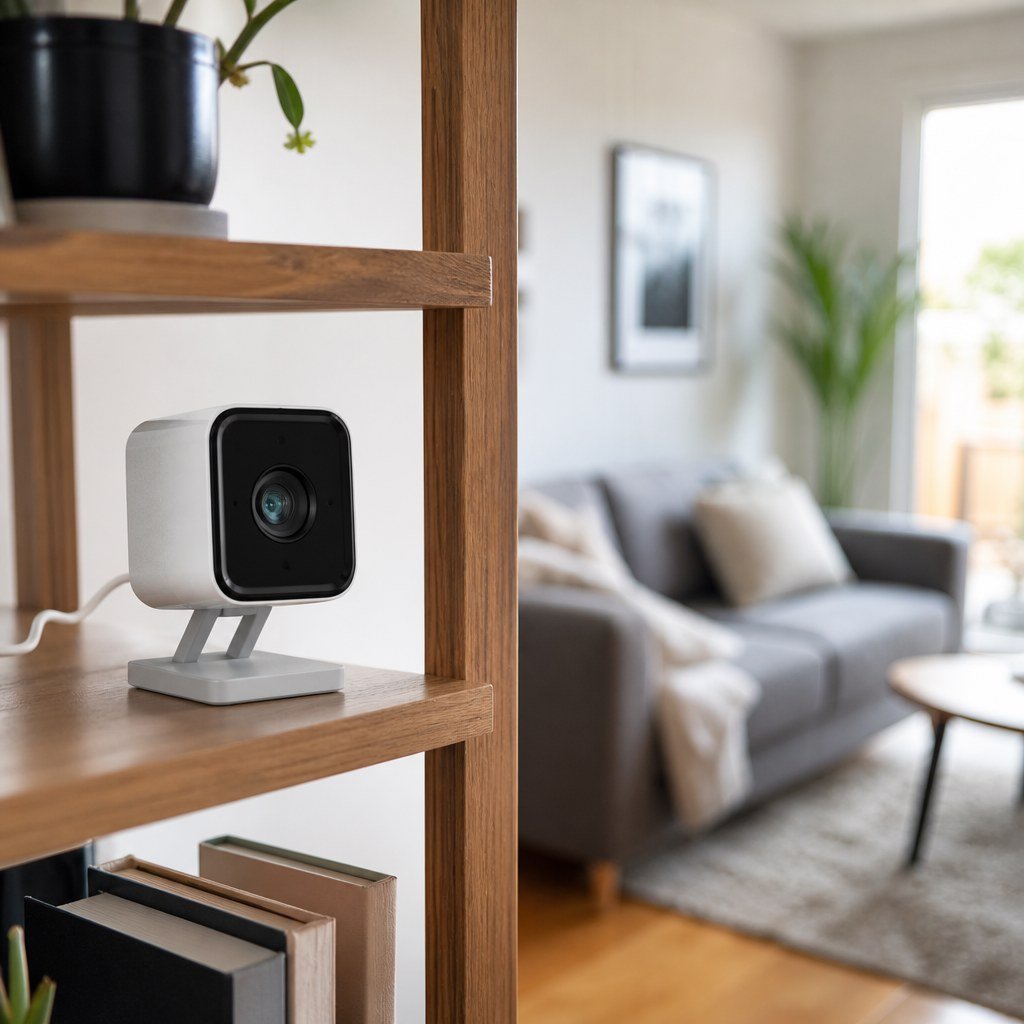
How can you make a Wyze camera safer?
You can reduce the most likely account and privacy risks in a few minutes.
- Turn on two-factor authentication in the Wyze app and protect the linked email account with two-factor authentication as well.
- Use a unique password that you have never used for another site. A password manager is the simplest way to create and store it.
- Review every device shown in your Wyze account. Remove cameras you sold, returned, gave away, or no longer recognize.
- Install current firmware and app updates. Check Wyze’s support information for your exact model because older hardware may stop receiving security fixes.
- Disable camera sharing that you no longer need. Each shared account adds another login that could expose the feed.
- Move indoor cameras away from beds, bathroom doors, documents, computer displays, alarm keypads, and anything that reveals an access code.
- Use a guest or isolated Wi-Fi network for smart devices if your router provides one. This limits contact between the camera and personal computers, though it does not remove cloud risk.
- Check event history after outages or unexpected notifications. If you see an unfamiliar image or device, take screenshots, change your password, revoke shared access, and contact Wyze support.
For a camera that came with the home, factory-reset it and confirm that the previous owner removed it from their account. Do not rely on changing the Wi-Fi password alone.
Should you replace an existing Wyze camera?
You do not need to replace a supported camera solely because Wyze has had incidents, but placement and support status can make replacement the safer decision.
- Replace an original Wyze Cam v1 that no longer receives security updates.
- Move or remove any camera that records a highly private room.
- Replace Wyze if you cannot accept cloud processing or accidental cross-account exposure.
- Keep it for a low-stakes view if firmware is current, two-factor authentication is active, and its field of view reveals little private information.
Before changing brands, read the candidate manufacturer’s current privacy policy, support period, recording options, and incident notices. A higher price does not prove better security. Our home security sensor selection advice can also help you cover doors or windows without placing another camera indoors.
Choose your next camera by risk, not brand recognition
Start by deciding whether you need local recording, cloud access, or a camera at all, then compare current options with the Domoviq Gear Finder.