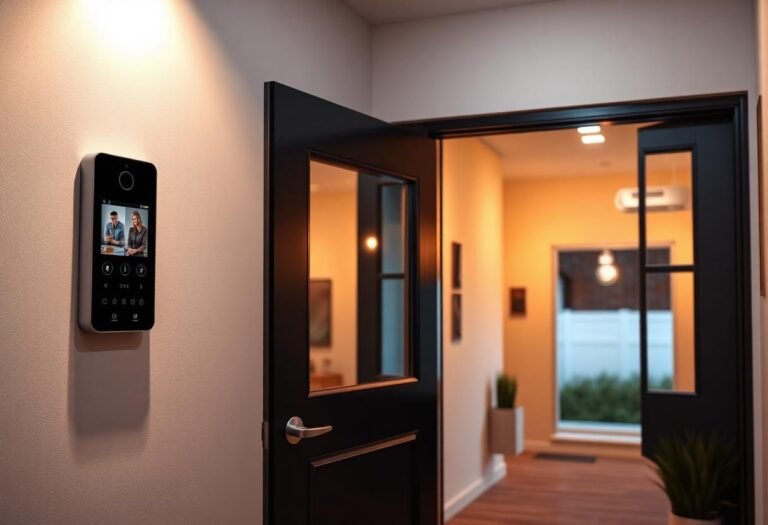
Renter-Safe Wireless Doorbell Chimes (No Video, No Wiring, No Subscription)
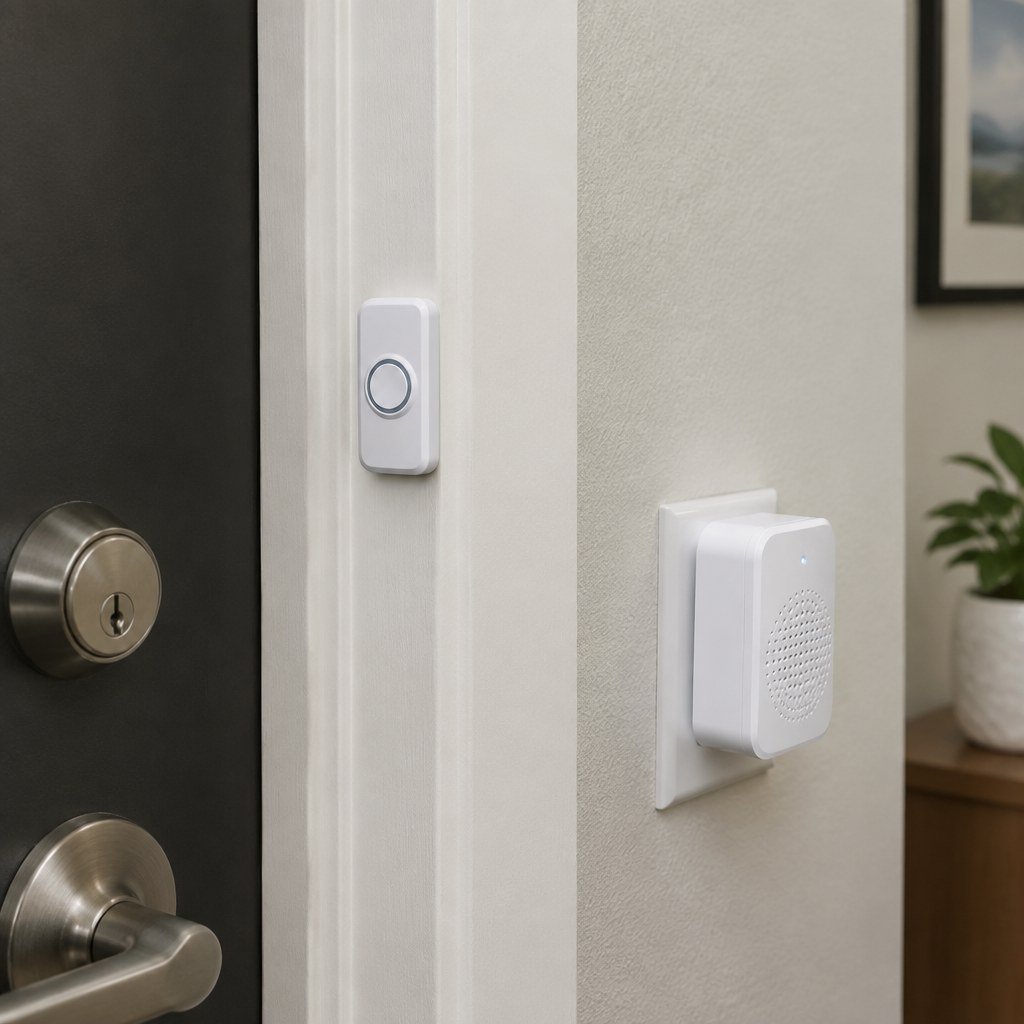
If you don’t need a camera at all — you just want to actually hear someone at the door — a wireless doorbell chime kit is the simplest renter-safe upgrade in this entire category. No wiring, no app, no subscription, and no video storage to think about. It solves one specific, common rental problem: an old wired doorbell that’s broken, disconnected, or was never installed in the first place.
Here’s when this is genuinely the right pick instead of a video doorbell, and what we found installing three of them ourselves.
When does a plain chime beat a video doorbell?
When the problem you’re solving is “I can’t hear the doorbell,” not “I want to see who’s there before I answer.” A lot of older rentals have a doorbell button wired to a chime that’s failed, been painted over, or was disconnected by a previous tenant. Rewiring it is exactly the kind of electrical work a renter shouldn’t do without approval — a wireless replacement kit skips the wiring question entirely by using its own battery-powered button and a plug-in receiver instead of the building’s existing doorbell circuit.
It’s also the right pick if a video doorbell’s ongoing subscription, app account, or privacy footprint isn’t something you want for a simple front door — some renters specifically prefer not adding another cloud-connected camera to their home.
What we actually tested
✓ Hands-on tested — see how we test
We installed three SECRUI wireless doorbell kits — different receiver counts, same core hardware — to see how they held up for daily use:
- SECRUI Wireless Doorbell (White, single receiver) — the basic kit, one push button and one plug-in chime receiver.
- SECRUI Wireless Doorbell, 2 Receivers (Black) — the same button paired with two receivers, useful for a larger apartment or a unit with rooms far enough apart that one chime isn’t reliably heard.
- SECRUI Wireless Doorbell, 3 Receivers (Black) — three receivers from one button, for multi-level rentals or anyone who wants a chime in more than two rooms.
All three installed in minutes — the button attaches with the included adhesive pad or two small screws (skip the screws for a fully no-drill install), and each receiver just plugs into any outlet within its stated range. Volume is adjustable per receiver, and the 58-chime selection is more than anyone needs, but it means you can set a distinct tone if you’re running more than one wireless doorbell in the building.
Check current prices: SECRUI Wireless Doorbell (White) · SECRUI Wireless Doorbell, 2 Receivers (Black) · SECRUI Wireless Doorbell, 3 Receivers (Black)
How do you install one without touching the old wiring?
- Leave the existing wired doorbell alone. You don’t need to disconnect or remove it — the wireless button mounts separately, typically right next to or over the old button.
- Mount the button with adhesive first. Test the adhesive pad on a hidden spot of the door frame for a day before committing to the visible spot, the same rule that applies to any adhesive mount on a rental.
- Plug in the receiver(s) and pair them — most wireless doorbell kits pair automatically out of the box; if not, a single button-press pairing sequence is in the included manual.
- Test range before you finalize placement. Thick walls and metal doors can shorten the stated range noticeably — confirm the chime is audible from the room you actually want it heard in before you’re committed to that outlet.
What if you want video later?
A plain chime doesn’t rule out adding a camera later — the two aren’t mutually exclusive, since a video doorbell replaces the button entirely rather than working alongside one. If you decide you want to see who’s there as well as hear them, see our renter-safe video doorbell guide for battery-powered, no-drill camera options, or our broader budget video doorbell comparison if a subscription-free camera is the goal.
Frequently asked questions
Do wireless doorbell chimes need Wi-Fi?
No. Wireless doorbell kits like these use their own short-range RF signal between the button and the receiver — they don’t connect to your home network or need an app at all.
Will a wireless doorbell work through a metal door?
Range drops noticeably through metal doors and thick walls compared to the manufacturer’s open-air range figure. Test the actual signal path before finalizing the button’s mounting spot.
Can I use more than one receiver with one button?
Yes — the multi-receiver kits pair several plug-in chimes to a single button, which is the main reason to choose a 2- or 3-receiver kit over the basic single-receiver version.
Is a wireless doorbell chime renter-safe to remove at move-out?
Yes. The button peels off (patch any adhesive residue per the manufacturer’s instructions) and the receivers simply unplug — nothing is altered on the existing wired doorbell hardware underneath.
Last checked: September 2026.
Next: if you want video too, see our renter-safe video doorbells that don’t need drilling, or check the deposit-risk quiz before mounting anything to your specific door.