What Do You Need to Start a Smart Home? (2026 Checklist)
To start a smart home you need four things: reliable Wi-Fi, one ecosystem app, two or three starter devices, and a working phone to control them. Nothing about entering the smart home space requires a hub, a subscription, or an electrician — those become useful later, once you know what you actually want automated.
Here’s the real checklist, room by room, with what to skip on day one.
What do you actually need to get started?
Four things cover it: Wi-Fi that reaches every room, one ecosystem app, a couple of devices, and a smartphone. Everything else — hubs, sensors, wiring — is an upgrade you add once the basics are running.
- Wi-Fi coverage — most smart devices connect over 2.4GHz Wi-Fi, so a weak signal in the target room causes more setup failures than any other single issue.
- An ecosystem app — Amazon Alexa, Google Home, or Apple Home. Free, already on your phone or a one-time download, and the hub for everything else you add.
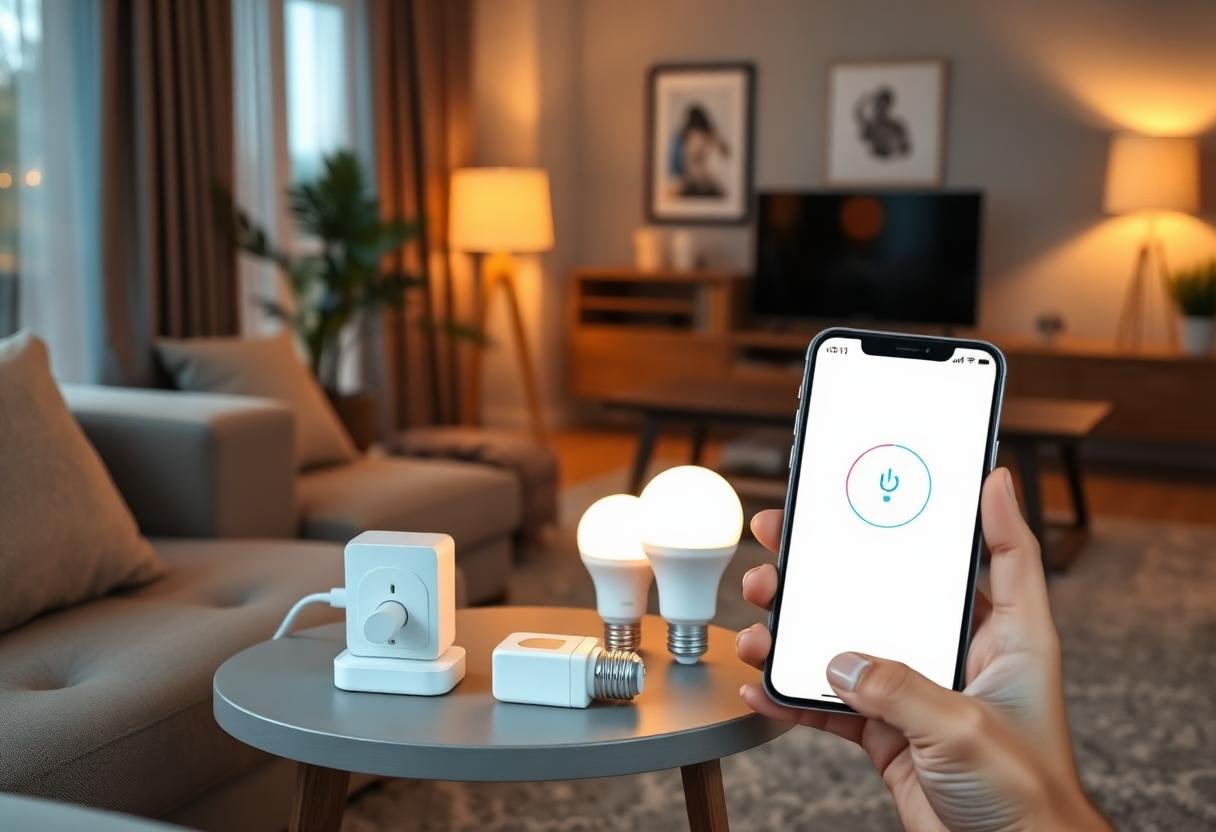
- A starter device or two — a smart plug and a smart bulb are the cheapest way to test the whole workflow before spending more.
- A phone with the app installed — this is your remote and your automation builder; no separate screen or panel is required.
Do you need a hub to get started?
No — most beginner devices connect straight to Wi-Fi and skip the hub entirely. A hub becomes worth buying once you add Zigbee or Z-Wave hardware, which communicates on its own radio protocol instead of Wi-Fi and needs a bridge to reach your phone.
Wi-Fi-only gear from TP-Link/Tapo, Wyze, or Govee works the moment you scan a QR code in the app. Philips Hue bulbs and most Aqara sensors are the common exception — they ship with or require a small hub because they run on Zigbee, not Wi-Fi. Check the box before you buy if you’re trying to stay hub-free for now.
Which ecosystem app should you pick first?
Match the app to the phone in your pocket — Apple Home for iPhone households, Google Home or Alexa for everyone else. Switching later is possible but annoying, since most devices only pair cleanly with one app at a time.
| Ecosystem | Best for | Device selection | Voice assistant |
|---|---|---|---|
| Amazon Alexa | Broadest compatibility, budget gear | Largest | Alexa |
| Google Home | Android users, Nest hardware | Large | Google Assistant |
| Apple Home | iPhone-only households, privacy focus | Smaller but Matter-friendly | Siri |
| Samsung SmartThings | Mixed-protocol setups, power users | Large, supports Zigbee/Z-Wave natively | Bixby (optional) |
If your devices carry the Matter logo, the choice matters less than it used to — a Matter-certified plug or bulb can join any of the four ecosystems above from the same box.
What’s the minimum starter shopping list?
One smart plug, one smart bulb, and one voice assistant speaker or display covers the full workflow for $40–$70. Add a smart lock or camera only after you’ve confirmed the basics work in your specific home.
A reasonable first order looks like this: start with a plug on a lamp or fan so you can test app control and a schedule. Add a bulb in the room you use most in the evening. Then decide whether you want a voice assistant device or you’re happy controlling everything from the app — a speaker adds convenience but isn’t required. Skip locks, cameras, and thermostats until the first three items are working the way you expect.
How much does a basic setup cost?
A working starter kit runs $40 to $90 before tax. A single smart plug typically costs $10–$15, a color smart bulb $15–$25, and a basic voice speaker $25–$50 — and none of those require a monthly fee to function locally within their app.
What do you not need on day one?
Skip a dedicated hub unless a device you already picked requires one. Skip professional installation — Wi-Fi plugs, bulbs, and battery sensors are user-installable in minutes. Skip a security subscription unless you’re buying a camera that needs cloud storage, and even then, several models record locally for free. And skip planning the whole house up front; most people find it easier to get one room right, then repeat the process.
Frequently asked questions
Do I need a smart home hub to start?
No. Most beginner-friendly devices connect directly over Wi-Fi. A hub only becomes necessary once you buy Zigbee or Z-Wave hardware, which some brands like Philips Hue and Aqara use instead of Wi-Fi.
Can I mix brands in a smart home?
Yes, as long as each device works with your chosen app or carries the Matter logo. Mixing brands within one ecosystem — several plug brands under one Alexa account, for example — is normal and common.
Is Wi-Fi enough, or do I need Ethernet?
Wi-Fi is enough for nearly every consumer smart device. Ethernet only matters for a hub or a hardwired camera system that specifically calls for a wired connection to your router.
What’s the cheapest way to start a smart home?
A single smart plug plus your phone’s free ecosystem app is the cheapest functional starting point, usually under $15 total before you add anything else.
Do smart home devices need a subscription?
Most don’t. Plugs, bulbs, and basic sensors work fully through their free app. Subscriptions mainly apply to cameras that store video in the cloud or professionally monitored security systems.
Last updated: September 2026.
Next: see the full walkthrough in How to Set Up a Smart Home Step by Step, or check exact picks in Best Budget Smart Home Starter Kit Under $200.