Smart Home Energy Monitors Compared: Sense vs Emporia vs Eve
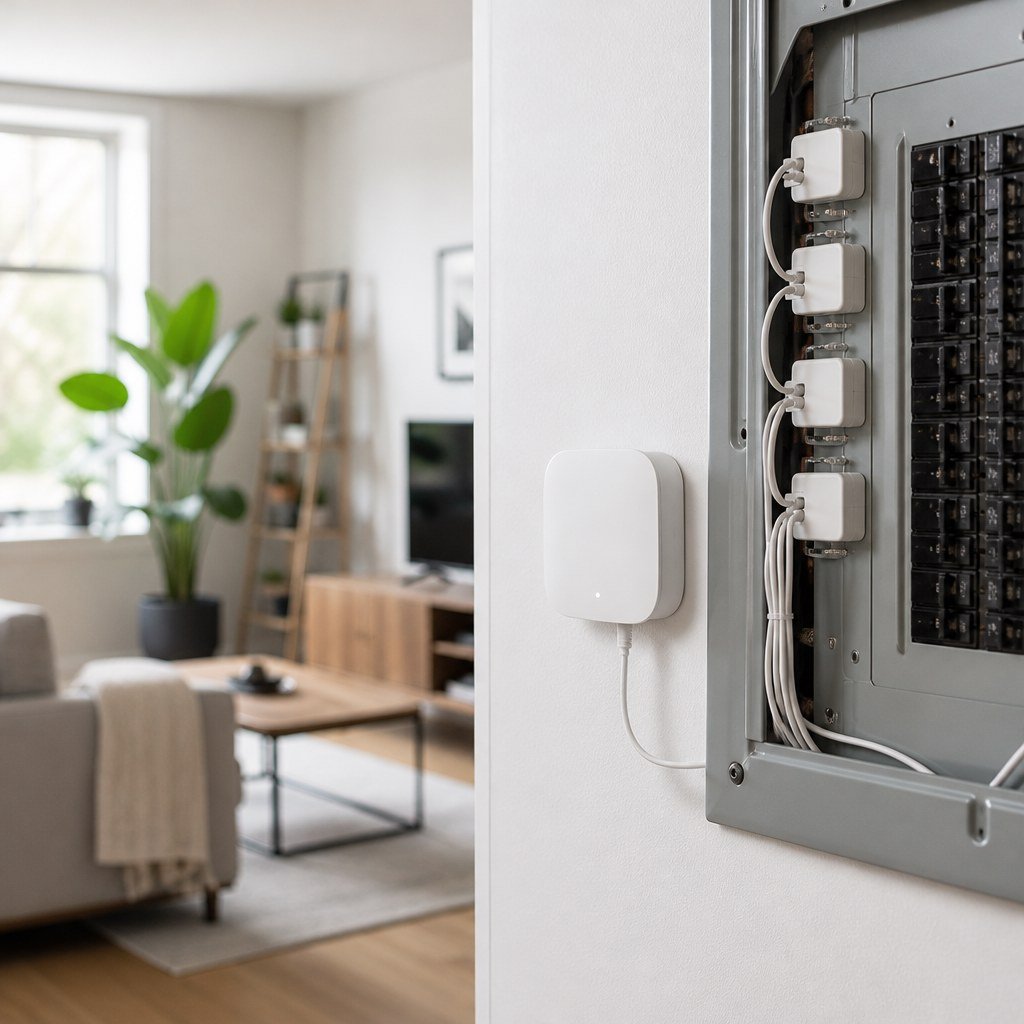
For most homeowners, Emporia Vue is the practical choice because it shows circuit-level use; choose Sense if automatic appliance identification matters more, and Eve Energy for one plug or a renter-safe setup. Emporia says Vue 3 accepts 16 branch-circuit sensors, while Sense estimates individual devices from whole-home electrical patterns. The deciding factor is not simply accuracy, but whether the monitor can connect consumption to the part of the home you can actually change.
By Olami Y.
Last updated October 30, 2026
Prices last checked: October 2026
Which energy monitor should you buy?
Choose according to the level of detail you need, because these 3 products measure different parts of your home. Before comparing features, write down the question you want answered. A homeowner investigating high cooling costs needs circuit data, while someone checking a desk setup may need only a plug. This prevents paying for broader monitoring that does not produce a clearer decision.
| Monitor | What it measures | Installation | Best fit |
|---|---|---|---|
| Sense | Whole-home demand plus software-inferred devices | Inside the electrical panel | Appliance discovery and usage trends |
| Emporia Vue | Mains plus as many as 16 monitored branch circuits on Vue 3 | Inside the electrical panel | Clear circuit-by-circuit answers |
| Eve Energy | One connected appliance or power strip | Plug-in | Renters, small tests, and Matter automations |
If ecosystem support could decide your purchase, use Domoviq’s Compatibility Checker before ordering.
How do Sense, Emporia, and Eve differ?
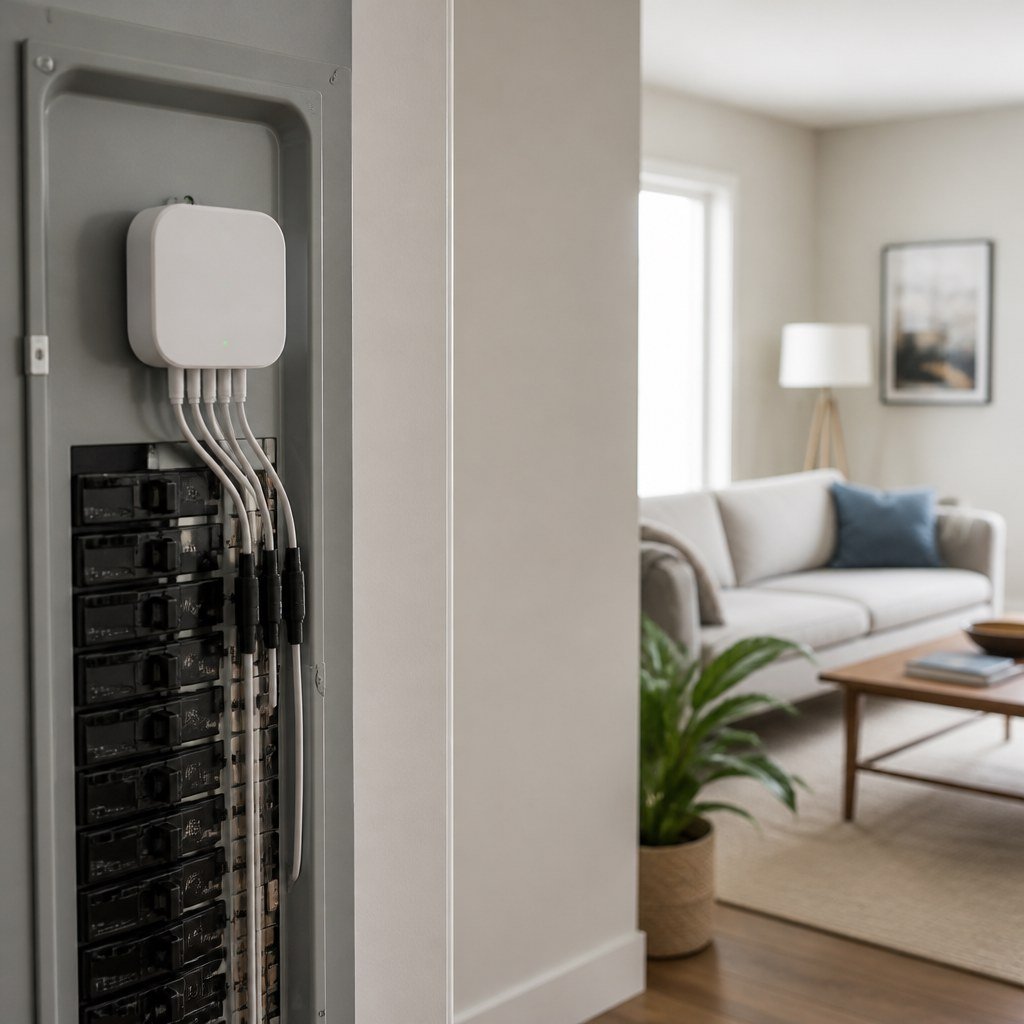
Sense interprets electrical patterns, Emporia measures selected circuits directly, and Eve measures a single outlet.
Sense
Sense watches changes in whole-home power and attempts to identify appliance signatures. Detection takes time, and some devices may remain unnamed, combined, or confused with similar loads. Treat its labels as informed estimates: verify a suspected device by observing whether its reading changes when you operate that appliance.
Emporia Vue
Vue uses current-transformer clamps around chosen circuit conductors. You can see what the HVAC circuit consumes, but it cannot separate multiple appliances sharing that circuit. Prioritize circuits with large or variable loads first; using a sensor on a rarely used lighting circuit may provide little useful insight.
Eve Energy
Eve Energy reports consumption at one receptacle and adds remote switching. Confirm the current US model’s load rating, Matter support, and platform features on Eve’s official listing. Check both the appliance’s normal demand and possible startup load, and do not use a smart plug with unsupported equipment.
This distinction matters during diagnosis. Emporia can reveal that a kitchen circuit is unusually busy. Sense may eventually associate demand with a refrigerator. Eve can isolate the refrigerator’s actual plug consumption without changing the panel. For example, if the kitchen circuit rises, unplugging or switching off likely loads one at a time can narrow the cause. A temporary Eve measurement can then confirm the remaining candidate.
For automations, compare your findings with our smart home hub compatibility coverage and Smart Home Lab guidance on energy-saving automations. Matter does not guarantee that every platform displays detailed energy history, so check the controller’s current documentation. Also decide whether local control, remote access, or exportable history matters before choosing an ecosystem.
What should you check before installation?
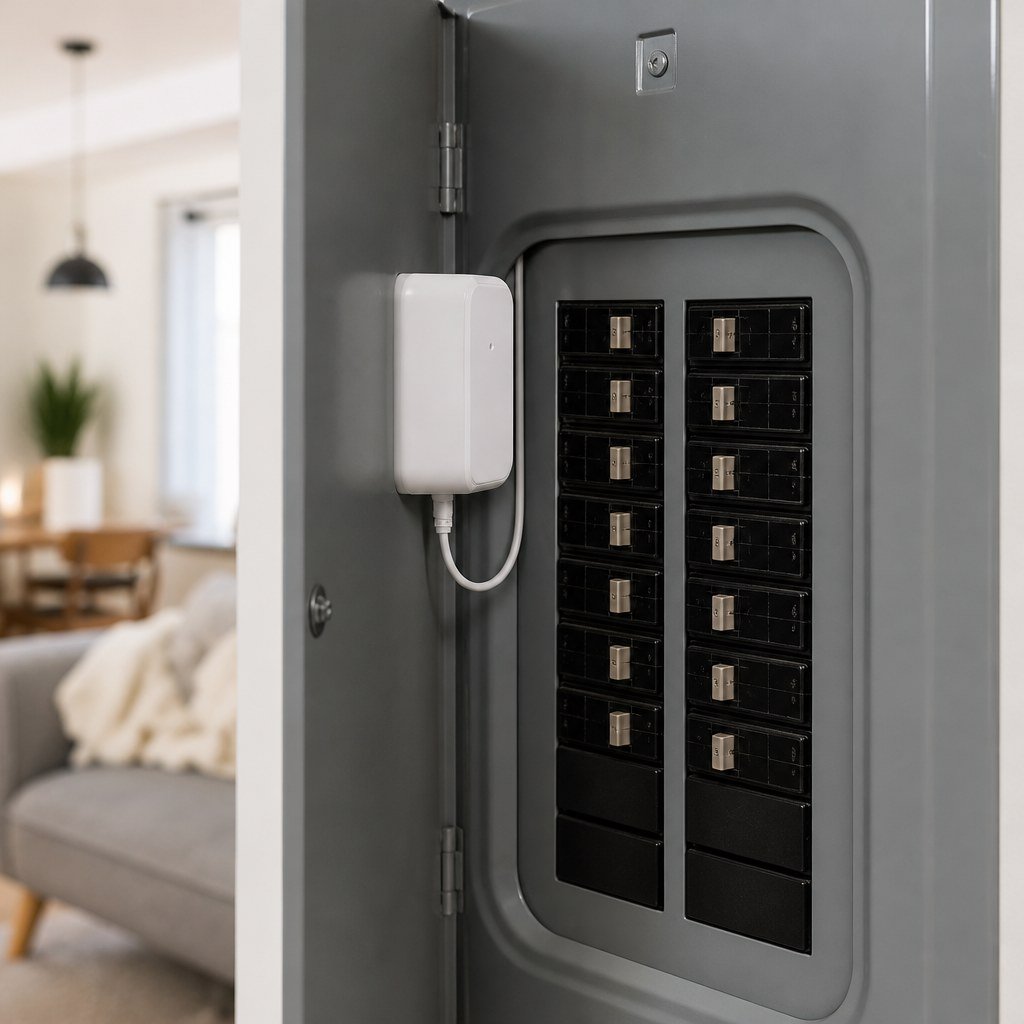
Check panel space, Wi-Fi coverage, electrical compatibility, and app support before buying. Open the panel door only to read labels; do not remove its cover for a pre-purchase check. Photograph the circuit directory and note any unclear labels for the electrician.
- Write down whether you need whole-home totals, individual circuit data, or measurements from one appliance. Rank those goals, since one monitor may not answer all of them equally well.
- Check the manufacturer’s current compatibility guidance for your service type, panel layout, solar equipment, and available sensor configuration. Send panel photos and your monitoring priorities to the electrician before the appointment.
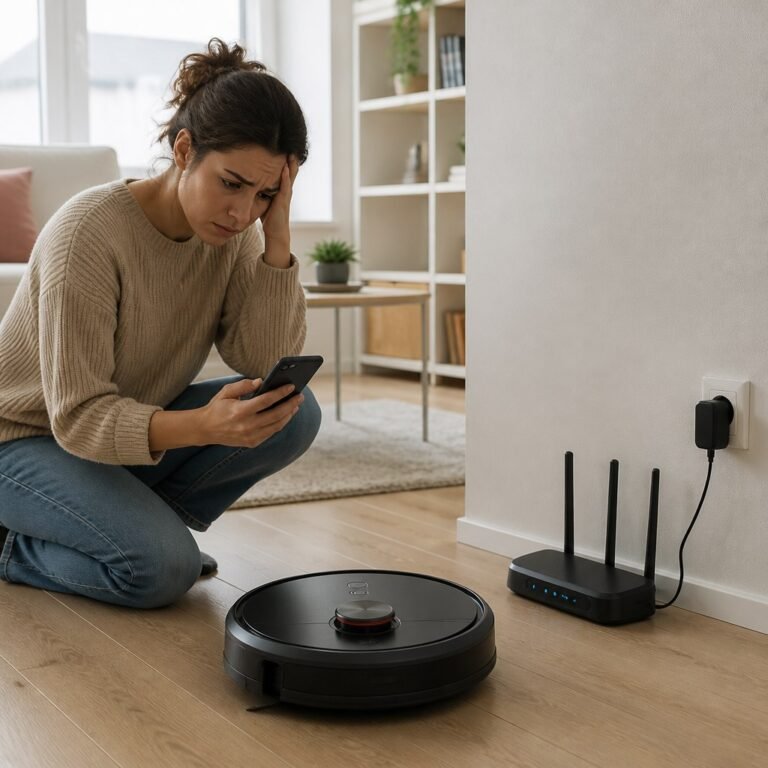
- Confirm that reliable Wi-Fi reaches the panel location if you choose Sense or Emporia. A weak signal can create gaps or delayed app updates.
- Ask a licensed electrician to inspect the panel and install either panel-mounted monitor unless you are legally permitted, trained, and equipped for panel work.
- Label monitored circuits in the app, then switch known loads on and off to confirm that the readings correspond with the correct circuits. Test one circuit at a time so changes are easier to attribute.
⚡ Safety: Removing an electrical-panel cover can expose energized parts. Turning off the main breaker may not de-energize incoming service conductors, so panel installation is a job for a licensed electrician.
Eve Energy needs no panel access: plug it into a suitable indoor receptacle, connect the appliance, and follow the app’s setup process. Renters should start here or review our renter-safe smart plug picks before requesting panel modifications. First verify that the receptacle, plug, and appliance cord are undamaged, and leave the plug accessible rather than trapping it behind furniture.
Which choice offers the best value?
Emporia usually provides the most actionable detail when your goal is finding expensive circuits rather than guessing which appliance created a power signature. That direct mapping shortens the path from an unusual reading to a specific system you can inspect or schedule differently.
- Choose Sense if you want automatic device discovery and accept that identification may be incomplete.
- Choose Emporia if you want direct readings for major circuits such as cooling, water heating, or laundry.
- Choose Eve if you rent, want Matter-based switching, or need to test one plug-in appliance.
Calculate total cost from the device, any extra sensors, and electrician labor. Manufacturer prices and bundles change, while installation cost depends on your panel and local labor rates. Check current listings and request an installation quote before comparing totals.
Avoid expecting any monitor to lower a bill by itself. Start with one question: identify overnight baseload, compare HVAC cycles, or measure a suspected appliance. Our electrical-panel safety guidance and Smart Home Lab energy-monitoring coverage can help you turn the data into a focused check.
Start with the smallest useful monitor
If a plug-level test can answer your question, compare compatible options before paying for panel installation.