Security Camera Night Vision Not Working — Common Causes
Security camera night vision usually fails because infrared mode is disabled, nearby light prevents it from switching on, the lens is dirty, or infrared light is reflecting from glass or a wall. Ring support documentation specifically identifies close reflective surfaces as a cause. Power problems, condensation, firmware faults, or failed hardware can also produce a dark image.
By Olami Y.
Last updated November 04, 2026
What causes security camera night vision to stop working?
Start with the camera’s settings and surroundings because those causes are easier to fix than a failed infrared component.
Night vision is disabled or scheduled incorrectly
Most cameras offer an automatic night mode, while some also let you force color or daytime mode. An app update, reset, shared-user change, or schedule can leave infrared night vision turned off. Check the live-view settings rather than relying only on recorded clips.
Nearby light is confusing the camera
A porch lamp, streetlight, or light shining through a window may convince the camera that the scene is still bright enough for daytime mode. The result can be a dark color image instead of the clearer monochrome image expected from infrared illumination.
Infrared light is reflecting into the lens
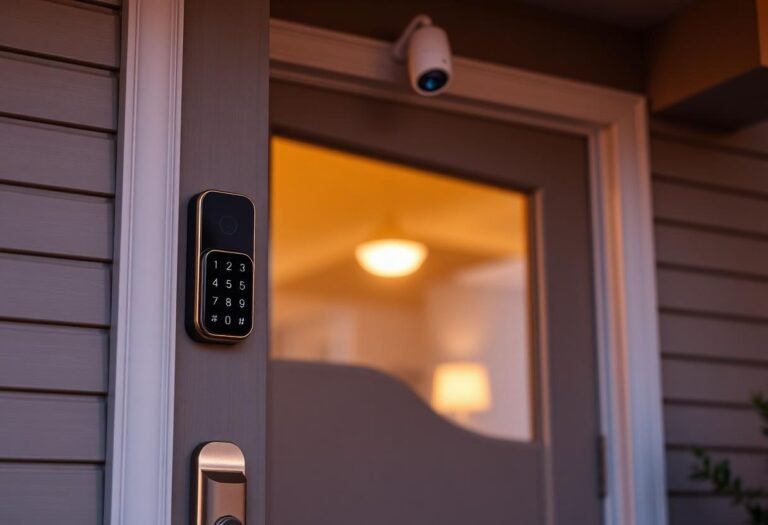
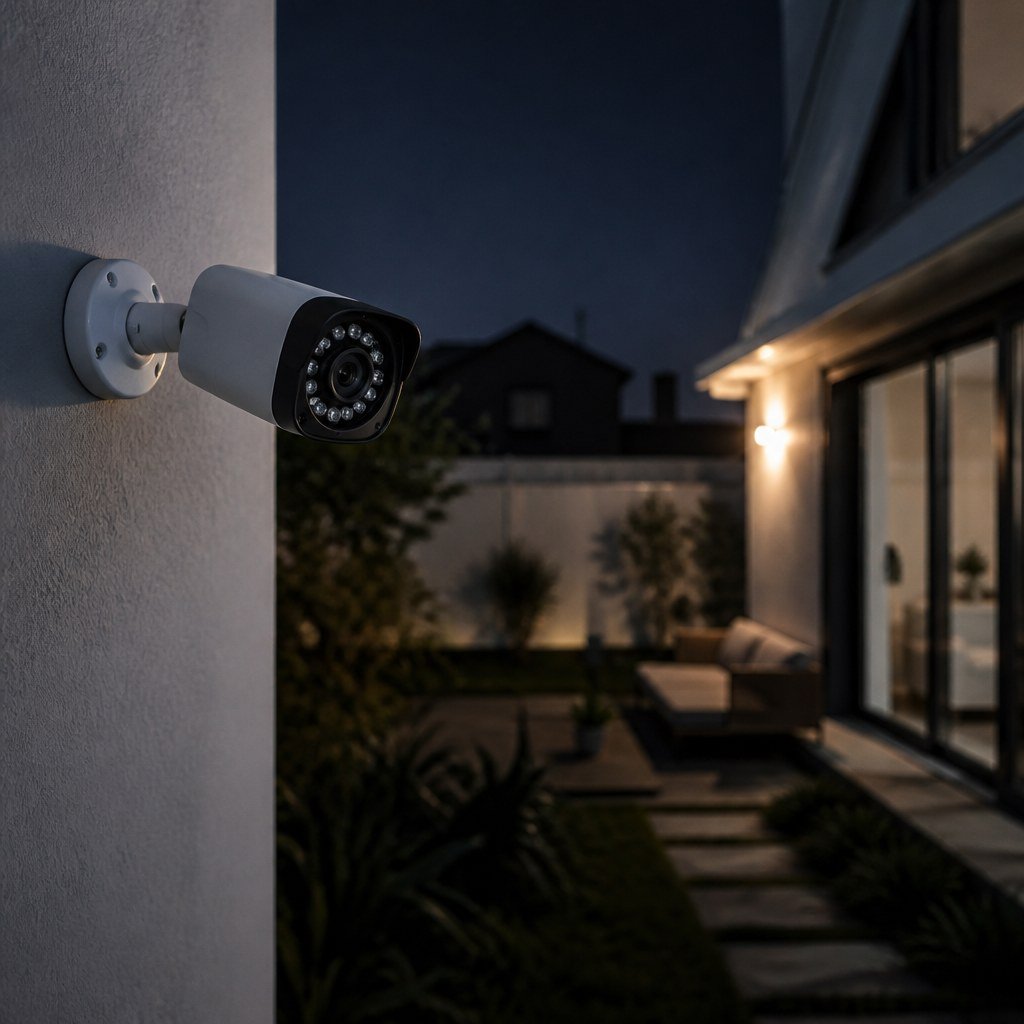
Glass, glossy siding, pale walls, low soffits, spiderwebs, and even a silicone camera cover can bounce infrared light back toward the lens. You may see a white haze, a bright arc, or an overexposed foreground with darkness behind it.
The lens or protective cover is obstructed
Dust and fingerprints scatter light. Moisture inside a housing can produce fog that cleaning the outside will not remove. Peel off any shipping film, and check whether a case or rain hood overlaps the infrared LEDs.
The camera has a power or hardware problem
Some cameras make a quiet click when the infrared-cut filter moves between day and night positions. No change in the image may indicate a stuck filter, failed infrared LEDs, or insufficient power. A missing red glow proves little because infrared wavelength and visibility vary by model; check the manufacturer’s specifications.
How do you diagnose the problem?
Test one variable at a time so you can distinguish a placement problem from a camera fault.
- Open live view in a genuinely dark space and wait for the camera to change modes. Cover only the ambient-light sensor if its location is identified in the manual; do not cover the lens or infrared emitters.
- Open the camera settings and set night vision or infrared illumination to automatic. Disable temporary privacy, lighting, or color-night schedules that could affect the test.
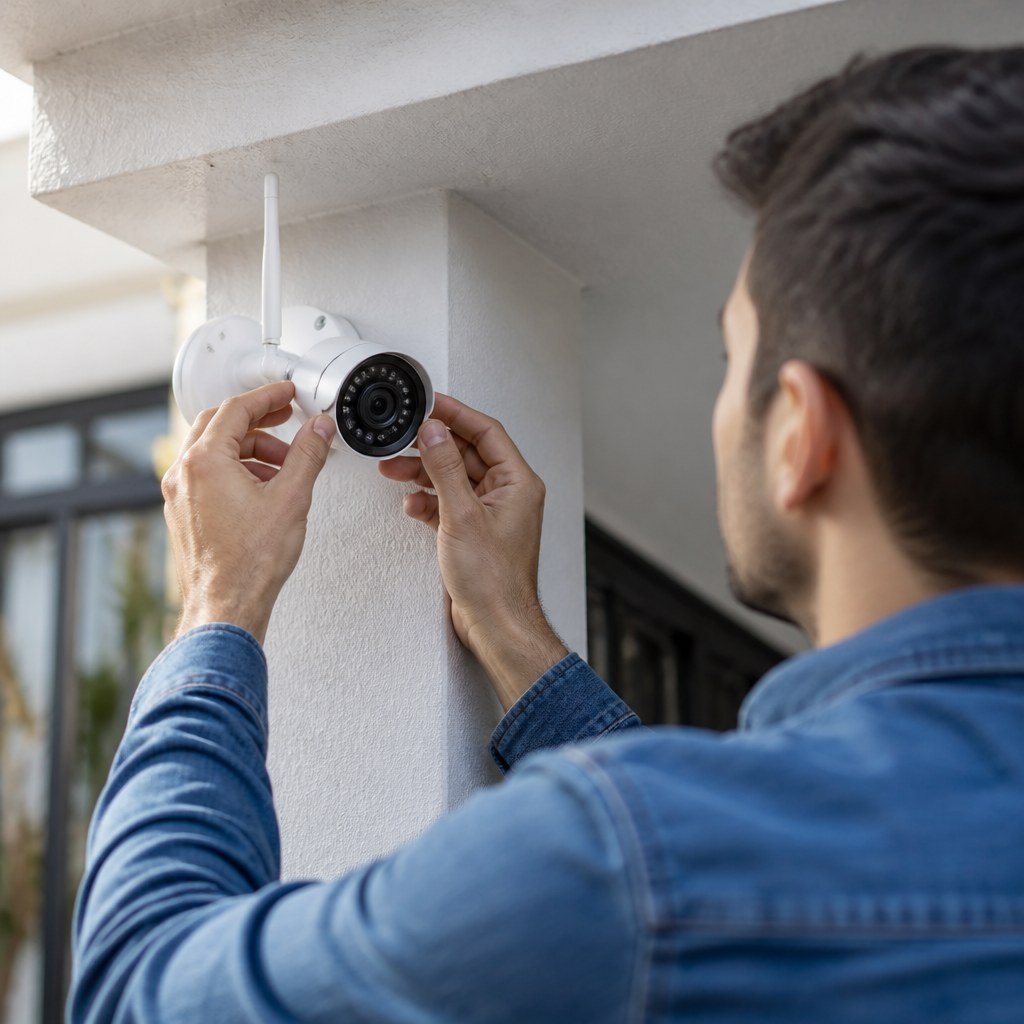
- Wipe the lens and surrounding emitter area with a clean microfiber cloth. Remove webs, protective film, and accessories that protrude around the camera face.
- Test the camera away from glass. Indoor cameras aimed through windows often record usable daytime video but produce glare at night because the infrared light reflects from the pane.
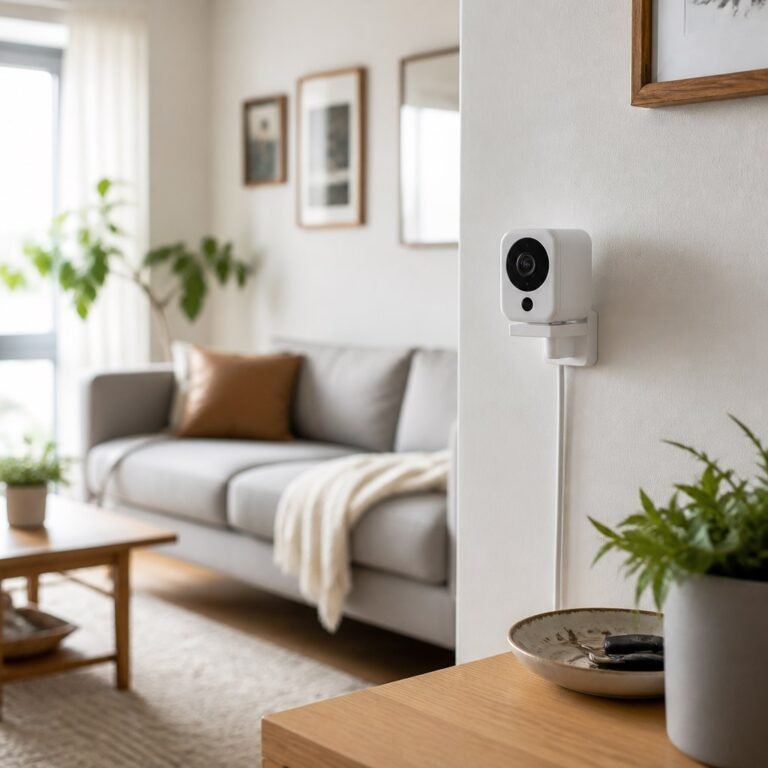
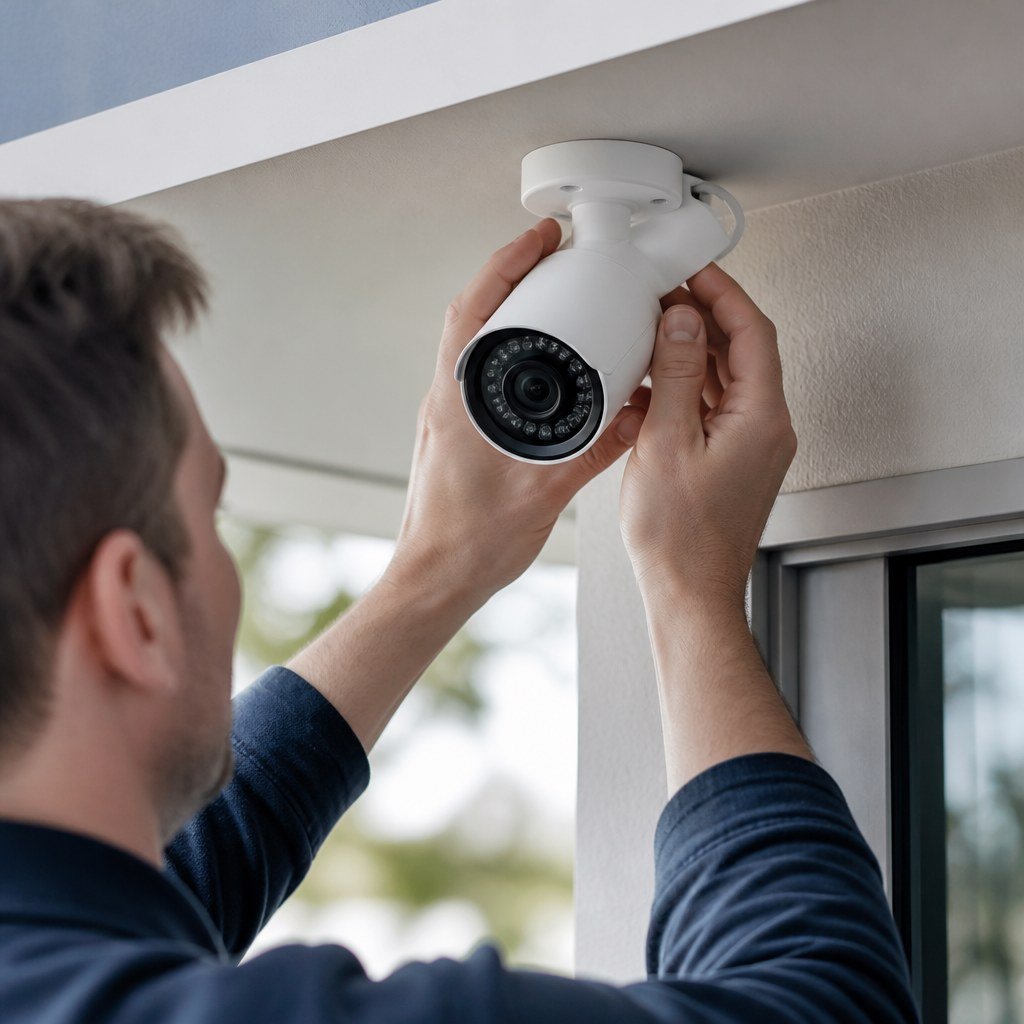
- Temporarily aim the camera away from a wall, ceiling, gutter, or railing. If the picture clears, adjust the angle or relocate the mount. Our Reversible DIY ideas for no-drill camera mounting can help renters test a position before making permanent holes.
- Restart the camera through its app or approved power method. For wired models, inspect accessible plugs and low-voltage connectors for looseness or damage. Do not open a mains-powered unit or alter household wiring.
- Check the manufacturer’s current service page for outages, firmware notes, and model-specific reset instructions. Confirm recordings on the same local network where possible, since a poor internet connection can resemble a camera fault in the app.
Which fix should you try first?
Choose the least disruptive fix that matches the symptom you see.
- For a completely dark image, enable automatic infrared mode, restart the camera, and verify its power source.
- For white haze or a glowing ring, clean the lens and move the camera away from reflective surfaces.
- For a bright foreground with a black background, change the angle so nearby walls or eaves occupy less of the frame.
- For night problems through a window, turn off the camera’s infrared LEDs if the app permits and use exterior lighting, or place an outdoor-rated camera outside.
- For intermittent trouble, inspect the power cable and check whether condensation or extreme local conditions coincide with the failures.
Color night vision has different requirements. It usually depends on visible light from a built-in spotlight or nearby fixture, so switching off that light may leave a dark color image. Check the model manual before assuming infrared is defective.
If moving the camera solves the issue, review Smart Home Lab guidance on camera placement and security sensor placement before fixing the mount. If the camera’s automations also fail, smart home hub compatibility may be the separate problem.
When is replacement justified?
Replacement makes sense after settings, placement, cleaning, power, and an approved reset fail to restore night mode.
Contact the manufacturer first if the camera is under warranty. Record a short day-to-night test and note whether you hear a filter click or see any image change. Those details can help support distinguish failed infrared emitters from a stuck filter.
Choose repair or warranty service if the camera otherwise meets your needs. Choose replacement if moisture has entered a non-serviceable housing, support has ended, or repair approaches the current replacement cost. Check current prices and platform support on the manufacturer’s site rather than assuming a newer model works with your existing system.
Common night vision questions
Can a security camera see through a window at night?
Usually not with its infrared lights enabled. The glass reflects infrared light toward the lens, so disable infrared and provide visible outdoor light or install an outdoor-rated camera outside.
Why is night vision blurry after rain?
Water droplets, condensation, or webs can scatter infrared light. Dry and clean the exterior, then contact the manufacturer if moisture remains inside the sealed housing.
Does a factory reset fix infrared night vision?
It can fix corrupted settings, but it cannot repair failed LEDs or a stuck filter. Save needed clips and confirm the reinstallation process before resetting, since the camera may be removed from your account or automations.
Run the dark-room test tonight, then use the Domoviq tools hub if the result points to a wider power, placement, or compatibility issue.