Renter-Safe Water Leak Sensors for Under the Sink
A renter-safe water leak sensor sits loose under the sink, uses batteries, and sends a local alarm or phone alert without drilling or plumbing changes. Choose a model with a loud siren and floor-level probes. The EPA says household leaks can waste nearly 10,000 gallons of water each year. That combination matters because early warning is useful only if the device can detect a shallow puddle and you can hear or receive the alert.
By Olami Y.
Last updated November 01, 2026
Prices last checked: November 2026
What makes a leak sensor renter-safe?
A renter-safe sensor works without screws, permanent adhesive, pipe cutting, or changes to the shutoff valve.
Before buying, check the lease for restrictions and measure the clear floor area beneath the pipes. A compact unit may fit between bottles, but an unobstructed location is more important than hiding it.
The simplest models rest on the cabinet floor and sound an alarm when water bridges 2 exposed contacts. Smart versions add app notifications through Wi-Fi, Bluetooth, or a separate hub. Both types can move with you at the end of the lease. Floor-level contacts react when water completes an electrical path between them, so both contacts must be able to touch the same spreading puddle.
No permanent mounting
The sensor should sit freely or use a removable holder. Avoid adhesive pads on unfinished cabinet material because they can lift the surface. If a holder is necessary, test its removal on an inconspicuous spot and retain the packaging for moving day.
Accessible batteries
You should be able to replace the batteries without moving plumbing or unscrewing the device from the cabinet. Also check whether the compartment can open while the sensor remains in its chosen position.
Useful alerts
A built-in siren works at home. Remote alerts help when you are away, but they may depend on internet access, a hub, or a paid service. Confirm whether remote alerts continue when your phone leaves home and whether household members can receive them too.
Which sensor type should you choose?
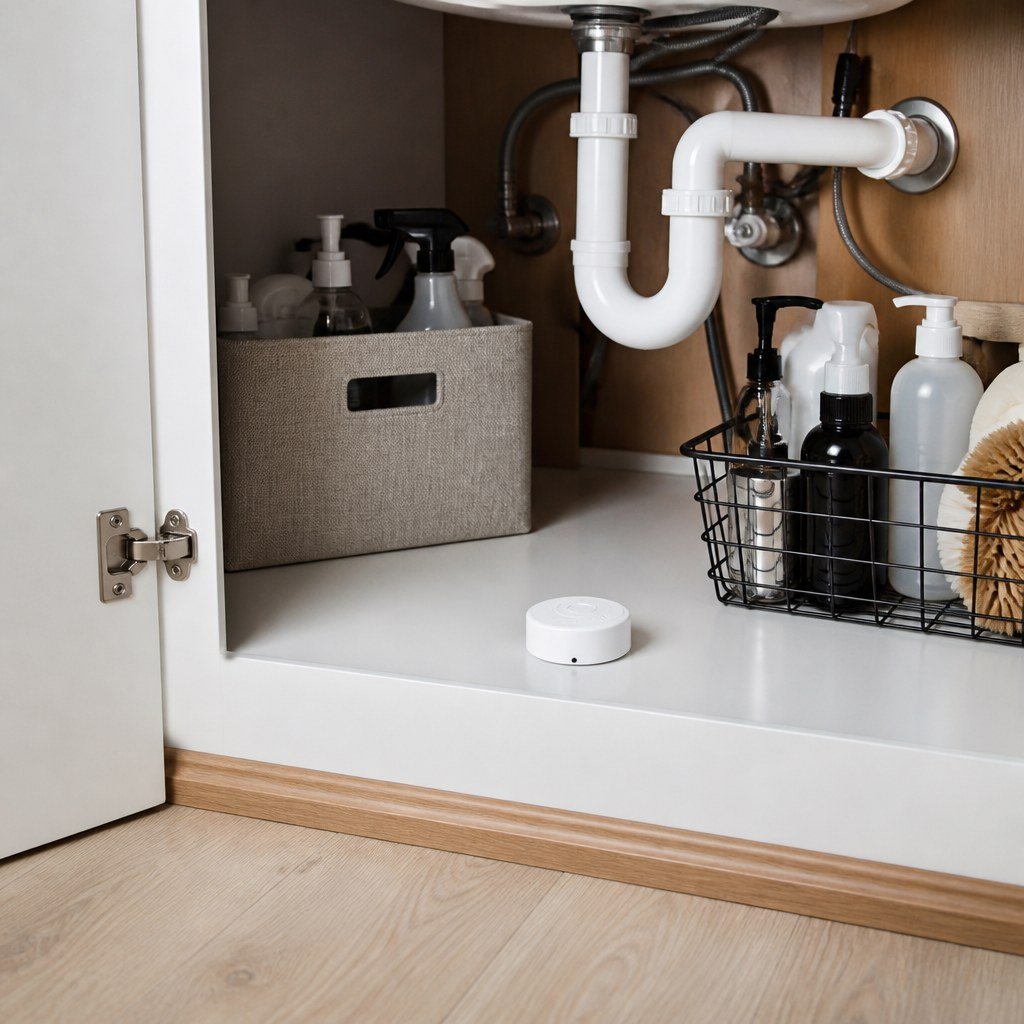
Choose a local alarm for the lowest setup burden, Wi-Fi for direct remote alerts, or a hub-based sensor if you already use a compatible smart-home system.
For example, a renter who travels often may accept extra app setup for Wi-Fi alerts, while someone in a small apartment may prefer a simple siren. Hub-based models reduce app clutter only when the existing hub supports the exact device.
Check the manufacturer’s current listing for battery type, notification features, platform support, and subscription requirements. These details can change. Our guide to smart home hub compatibility and Smart Home Lab sensor coverage can help you identify questions before purchase. Read recent setup documentation as well as the product page, and verify that alerts do not depend on an optional service you do not want.
Use the Domoviq Gear Finder for security and sensors to narrow the options by setup and ecosystem.
Where should you place the sensor?
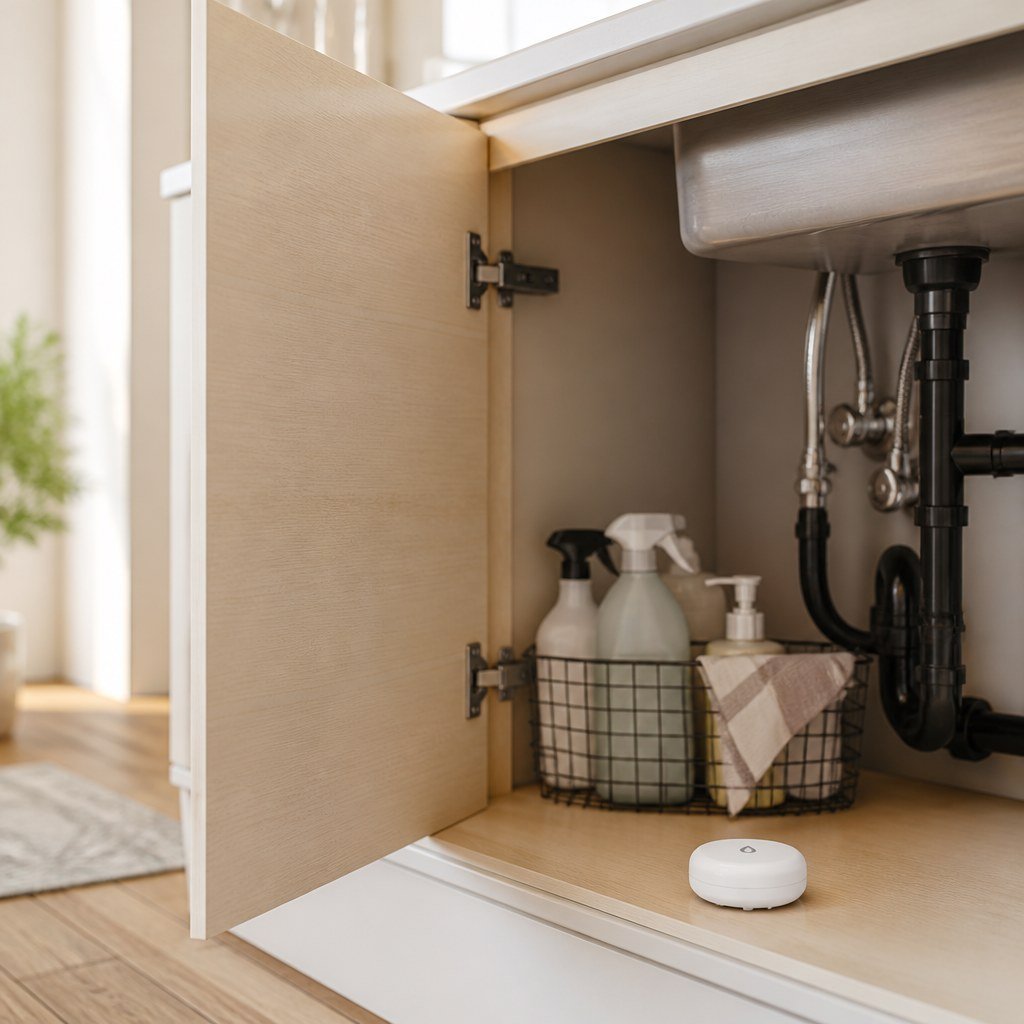
Place the sensing contacts at the cabinet’s lowest likely collection point, close to the plumbing but clear of stored products.
If a supply valve sits over the left rear corner but the cabinet tilts forward, place the sensor at the forward collection point rather than directly beneath the valve.
- Empty the cabinet so bottles, liners, and cleaning cloths cannot block water from reaching the sensor.
- Inspect the supply valves, faucet hoses, drain joints, dishwasher connection, and disposal area for existing moisture.
- Dry the cabinet floor before installation. A sensor placed on a damp surface may alarm at once.
- Set the device flat beneath the most likely leak source. If the cabinet slopes, place it where water naturally collects.
- Keep the alarm speaker uncovered and leave enough room to remove the battery cover.
💡 Tip: Use a shallow removable tray only if it does not delay water from reaching the probes. A thick cabinet liner can hide a slow leak underneath.
How do you test the setup?
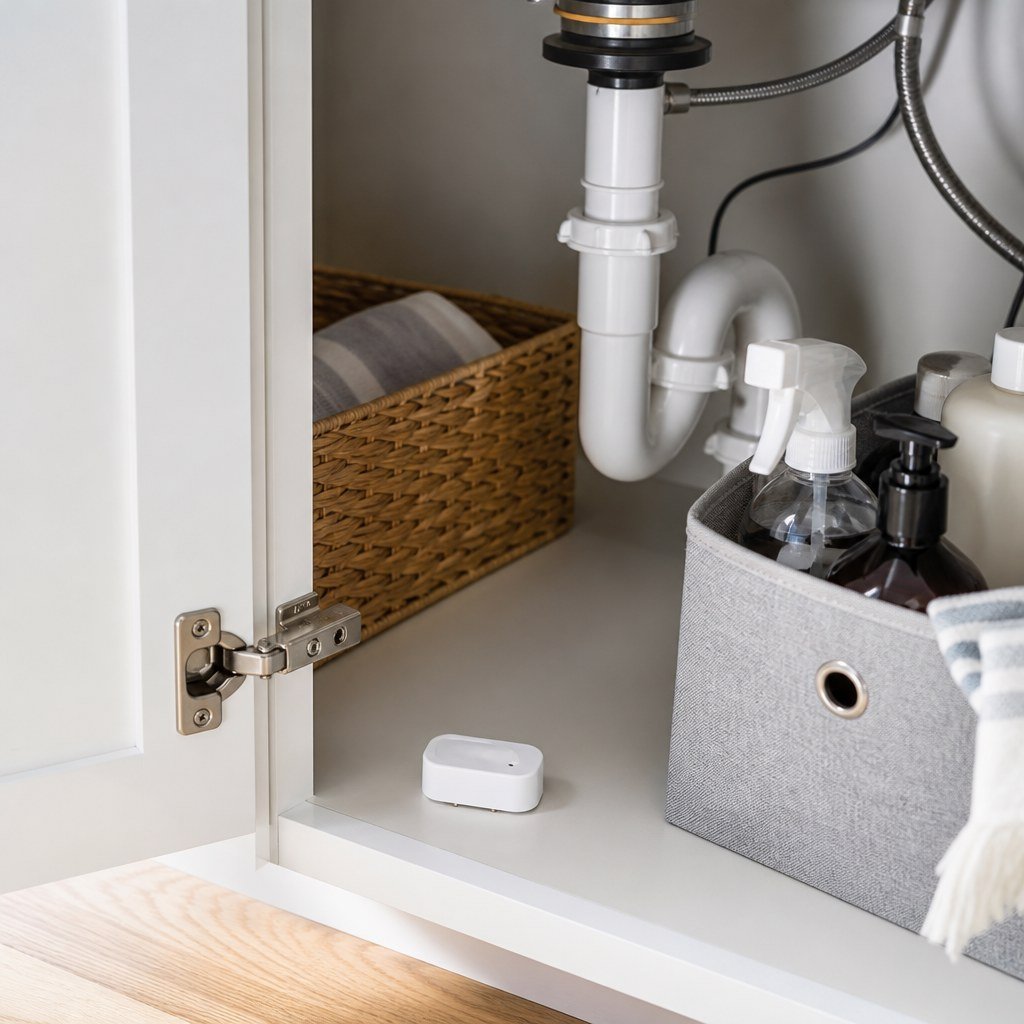
Test the sensor before relying on it, then confirm every notification path you expect to use.
- Install the specified batteries and complete the manufacturer’s setup process.
- Use the device’s test button if one is provided.
- Touch a damp paper towel across the sensing contacts unless the manual specifies another test method.
- Confirm that the siren sounds and that your phone receives an alert, if supported.
- Dry the contacts and verify that the device returns to its normal state.
Repeat the test with the phone on cellular data to confirm the alert works beyond the home network.
⚡ Safety: Do not handle a wet sensor near a wet outlet, disposal connection, or exposed wiring. Cut power from a dry location and contact your landlord or a licensed electrician. Ask a qualified plumber to repair active pipe, valve, or drain leaks.
If an app alert fails, check notification permissions, Wi-Fi status, hub connectivity, and battery placement before replacing the sensor. Our renter-friendly smart-home setup advice and reversible DIY picks for renters cover ways to route cables or organize the cabinet without permanent fasteners.
How often should you check it?
Test the sensor according to its manual and after any spill, battery replacement, router change, or app update.
Replace batteries when the low-battery warning appears rather than waiting for the alarm to stop. Wipe dust from the probes with a dry cloth, and never paint or cover them. If you find moisture, photograph the area, protect your belongings, and notify your landlord promptly under the procedure in your lease.
Do not treat the sensor as a repair. It gives you time to respond; it cannot stop a leaking shutoff valve or failed supply hose unless you have a separately approved automatic shutoff system.
Choose a sensor that fits your rental
Start with your alert needs, network setup, and available cabinet space.