What Is Tuya Smart Home and Is It Reliable?
Tuya isn’t a device brand — it’s the cloud platform and chip technology running quietly inside thousands of budget smart home products sold under dozens of different names. If you’ve bought a cheap smart plug, bulb, or camera from a brand you’d never heard of before, there’s a good chance it’s a “Tuya device” underneath, even though the word Tuya never appears on the box. Reliability is generally solid for basic on/off tasks, but it varies more than with a single-brand ecosystem because so many manufacturers use the same backend.
Here’s what Tuya actually is, how it works day to day, and what to check before you build a smart home around it in 2026.
What is Tuya, exactly?
Tuya is a China-based IoT (Internet of Things) platform that manufacturers license to build smart devices without writing their own app or cloud software from scratch. A small factory can take a generic Wi-Fi chip, run Tuya’s firmware, and ship a smart plug under its own label in a matter of weeks. That’s why you’ll find nearly identical smart plugs, bulbs, switches, and cameras sold under names like Merkury, Gosund, Teckin, Feit, and hundreds of smaller storefronts — most of them are Tuya on the inside.
The giveaway is usually the app. If setup routes you through “Smart Life” or “Tuya Smart” — two nearly identical apps Tuya publishes itself — the device is running on Tuya’s platform regardless of what’s printed on the packaging.
How does Tuya smart home technology actually work?
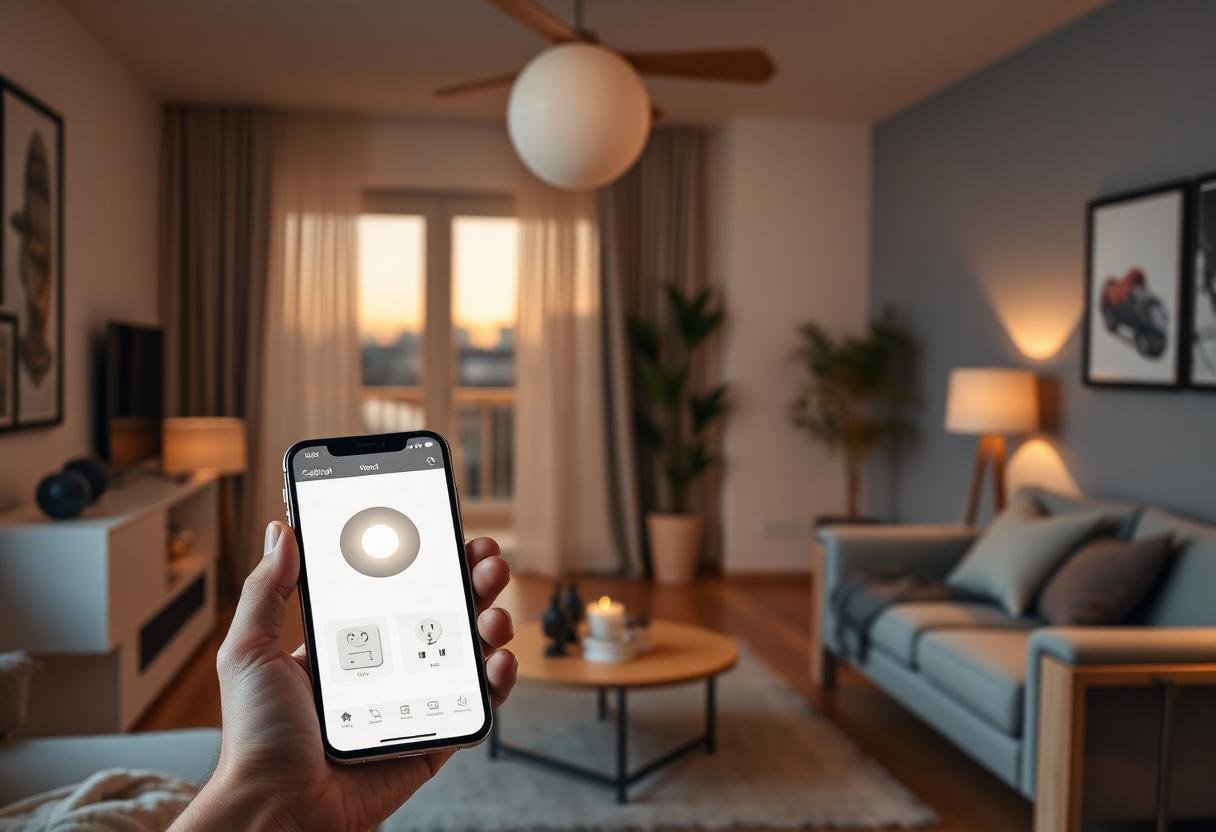
A Tuya device connects to your Wi-Fi, registers with Tuya’s cloud servers, and is then controlled through the Smart Life or Tuya Smart app (or a rebranded version of one of them). The process for a new device usually goes the same way no matter which store brand you bought:
- Plug in or power on the device and put it into pairing mode, usually by holding a button until a light blinks.
- Open Smart Life, Tuya Smart, or the manufacturer’s rebranded app and add a new device.
- Connect the device to your 2.4GHz Wi-Fi network — Tuya hardware rarely supports 5GHz.
- Name the device, assign it to a room, and it’s ready for schedules, voice control, or automations.
Once paired, most Tuya devices can also link to Amazon Alexa, Google Home, or Samsung SmartThings through an official skill or integration, so you aren’t locked into using the Smart Life app forever.
How does Tuya compare with other smart home platforms?
Tuya trades polish and long-term consistency for low prices and huge device selection. Platforms like SmartThings or Home Assistant give you more control over how devices behave together; Matter aims for cross-brand compatibility without any single company’s cloud in the middle.
| Platform | Best for | Typical cost | Cloud dependency |
|---|---|---|---|
| Tuya (Smart Life) | Cheapest plugs, bulbs, cameras | Low ($5–$20 per device) | High — most features need Tuya’s cloud |
| SmartThings | Balanced setup with app + automations | Mid-range | Moderate — hub can run some rules locally |
| Home Assistant | Full local control, no ecosystem lock-in | Varies — free software, you supply hardware | Low — can run entirely offline |
| Matter-certified devices | Mixing brands without one cloud in charge | Mid to high | Low — local control over Wi-Fi/Thread |
For a deeper look at that last comparison, see our SmartThings vs Home Assistant breakdown.
Is Tuya reliable in 2026?
For basic tasks — turning something on or off, checking a camera feed, running a simple schedule — Tuya devices are reliable enough for daily use. Where it gets shakier is consistency across brands: because dozens of manufacturers use the same platform with their own firmware tweaks, app responsiveness, cloud outages, and firmware update speed can differ noticeably from one “Tuya brand” to the next. A well-reviewed Gosund plug and an obscure no-name plug can both say “Powered by Tuya” and perform very differently.
The most common complaint isn’t devices failing outright — it’s brief delays when the app has to round-trip through Tuya’s cloud servers instead of controlling the device directly on your local network. If Tuya’s servers have a slow moment, so does your light switch.
What are the security and privacy concerns with Tuya devices?
The core concern is that your device data passes through Tuya’s cloud infrastructure, which is headquartered in China, even when the product itself was bought from a US or European storefront. Tuya publishes its own privacy policy and has pursued security certifications, but independent researchers have periodically found vulnerabilities in specific Tuya-based products over the years, as they have with cheap IoT hardware from many platforms.
Reasonable precautions: keep device firmware updated through the app, use a strong unique password on your Tuya/Smart Life account, and put smart plugs and cameras on a guest or IoT-only Wi-Fi network separate from your laptops and phones so a compromised device can’t reach the rest of your home network.
Should you buy a Tuya-based smart home device?
Tuya devices make sense for low-stakes convenience — lamps, fans, holiday lights, basic sensors — where an occasional cloud hiccup is a minor annoyance, not a security risk. For anything protecting your home, like a front-door lock or an alarm system, a more established single-brand ecosystem with a longer support track record is the safer call. Check the specific product’s reviews rather than judging by “Tuya” alone, since reliability really does vary by manufacturer even on identical hardware.
Frequently asked questions
Is Tuya the same as Smart Life?
Not exactly — Smart Life and Tuya Smart are two apps Tuya itself publishes, both controlling the same underlying platform. Manufacturers choose which app (or a rebranded version) their devices use, but the backend technology is identical.
Does Tuya work with Alexa and Google Home?
Yes. Most Tuya-based devices support linking to Amazon Alexa and Google Home through an official skill, so you can use voice commands without opening the Smart Life app.
Why do so many cheap smart home brands use Tuya?
Tuya lets small manufacturers skip building their own app, cloud servers, and firmware, cutting both development cost and time to market. That’s why the same hardware design often reappears under many different store-brand names.
Can Tuya devices work without internet?
Mostly no. Because Tuya relies on cloud servers for app control and most automations, losing internet access typically disables remote control and voice assistant integration, even if a physical switch on the device still works.
Is it safe to put Tuya devices on my main Wi-Fi network?
It works, but a separate guest or IoT network is safer. That way, if one inexpensive device has a vulnerability, it can’t reach your computers, phones, or other sensitive devices on the main network.
Last updated: September 2026.
Next: see our roundup of smart home devices with no monthly fee, or compare ecosystems in Alexa vs Google Home vs Apple Home.