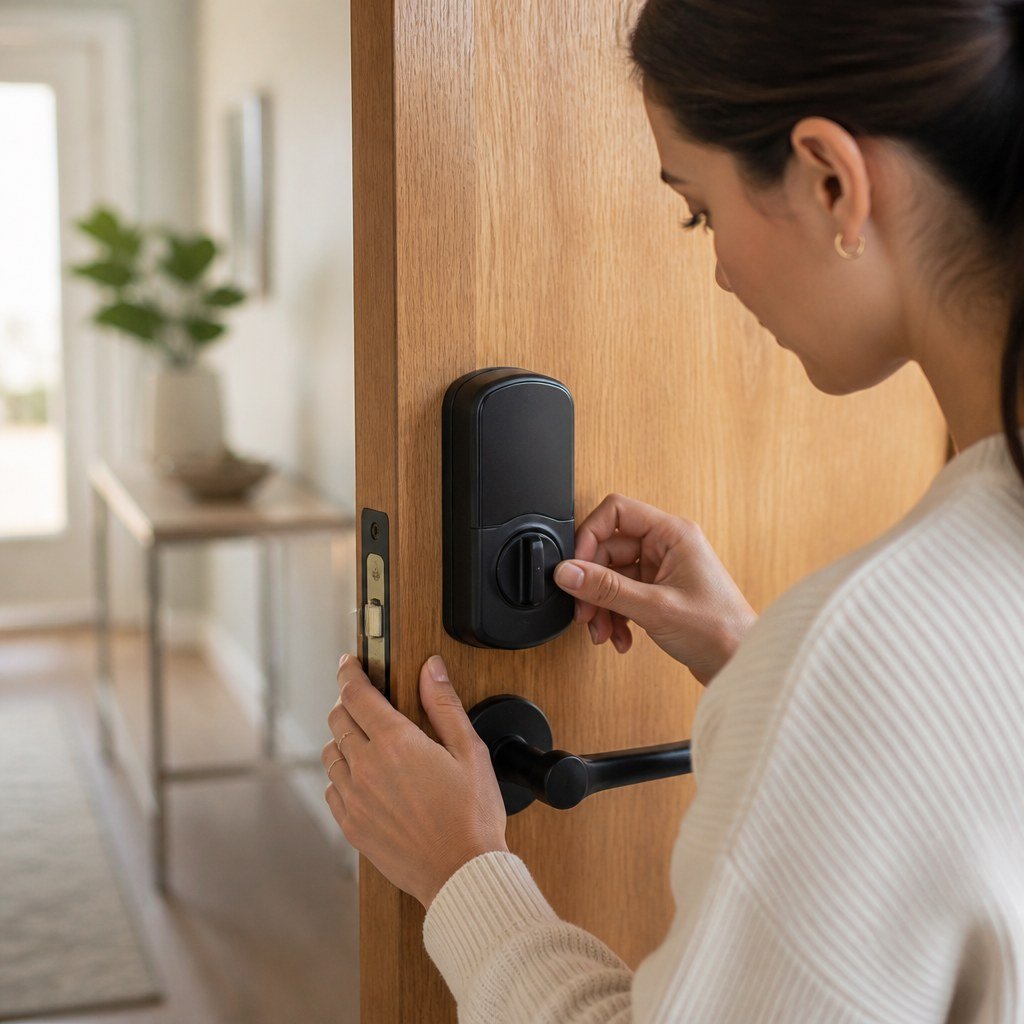
Smart Lock Keeps Jamming or Won’t Lock — Here’s the Fix
A smart lock that jams usually has a misaligned strike plate, a binding deadbolt, loose mounting screws, or weak batteries. Test the lock with the door open first. If the bolt moves freely, adjust the door or strike; if it still struggles, inspect the installation and follow the manufacturer’s calibration procedure.
By Olami Y.
Last updated November 04, 2026
Why does a smart lock keep jamming?
Most smart lock jams come from mechanical resistance, not an app or Wi-Fi problem.
The motor must extend the deadbolt without help. A slightly sagging door, tight weatherstripping, shifted strike plate, or crooked installation can create enough resistance to stop it. Cold or humid weather may expose a marginal alignment problem because doors and frames can move with seasonal conditions.
Watch for these clues:
- The lock works while the door is open but fails when it is closed.
- You must push or pull the door before the deadbolt moves.
- The thumb-turn feels stiff even after you remove the batteries.
- The lock reports an obstruction, beeps repeatedly, or reverses direction.
- The problem began after installation, battery replacement, or a change in weather.
💡 Quick check: Lock and unlock the deadbolt several times with the door open. Smooth movement points to door alignment. Resistance with the door open points to the lock, deadbolt, or installation.
How do you fix a smart lock that will not lock?
Start with the door open, then work from the cheapest mechanical fix to recalibration.
- Open the door and operate the lock manually with its thumb-turn. Stop if it grinds, needs force, or cannot complete its travel.
- Check whether the deadbolt slides fully into and out of the door edge without rubbing. If it binds, loosen the lock’s interior mounting screws slightly and retest. Tighten them evenly once the mechanism moves freely.
- Close the door slowly and note where the bolt meets the strike plate. Scuff marks on the plate often reveal whether the bolt is hitting high, low, or to one side.
- Tighten loose hinge screws with a hand screwdriver. A sagging door can drop the bolt below its opening. Do not overtighten screws or use an impact driver near the lock.
- Adjust the strike plate only if the bolt still misses its opening. Loosen its screws, shift it enough to center the bolt, then retighten. A larger correction may require frame repair.
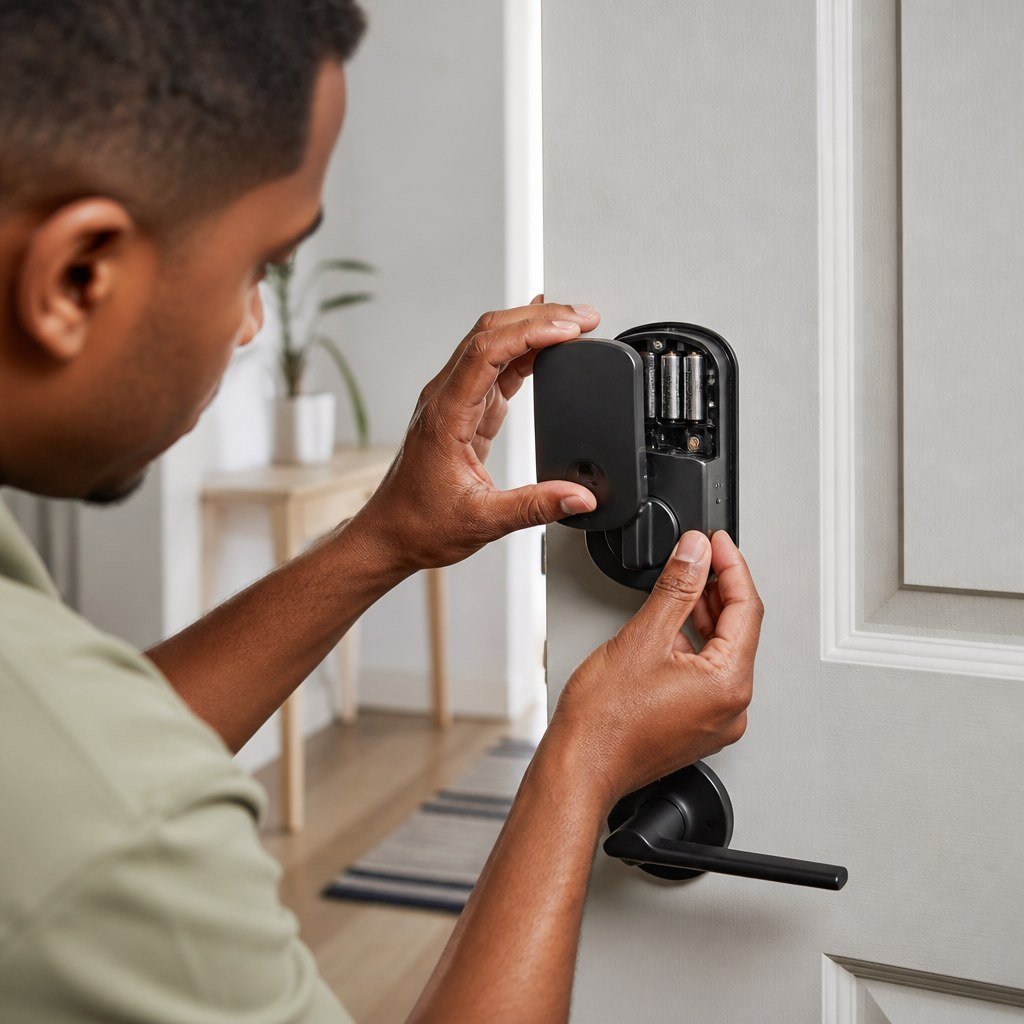
- Install fresh batteries of the type listed in the lock’s manual. Replace the full set together rather than mixing old and new cells.
- Run the handing or calibration process in the manufacturer’s app or manual. This teaches the lock which direction to turn and where its locked position ends.
- Test manual operation, keypad locking, app control, and auto-lock before relying on the door overnight.
If you rent, ask the property owner before moving a strike plate or changing hardware. Our reversible DIY picks for renters focus on changes that avoid permanent door-frame alterations.
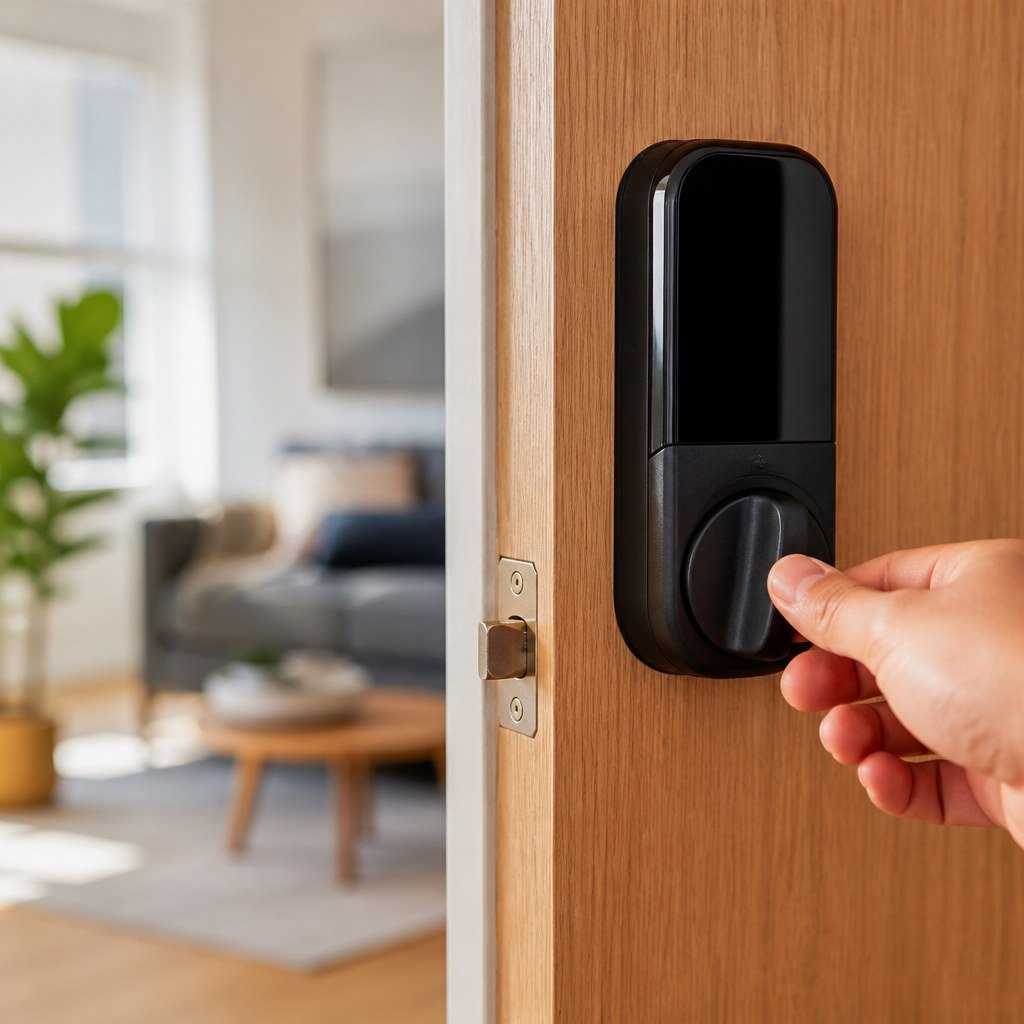
What if the deadbolt jams with the door open?
A lock that struggles with the door open has a problem in the hardware, mounting, or calibration.
Remove the interior battery pack before inspecting the assembly. Check that the tailpiece—the narrow metal bar connecting the exterior cylinder to the interior mechanism—passes through the deadbolt as shown in the manual. A crooked tailpiece or pinched cable can interfere with movement.
If the lock worked before a battery change, reseat the battery pack and confirm that no cable moved into the path of the thumb-turn. If it has jammed since installation, compare the door thickness, backset, and deadbolt orientation with the manufacturer’s current installation instructions.
Do not spray general-purpose oil into an electronic lock. Use only a lubricant approved by its manufacturer. Some products attract dirt or can reach electrical parts.
Our smart lock installation coverage and smart home security troubleshooting topics can help you separate a mechanical fault from an app or connectivity failure.
Could the app or batteries be the cause?
Yes, but software cannot correct a bolt that physically rubs against the frame.
Replace low batteries first, then check the app for a jam warning or incomplete calibration. Restart the lock according to its manual. Avoid a factory reset until you have checked alignment because a reset may remove codes, users, automations, or hub connections.
If remote control fails but the keypad and thumb-turn work, the issue is more likely connectivity than jamming. Check the manufacturer’s current service status and reconnect its bridge or hub. Our guide to smart home hub compatibility is useful when local locking works but app control does not.
When should you stop and call a professional?
Call a locksmith or qualified door technician when the bolt remains stiff after basic alignment checks, the frame is split, or the door must be lifted to lock.
⚡ Safety: Do not dismantle the exterior cylinder or modify a fire-rated door. Ask a licensed locksmith or the building manager to handle work that could affect emergency exit hardware, door certification, or building security.
A damaged motor, cracked gear, or failed sensor may justify replacement. Contact the manufacturer first and check the current warranty terms. Choose repair if the door and lock are mechanically sound. Choose replacement if the lock repeatedly stalls with no external resistance or parts are unavailable.
Smart lock jamming FAQ
Why does my smart lock work only when I push the door?
The bolt and strike plate are misaligned or weatherstripping is holding the door away from the frame. Adjust the door fit rather than relying on extra force.
Can cold weather stop a smart lock from locking?
Cold weather can reveal alignment or battery problems. Test with fresh approved batteries and inspect whether the door or frame has shifted before blaming the electronics.
Should I force a stuck smart-lock thumb-turn?
No. Forcing it can damage the motor or internal gears. Remove power, test gently, and arrange service if the mechanism remains stiff.
Start now: test the deadbolt with the door open, then use the Domoviq tools hub if you need help checking your wider smart-home setup.