Smart Home vs. Home Automation: What’s the Difference?
A smart home is the collection of connected devices in your house — lights, locks, thermostats, cameras — while home automation is the set of rules that make those devices act without you touching them. Every home automation setup runs on smart home devices, but not every smart home actually automates anything; plenty of people control devices manually from an app and never write a single rule.
Here’s where the line actually falls, what each term covers, and how to tell which one describes what you’re building.
Is a smart home the same thing as home automation?
No — a smart home is the hardware, home automation is the behavior. A smart home just needs Wi-Fi-connected or hub-connected devices you can control remotely. Home automation adds logic on top: schedules, triggers, and conditions that run those devices without a person tapping anything.
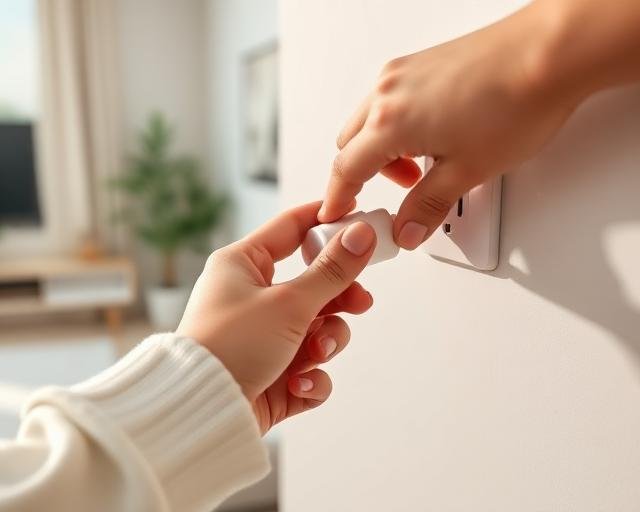
You can own a fully “smart” house — a smart TV, a video doorbell, a couple of smart plugs — and still open an app every single time you want something to happen. That’s a smart home without automation. The moment you set a rule (“turn off the porch light at sunrise” or “lock the door if no motion for 10 minutes”), you’ve crossed into home automation.
What actually counts as a smart home device?
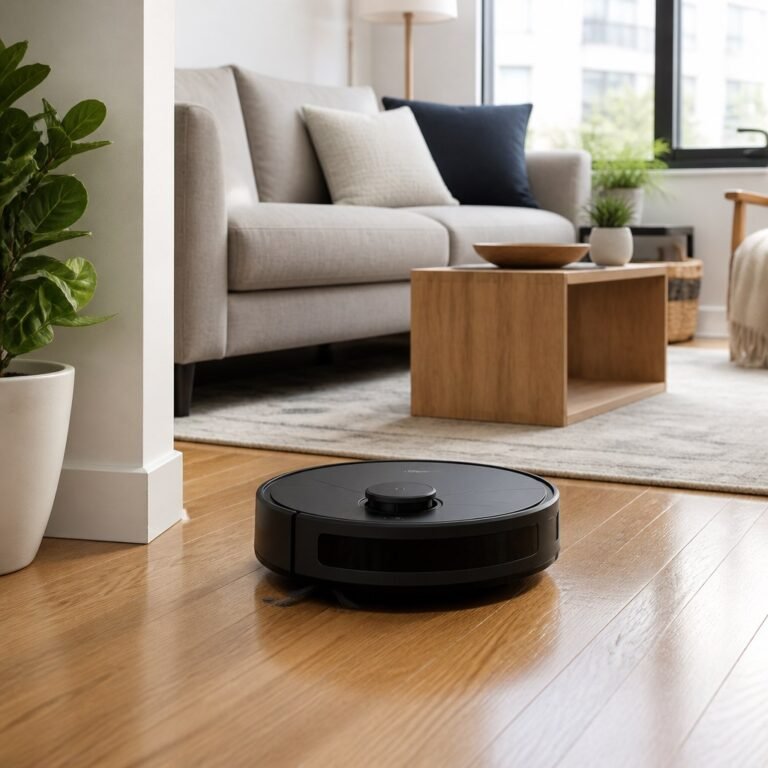
Any device that connects to your network or a hub and can be controlled remotely qualifies. That includes smart bulbs, plugs, locks, thermostats, cameras, video doorbells, robot vacuums, and smart speakers like Amazon Echo or Google Nest. The defining feature is remote or app-based control, nothing more.
A smart bulb you turn on from your phone across the room is a smart home device even if it never runs on a schedule. That’s the whole bar.
What actually counts as home automation?
Home automation is any rule that runs a device without you pressing a button. That covers schedules (lights at 7 p.m.), triggers (motion turns on a camera), and conditional logic (if the thermostat reads above 78°F, turn on the fan). Platforms like Apple Home, SmartThings, Google Home, and Home Assistant all let you build these rules, usually labeled automations, scenes, or routines depending on the app.
The distinction that trips people up: a routine that runs when you say “Good night” is still automation, even though you triggered it with your voice. The device acted on a saved rule, not on a single one-off command like “turn off the lamp.”
How do smart home and home automation actually compare?
| Term | What it means | Requires a rule? | Example |
|---|---|---|---|
| Smart home | Connected, remotely controllable devices | No | Turning off a smart plug from your phone |
| Home automation | Devices acting on schedules or triggers | Yes | Lights that turn on automatically at sunset |
| Smart home ecosystem | A hub or app tying multiple brands together | Sometimes | Matter linking Alexa, Google Home, and Apple Home |
Why does the distinction matter when you’re shopping?
It changes what you’re actually paying for. A device labeled “smart” only guarantees an app and remote control — it says nothing about whether it can run rules on its own or needs a hub to do so. The Connectivity Standards Alliance, which maintains the Matter standard, built it specifically so devices from different brands could share triggers instead of running as isolated apps. Check three things before buying if automation is the actual goal:
- Hub requirement — some devices automate only through a bridge or hub, others handle basic schedules on their own.
- Trigger support — confirm the device can react to motion, time, or another device’s state, not just app taps.
- Ecosystem compatibility — check it works with Matter, Alexa, Google Home, or Apple Home if you plan to mix brands.
Skip this check and you can end up with a house full of “smart” gadgets that still require opening five different apps every night.
How do you turn a smart home into an automated one?
Add a hub or automation app, then build rules on top of the devices you already own. The process is the same across most ecosystems:
- Confirm your devices connect to Wi-Fi, Zigbee, Z-Wave, or Thread and pair with a common app.
- Pick one automation platform — Apple Home, Google Home, SmartThings, or Home Assistant — to act as the control point.
- Create one rule at a time: a schedule, a motion trigger, or a scene that groups several devices together.
- Test each rule for a few days before adding the next one, since overlapping automations are the most common cause of devices behaving unpredictably.
Most people get here within a week of buying their first two or three devices. The jump from “smart” to “automated” is a software step, not a shopping trip.
Frequently asked questions
Can I have a smart home without any automation?
Yes. If you control every device manually through an app with no schedules or triggers set up, it’s still a smart home — you just haven’t automated it yet.
Do I need a hub for home automation?
Not always. Many Wi-Fi devices support basic schedules directly in their own app. A hub becomes useful once you want devices from different brands to trigger each other.
Is “smart home automation” one term or two separate things?
Marketing tends to combine them, but technically they’re two layers: the smart home is the connected hardware, and automation is the logic running on top of it.
Which term should I use when researching products?
Search “smart home” for devices and “home automation” for the software, hubs, and rule-building side — you’ll get more relevant results for each.
Last updated: September 2026.
Next: see what smart home automation is and how it works, or check whether your automation system should be wireless or hardwired.