What Is Frontpoint Security and How Does It Compare to ADT?
Frontpoint is a DIY-installed home security system with professional monitoring, while ADT offers both professionally installed and self-setup systems. Frontpoint’s official site emphasizes simple installation and cellular-connected equipment; ADT provides more installation choices and a broader service footprint. Your better option depends on contract terms, equipment needs, and installation preference.
By Olami Y.
Last updated October 26, 2026
What is Frontpoint Security?
Frontpoint is a home security company built mainly around equipment you install yourself and a system monitored by professionals.
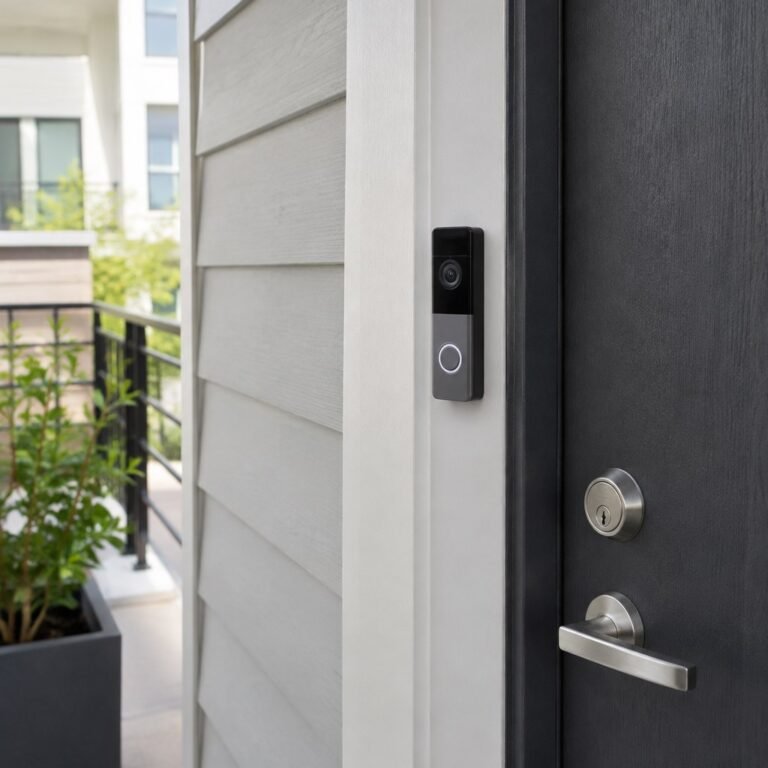
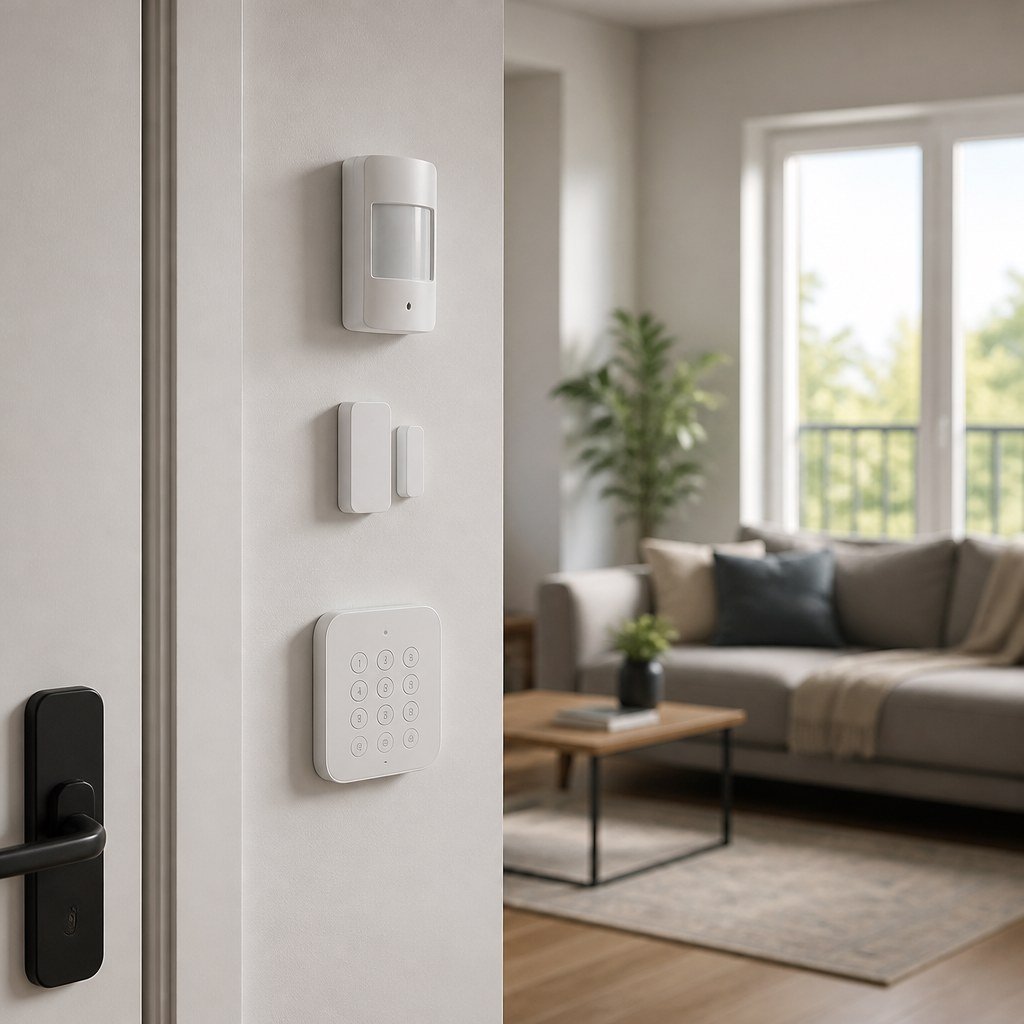
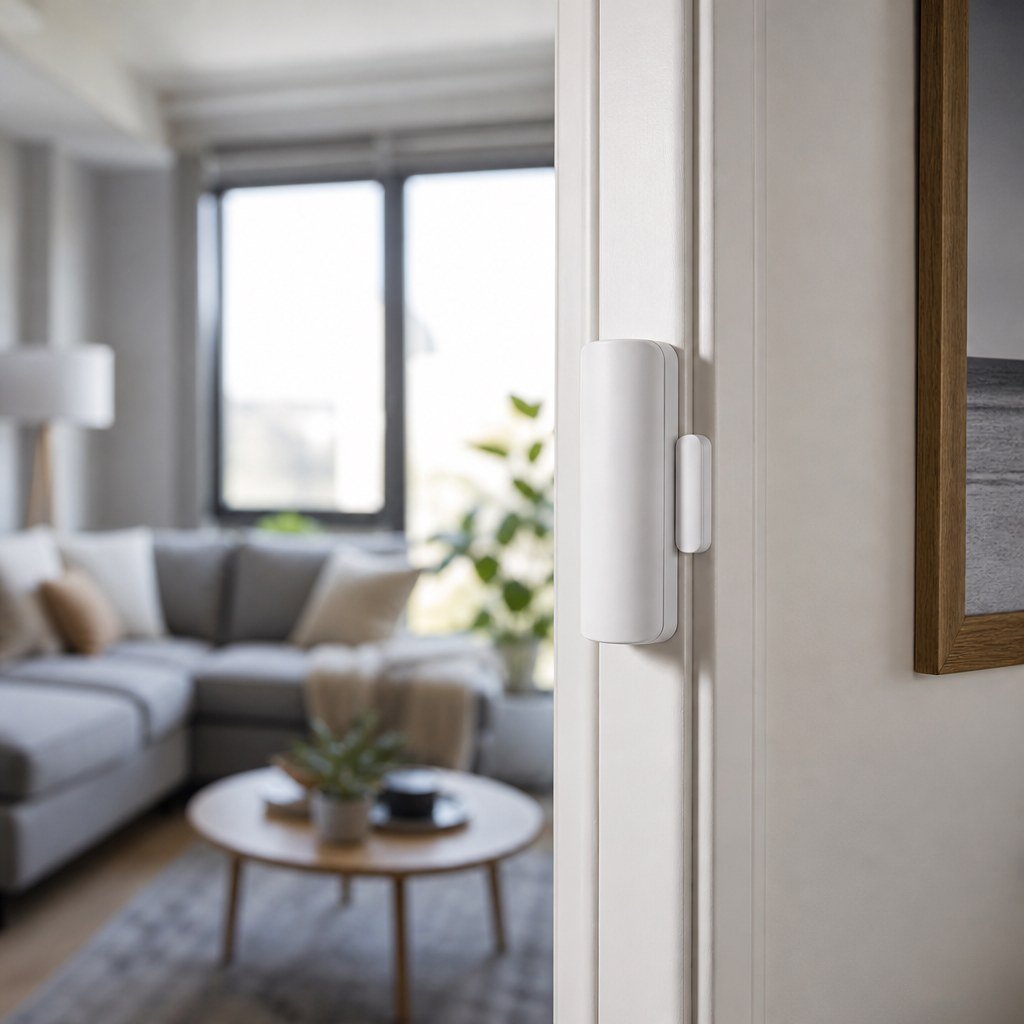
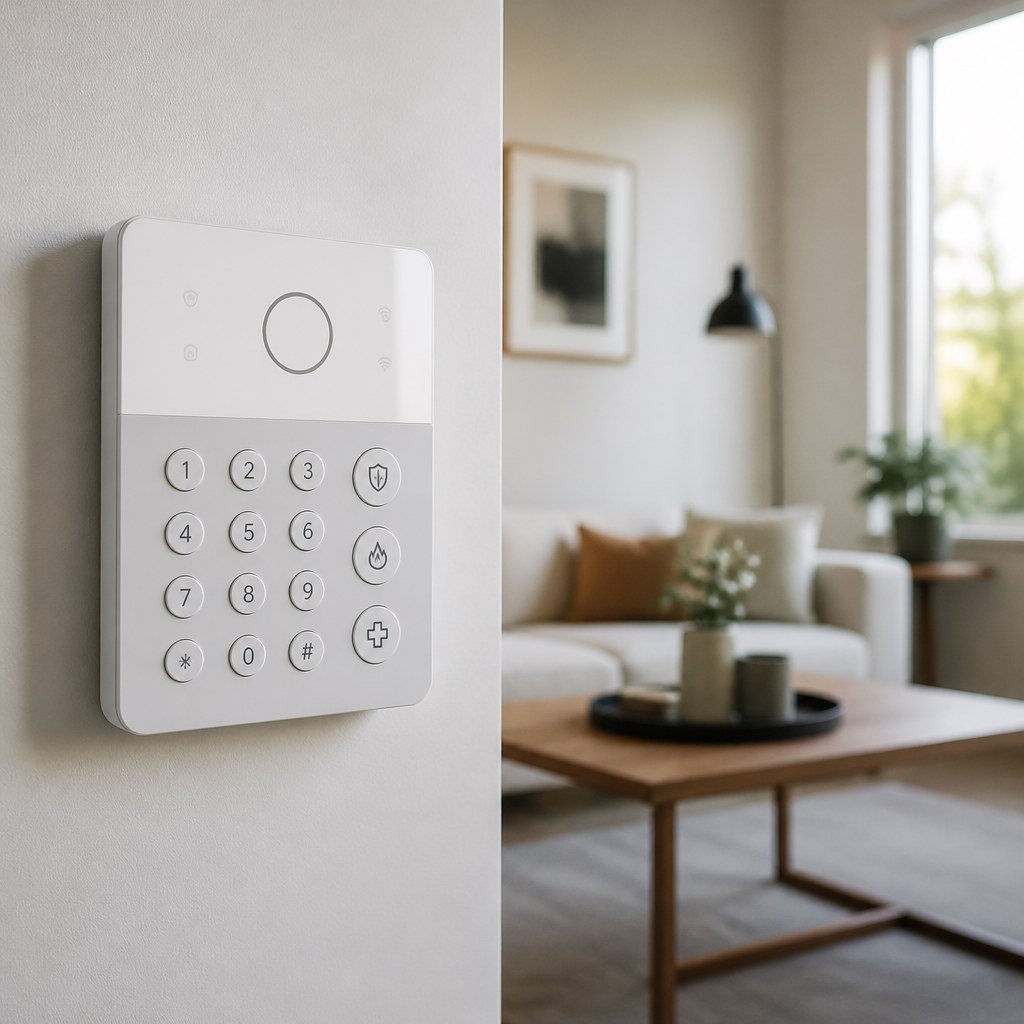
A typical system centers on the Frontpoint Hub and keypad, with door and window sensors, motion sensors, indoor cameras, outdoor cameras, a video doorbell, and environmental sensors available according to the current product lineup. You place the wireless devices, connect the hub, and use Frontpoint’s mobile app to control the system.
Frontpoint’s official materials currently describe cellular communication and battery backup for its hub. Cellular communication lets the hub contact the monitoring service without relying entirely on your home internet connection. Cameras and app features may still need Wi-Fi, so an internet outage can affect video access even when core alarm communication remains available.
This setup suits someone who wants professional monitoring but would rather avoid scheduling an installer. It can also work for renters because many sensors use adhesive mounting. Before installing anything, check your lease and follow renter-safe sensor mounting practices. Strong adhesive can still pull paint from a poorly prepared wall.
How does Frontpoint compare to ADT?
Frontpoint provides a more consistently DIY-focused experience, while ADT gives you a choice between professional installation and eligible self-setup packages.
Do not assume every ADT-branded package has the same equipment, app functions, or agreement. Compare the exact professionally installed or self-setup offer in writing. For either company, check smart home hub compatibility before expecting existing locks, lights, or voice assistants to work with a new alarm.
Use Domoviq’s Security & sensors Gear Finder to narrow your equipment list before comparing quotes.
Which system costs less?
The cheaper system is the one with the lower full-term cost for the equipment, installation, monitoring, and cancellation terms you actually select.
Security pricing changes with promotions and package design, so a headline equipment price tells only part of the story. Ask each company for an itemized quote that separates upfront equipment charges, installation fees, monthly monitoring, camera or video features, taxes, permits, and any financing cost.
- Write down the sensors and cameras required for your doors, windows, and main entry areas.
- Multiply the monthly service charge by the number of months in the agreement.
- Add equipment, installation, activation, permit, and financing charges shown in the quote.
- Read the cancellation and moving provisions before signing.
If either company offers financing, confirm who provides it and whether the equipment balance remains due after service cancellation. Also ask whether the quoted rate requires automatic payment or includes a temporary promotion. Your local alarm authority can tell you whether registration is required and whether false-alarm fees apply.
Should you choose Frontpoint or ADT?
Choose Frontpoint if you prefer a straightforward DIY installation; choose ADT if professional installation or its available equipment ecosystem matters more.
Frontpoint may fit you
You can install wireless sensors, want professional monitoring, and value a system designed around customer setup. It is also easier to plan around a move when you avoid permanent wiring.
ADT may fit you
You want a technician to assess placement, or you prefer ADT’s available Google Nest options. Confirm which products and features are included in your quoted package.
Renters should ask whether equipment can move to a new address and what happens to the service agreement. Homeowners with existing wired alarm contacts should ask ADT whether those devices can be reused. Frontpoint is generally aimed at wireless installation, so do not assume old wiring will connect.
For cameras, check resolution, recording access, retention terms, and upload requirements on the current plan pages. Our video doorbell placement guidance and Smart Home Lab coverage of security sensors can help you avoid buying a camera that has a poor view or an unreliable Wi-Fi connection.
What should you check before signing?
You should verify the complete agreement, coverage at your home, and the exact equipment list before paying.
- Confirm the agreement length, trial or return conditions, cancellation process, and moving policy.
- Ask whether cellular coverage has been checked for your address and where the hub should sit.
- Confirm which app, camera recordings, alerts, and home-automation functions require a particular monitoring tier.
- Check whether your city or county requires an alarm permit.
- Get every discount and promised feature written into the order.
⚡ Safety: Wireless sensors are usually beginner-friendly, but do not modify mains wiring or an existing hardwired alarm panel unless the manufacturer authorizes it. Use a licensed alarm professional or electrician where local rules or the wiring require one.
Once you receive the system, test every contact sensor, motion detector, siren, camera, and monitoring signal according to the provider’s instructions. Put the account into test mode first so you do not trigger an unnecessary emergency response.
Build your security shortlist
Count your entry points, decide who will install the system, then compare written quotes for the same equipment.