
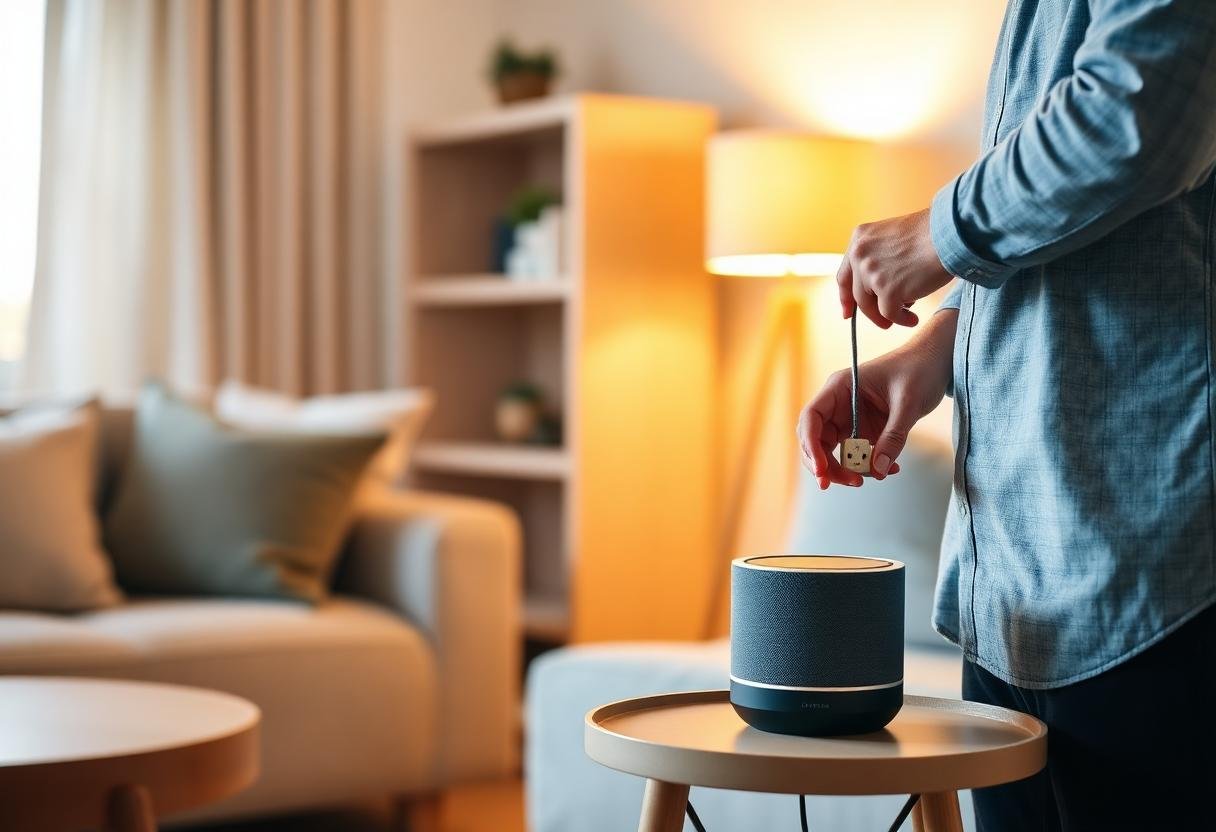
How to Build a Smart Home on a Budget (2026)
You build a smart home on a budget by buying one room at a time, picking a single free ecosystem app instead of a hub, and choosing subscription-free devices first. A working starter setup — voice assistant, a couple of plugs, a bulb, and a sensor — runs $50–$90, and you can grow it room by room without ever paying a monthly fee if you shop carefully. The mistakes that blow past a budget are almost always the same: buying a hub too early, choosing a camera or lock with a mandatory subscription, or trying to automate the whole house in one order.
Here’s the buying order and the trade-offs that actually keep the cost down.
What should you buy first?
Start with a voice assistant speaker and one smart plug, not a hub. A Google Nest Mini, Amazon Echo Dot, or Apple HomePod mini runs $30–$50 and gives you a free app, voice control, and scheduling with zero extra hardware. Add one Wi-Fi smart plug (around $10–$15) for a lamp or fan and you already have a working automation — no separate hub, no subscription, no wiring.
Resist the urge to buy a Zigbee or Z-Wave hub on day one. Those protocols are more reliable at scale, but the hub itself is another $60–$130 you don’t need until you own 10+ devices. Wi-Fi-only gear connects straight to your router and to Alexa, Google Home, or Apple Home for free.
Which devices give you the most for the least money?
Plugs and bulbs deliver the best dollar-per-benefit ratio, followed by battery sensors. A lock or a camera looks tempting first, but both cost more up front and often carry a subscription that erases any savings within a year.
| Device | Typical price | Monthly fee? | Buy priority |
|---|---|---|---|
| Smart plug | $10–$15 | No | First |
| Smart bulb | $8–$15 | No | First |
| Voice assistant speaker | $30–$50 | No | First |
| Battery motion/contact sensor | $15–$25 | No (usually) | Second |
| Smart lock | $100–$250 | Sometimes | Later, budget permitting |
| Security camera | $40–$150 | Often, unless local storage | Later, pick no-subscription models |
How do you avoid monthly fees?
Check the box before you check the price. Plugs, bulbs, and most sensors never carry a subscription — but cameras and some locks do, usually for cloud video storage or remote-unlock history. Look for a microSD slot or local storage option, since that’s the feature that keeps a camera free long-term. Brands like Eufy, TP-Link/Tapo, and Wyze sell camera lines with a no-subscription local-storage tier built in, which is worth the extra research before you buy.
If you already picked devices and want to see which ones skip the fee entirely, DomoViq’s roundup of smart home devices with no monthly fee is a faster shortcut than reading every product page.
Should you buy a bundle or piece it together?
Piece it together room by room in most cases — it costs a little more per item but keeps you free to switch brands. Bundles save 10–15% versus buying items separately, but they lock you into one brand’s ecosystem. Buying individually costs a few dollars more per item, though it lets you swap brands freely as Matter support spreads — most 2024-and-newer smart plugs, bulbs, and sensors are Matter-certified, so mixing brands rarely causes compatibility headaches anymore.
A practical middle ground: buy a starter combo (speaker + 2 plugs + 1 bulb) for the first room, then add single items as you expand. DomoViq’s budget starter kit guide under $200 breaks down exact combinations if you want a shopping list rather than a strategy.
What’s the cheapest way to add automation, not just devices?
Automations are free — the app-based scheduling and routines in Alexa, Google Home, and Apple Home cost nothing beyond the devices you already bought. The three that save the most money and effort for the least setup time:
- Turn lights off automatically at a set time or at sunrise, so nothing runs all night by accident.
- Set a plug to cut power to standby electronics (a TV, a game console) on a schedule, which can trim a noticeable chunk off a power bill over a year.
- Trigger a “goodbye” routine from your phone leaving home that turns everything off at once, instead of forgetting a room.
None of these require a hub or a subscription — just the free app tied to whichever ecosystem you picked in step one.
How much should a full budget smart home cost in the end?
A modest but genuinely useful setup for a 2–3 bedroom home lands around $150–$300 total, spread over a few months. That typically covers one voice assistant, 4–6 plugs, 3–4 bulbs, and 2 sensors — enough to automate lighting, a couple of appliances, and basic entry/motion awareness. Adding a lock or camera later can push the total past $400, but nothing about that first $150–$300 requires it.
Next: for the exact step order once you’ve picked your gear, see how to set up a smart home step by step, and for a ready-made shopping list, check the best budget smart home starter kit under $200.
Last updated: September 2026.
Frequently asked questions
Do I need a hub to build a smart home on a budget?
No. Wi-Fi-only plugs, bulbs, and sensors connect straight to your router and to a free app like Alexa or Google Home. A Zigbee or Z-Wave hub becomes worth the $60–$130 cost only once you own a dozen or more devices and want better range and reliability.
What’s the single cheapest smart home device to start with?
A basic Wi-Fi smart plug, typically $10–$15, since it needs no hub, no subscription, and works with any voice assistant out of the box.
Can I mix brands without spending more?
Yes, in most cases. Devices released in the last couple of years that carry the Matter certification badge work across Alexa, Google Home, and Apple Home regardless of brand, so you can buy whichever plug or bulb is cheapest that week instead of sticking to one manufacturer.
Are subscription-free security cameras actually reliable?
Yes — local-storage cameras from brands like Eufy, TP-Link/Tapo, and Wyze record motion clips to a microSD card or a small hub instead of the cloud, and they work the same as subscription cameras for day-to-day monitoring. The trade-off is you lose footage if the camera or card is stolen, and some AI features (package detection, facial recognition) may be gated behind a paid tier.
How long does it take to build out a full budget smart home?
Most people spread it over 2–4 months, adding one room or one category of device at a time rather than buying everything at once. That pacing also lets you catch compatibility issues early, before you’ve committed a full budget to one ecosystem.


