Can Any Home Be a Smart Home in 2026?
Yes — any home can be a smart home, whether you rent or own, live in a 1920s walk-up or a brand-new build. The only two real requirements are Wi-Fi and a working power outlet; everything else is a choice about which devices fit your specific walls, wiring, and lease. Age and ownership status change your options, not your eligibility.
Here’s what actually changes from house to house, what to check before you buy anything, and which setup fits an old house, a rental, or a brand-new build.
What actually determines whether a home can go smart?
Two things: a Wi-Fi signal that reaches the room, and an outlet or battery to power the device. Almost every smart home product sold today — plugs, bulbs, cameras, locks, sensors — runs on one of those two power sources and connects over Wi-Fi, Zigbee, Z-Wave, or Bluetooth rather than dedicated wiring. That’s why a 100-year-old apartment and a 2026 new-construction house can both run the same smart lighting setup with no electrical work at all.
Where homes actually differ is in three areas: whether the electrical wiring supports certain built-in devices, whether the walls and layout weaken Wi-Fi, and whether a landlord or HOA restricts what you can install. None of those rule out a smart home — they just point you toward retrofit and plug-in devices instead of hardwired ones.
Does an old house cause problems?
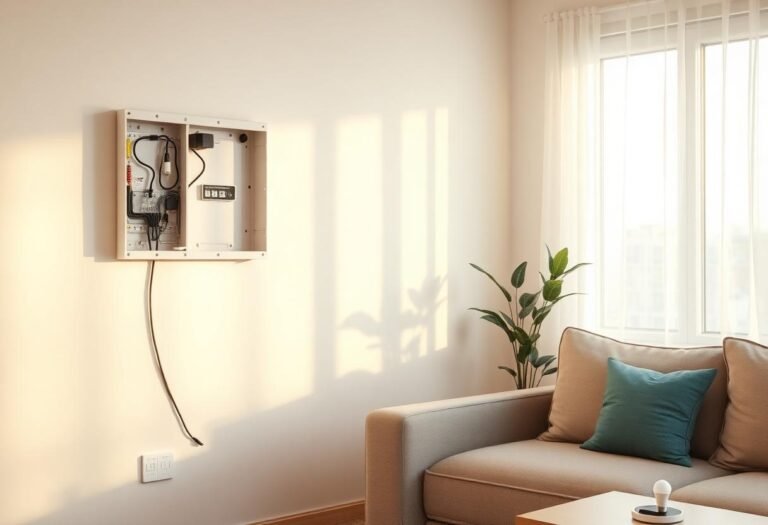
Mostly around one thing: smart switches that need a neutral wire. Homes built before the mid-1980s in the US often wired light switches without a neutral wire in the box, which blocks many smart wall switches from working without an electrician adding one. A few other common friction points show up in older homes:
Plaster-and-lath walls can weaken Wi-Fi more than drywall, so a mesh router system often does more good than any single smart device. Older circuit panels may not have room for a smart breaker or EV charger without a panel upgrade. And knob-and-tube wiring, still found in some pre-1950s homes, is a reason to bring in a licensed electrician before adding any hardwired smart device — not before adding a plug-in one.
None of this blocks a smart home. It just means starting with plug-in, battery, and Wi-Fi-only devices — smart plugs, battery locks, bulbs that screw into an existing fixture — and treating anything that opens an electrical box as a separate, optional project.
Which approach fits your specific home?
| Home type | Main constraint | Best starting approach |
|---|---|---|
| Rental apartment | No drilling, no rewiring, landlord approval | Plug-in, battery, and adhesive-mount devices only |
| Pre-1980s house | No neutral wire at switches, weaker Wi-Fi through plaster | Smart bulbs and plugs first; mesh Wi-Fi; electrician for switches later |
| New construction | None — usually already wired for it | Hardwired switches, in-wall sensors, a whole-home hub |
| Manufactured or mobile home | Thinner walls, sometimes limited panel capacity | Battery and plug-in devices; check panel load before adding hardwired gear |
What if you rent or can’t drill or wire anything?
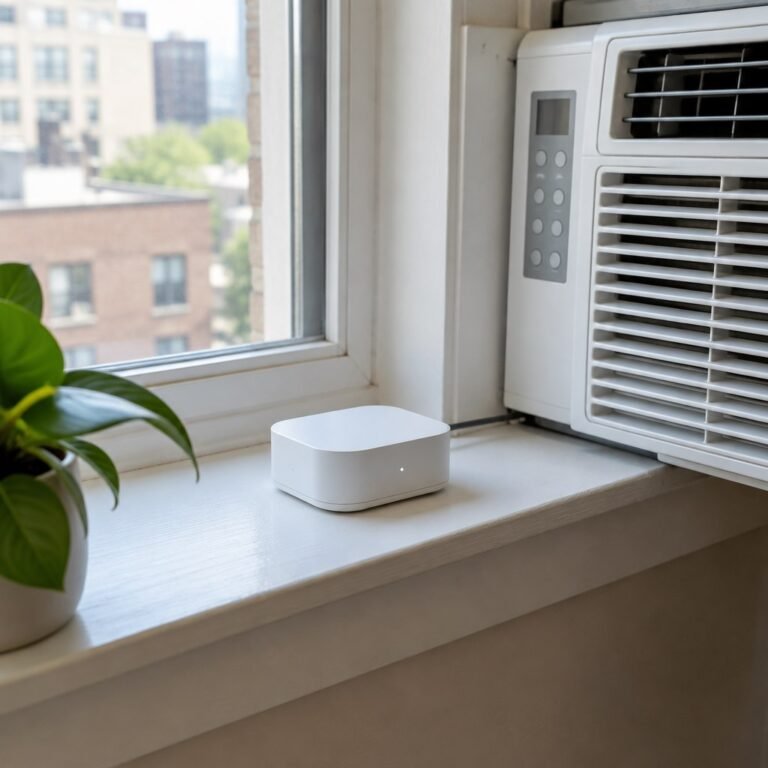
You can still build a full smart home — you just shop from the removable end of the catalog. Retrofit smart locks that reuse the existing deadbolt, plug-in smart plugs, battery video doorbells, and bulbs that screw into a current fixture all work without touching the wall or the lease. Our renter’s guide to smart home automation walks through exactly which categories are landlord-safe and which ones need written approval first.
Do you need special wiring or a hub to get started?
No — most smart home devices today are wireless by design, and a hub is optional rather than required. Matter and Wi-Fi-only devices can pair straight to a phone app; a hub mainly helps once you’re running many Zigbee or Z-Wave devices together, or want faster local automations. We cover the wired-versus-wireless question in more depth in wireless vs. hardwired home automation, including when hardwired actually makes sense.
How do you test whether it’ll work in your home before buying a lot of gear?
Run a small, cheap test before committing to a full setup:
- Check your Wi-Fi signal strength in the room you care about most — weak signal there means start with a mesh extender, not a device.
- Buy one smart plug or bulb first and confirm it connects reliably for a few days.
- Note whether your switches have a neutral wire before buying any smart switch — a $10 wire tester or a look at the manufacturer’s compatibility page will tell you.
- Read your lease or HOA rules if you don’t own the home, specifically for anything involving drilling, permanent mounts, or exterior devices.
- Expand room by room once the first device proves reliable, rather than buying an entire ecosystem at once.
Frequently asked questions
Can a rented apartment really become a full smart home?
Yes. Plug-in, battery-powered, and adhesive-mount devices cover locks, lighting, cameras, and climate sensing without any permanent changes, so a renter can build out most of what an owner can — just without hardwired switches or built-in panels.
Do I need an electrician to start a smart home?
No, not to start. An electrician is only needed for hardwired smart switches, in-wall dimmers, or panel-level devices — none of which are required for a working smart home built on plugs, bulbs, and battery locks.
Will an old house’s wiring stop smart devices from working?
It can block specific hardwired products, mainly smart switches without a neutral wire, but it doesn’t stop wireless, plug-in, or battery devices from working normally.
Do mobile or manufactured homes work with smart home devices?
Yes, with the same plug-in and battery approach used in apartments; the main things to check are electrical panel capacity for anything beyond low-power devices and Wi-Fi signal across thinner interior walls.
Is a hub required before I buy any smart devices?
No. Most starter devices connect directly over Wi-Fi or Matter through a phone app; a hub becomes useful later if you add many Zigbee or Z-Wave devices or want automations that keep running during an internet outage.
Last updated: September 2026
Next: see our renter’s guide to smart home automation and wireless vs. hardwired home automation for the setup details that fit your specific home.