Are Smart Homes Safe From Hackers in 2026?
Smart homes are not automatically safe from hackers, but a properly configured one is genuinely hard to break into. The risk comes almost entirely from weak setup choices — default passwords, skipped firmware updates, one flat network — not from some inherent flaw in the idea of connected devices. A locked-down system with unique credentials, a separate network, and current firmware is a much smaller target than the router most people already trust with their banking.
Here’s what actually puts a smart home at risk, what a break-in really looks like, and the specific changes that close most of the door.
How do hackers actually get into a smart home?
Most break-ins start with credentials, not clever exploits. Attackers rarely need to “hack” a smart lock or camera in the movie sense. They use passwords leaked from other websites (a technique called credential stuffing), scan the internet for devices still running factory-default logins, or exploit a device that hasn’t received a security patch in months.
A smaller number of incidents come from local network access — a guest joins your Wi-Fi, or a neighbor within range of a poorly secured smart lock’s Bluetooth connection. Physical access to a device, like an unattended smart plug in a shared hallway, is a real but much rarer path.
Which smart home devices get hacked most?
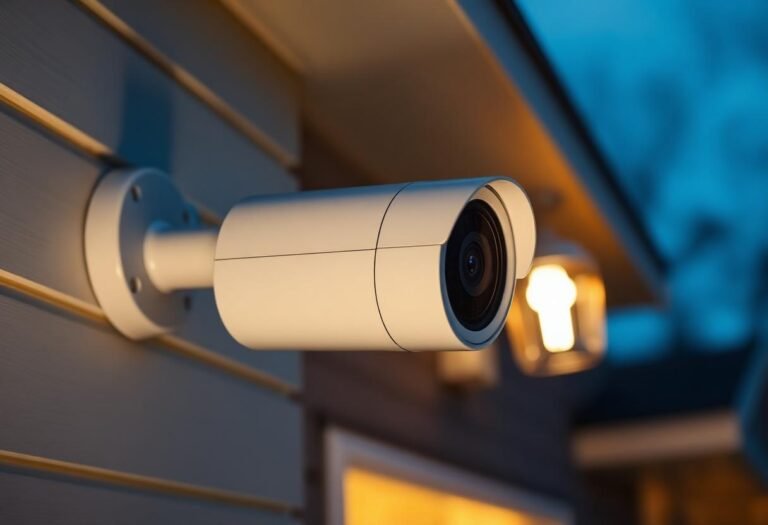
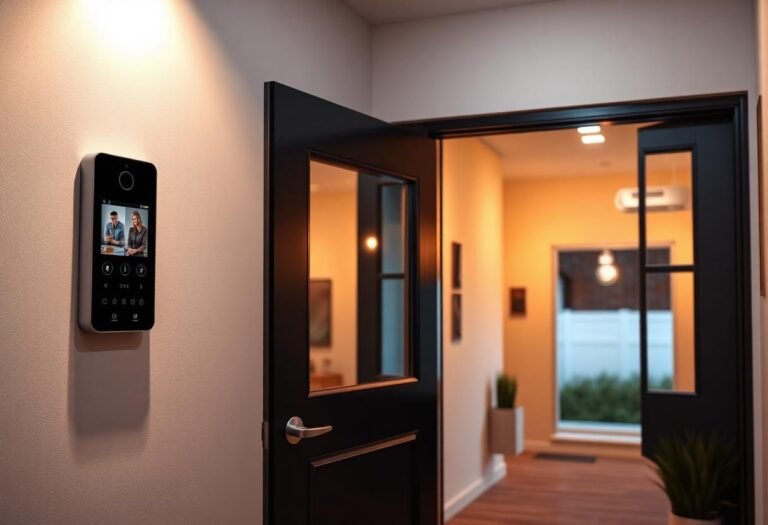
Cameras and video doorbells attract the most attention, followed by routers and hubs. A compromised camera is immediately useful to an attacker — live video and audio — while a compromised router or hub can expose everything connected behind it.
| Device type | Typical risk level | Why |
|---|---|---|
| Cameras & video doorbells | High | Direct access to live video/audio; often cloud-connected by default |
| Routers & hubs | High | Gateway to every other device on the network |
| Smart locks | Medium | Local Bluetooth/Wi-Fi exploits exist but usually require proximity |
| Smart speakers | Medium | Voice data and account access, less often full device takeover |
| Smart plugs & bulbs | Low | Limited functionality even if compromised; mostly a network pivot point |
| Thermostats | Low | Annoying if hijacked, rarely a serious security payload |
What happens if a smart home device is hacked?
The consequences depend entirely on what the device controls and what network it sits on. A hijacked camera can expose live footage of your home. A hijacked router can let an attacker see traffic from every other connected device, including a laptop or phone that also uses that Wi-Fi. A hijacked smart plug, by contrast, mostly just gets used as a stepping stone to scan for other, more valuable targets on the same network — which is exactly why network separation matters more than any single device’s own security.
The Federal Trade Commission has pursued enforcement actions against smart device makers for shipping products with weak default security, and the FBI’s Internet Crime Complaint Center has repeatedly flagged compromised routers and IoT devices as a growing source of consumer complaints. Neither agency suggests smart devices are uniquely dangerous — the pattern in their guidance is that unpatched, default-password devices are the common thread.
How do you keep hackers out of your smart home?
Start with the router, since it’s the single point every device passes through. Change the default admin password immediately, and update the router’s firmware — most modern routers can do this automatically if you turn the setting on. From there, give every smart device its own strong, unique password rather than reusing one across your ecosystem; a password manager makes this painless.
Put smart devices on a guest network or a separate VLAN so a compromised smart bulb can’t see your laptop. Turn on automatic firmware updates wherever the option exists — the National Institute of Standards and Technology’s IoT device guidance (NISTIR 8259) lists timely updates and unique credentials among the baseline protections manufacturers and owners should both prioritize. Finally, enable two-factor authentication on any app-based account tied to your devices, especially cameras and locks.
Is it safe to buy secondhand smart home devices?
Only if you fully factory-reset it and confirm the manufacturer still supports it with updates. A used camera or hub can carry the previous owner’s saved Wi-Fi credentials, linked accounts, or outdated firmware with known vulnerabilities. Reset it to factory settings before connecting it to anything, then check the manufacturer’s site for the current firmware version. If a device’s manufacturer has stopped issuing security updates — common with older or discontinued product lines — treat that as a reason to skip it rather than a minor inconvenience.
Frequently asked questions
Are smart home devices more likely to be hacked than a regular computer?
Not inherently. Many smart home devices actually run more restricted software than a full computer, which limits what an attacker can do even after breaking in. The bigger factor is that IoT devices are updated less consistently than phones and laptops, which is where the real exposure comes from.
Do smart locks get hacked often?
Documented smart lock exploits exist, but most require the attacker to be within Bluetooth or Wi-Fi range, and reputable brands have patched the specific vulnerabilities researchers have publicized. A lock from an established manufacturer with active firmware support carries meaningfully lower risk than an unbranded budget lock with no update history.
Can someone hack my smart home camera without me knowing?
Yes, if it’s still using a default or reused password, or if its firmware is out of date. Signs to watch for include unexpected login alerts, the camera moving or making sounds on its own, and unfamiliar devices listed in your camera app’s account activity.
Does using Matter or Zigbee instead of Wi-Fi make a smart home safer?
It can help, since Zigbee and Matter devices often route through a hub rather than sitting directly on the open internet, which shrinks the attack surface. It’s not a substitute for basics like unique passwords and updated firmware, but it does reduce how many devices are directly reachable from outside your home.
Is it worth paying for a smart home security subscription?
It depends on what the subscription covers. Cloud video storage and professional monitoring are genuine features worth paying for if you want them; a subscription marketed purely as “enhanced security” for a device that should already ship with reasonable protections is worth reading the fine print on before you buy.
Last updated: September 2026.
Want the device-by-device technical breakdown, plus exactly what to do if you think one’s already compromised? See Can Smart Home Devices Be Hacked?
Next: see how smart home devices without Wi-Fi reduce exposure by staying off the open internet, and check how smart home apps work to understand where your commands actually travel before they reach a device.