Best Portable Power Stations Compared by Price
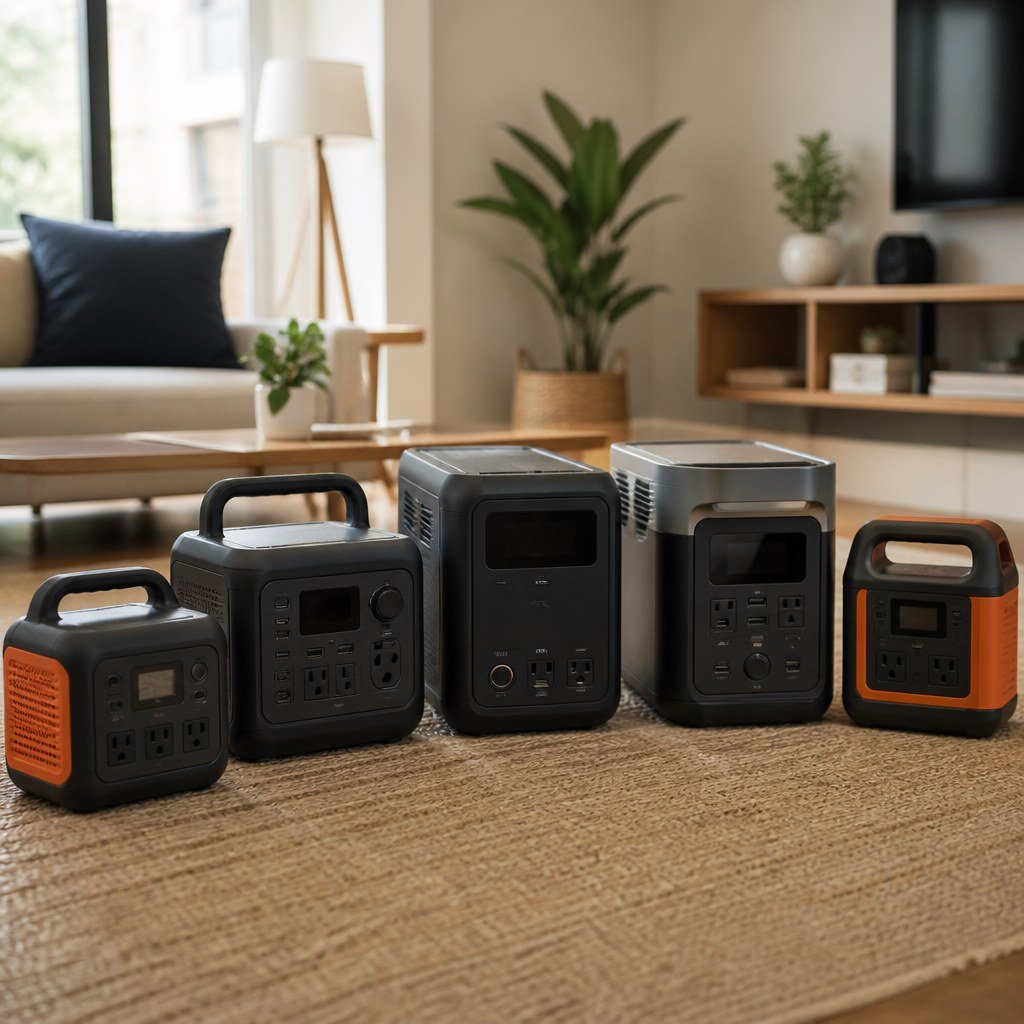
The EcoFlow River 2 is the best low-cost pick, while the Anker Solix C1000 offers a stronger capacity-to-price balance near $1,000. For longer outages, the EcoFlow Delta 2 Max or Delta Pro 3 makes more sense. Compare watt-hours, continuous output, and current manufacturer pricing before buying.
By Olami Y.
Last updated October 30, 2026
Prices last checked: October 2026
Which portable power station offers the best value?
The best value depends on whether you need phone charging, refrigerator backup, or enough output for high-demand appliances.
This comparison uses regular manufacturer pricing rather than temporary coupon prices. Specifications come from the brands’ published product pages. Retail prices change frequently, so check the current manufacturer listing and final checkout price before ordering.
Start by separating essential loads from optional ones. A lower-priced station is poor value if its inverter cannot start your appliance, while a larger model wastes money and storage space when you only need communications and lighting.
Choose the River 2 if your priority is an inexpensive emergency charger. Choose the AC70 if you need a meaningful step up without entering four-figure pricing. The Solix C1000 is the practical middle ground for many homes because its 1,800W output covers far more appliances than a 300W unit.
Also compare port types and charging speed: enough total wattage does not help if several essential devices compete for 1 outlet or the battery cannot be recharged conveniently between outages.
Use the Domoviq Gear Finder to compare related home-energy equipment for your setup.
What does your money actually buy?
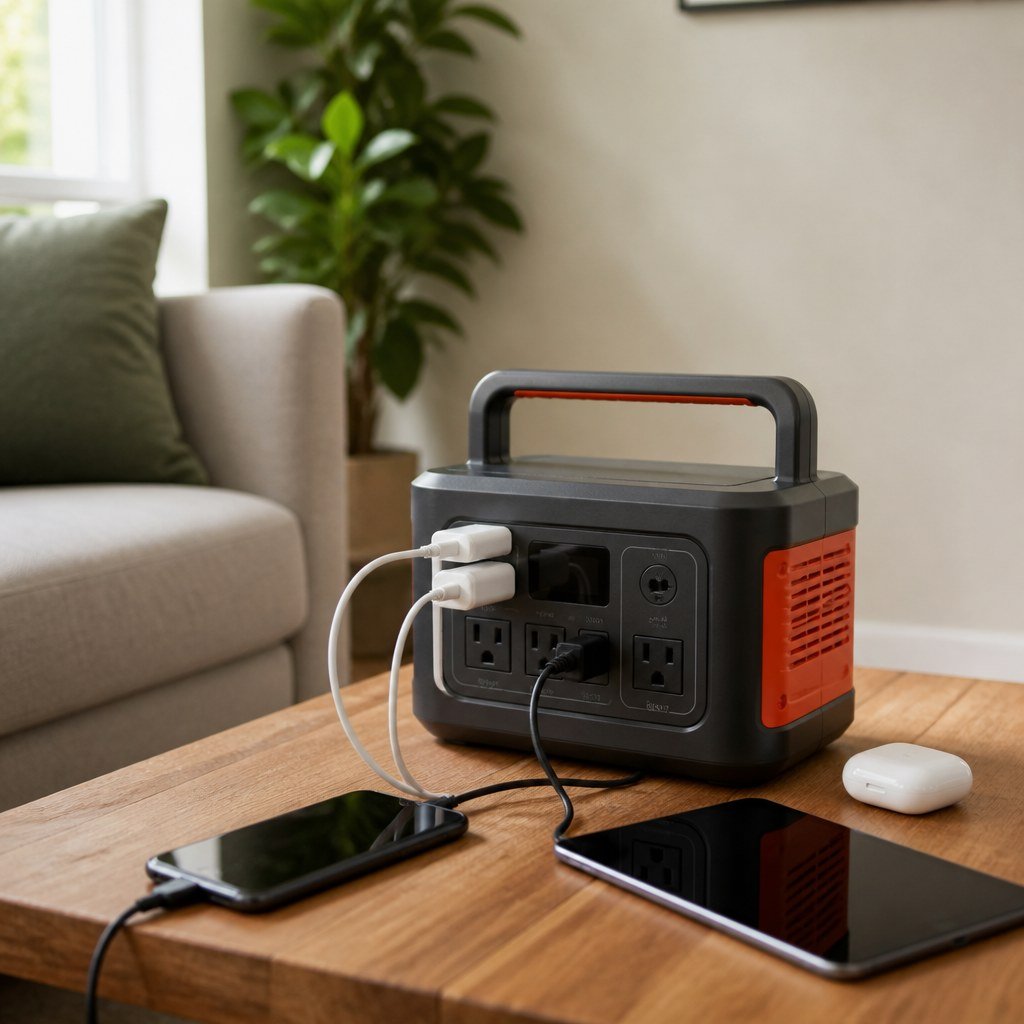
Higher prices usually buy more stored energy, stronger inverter output, extra ports, or expansion options.
Capacity is measured in watt-hours, abbreviated Wh. A 1,024Wh battery could theoretically run a steady 100W load for 10.24 hours. Real runtime is shorter because the inverter and connected equipment consume energy.
For illustration, a 60W router-and-light load connected to a 256Wh station has an ideal estimate of about 4.3 hours. Treat that figure as a ceiling, not a promise, then leave a reserve rather than planning to drain the battery completely.
Output wattage answers a different question: can the station start and operate the appliance? A 256Wh station may have enough energy for a brief task but still lack the output needed by a kettle, microwave, or space heater.
This distinction also matters in smart-home energy monitoring. A router may draw little power but needs long runtime, while a motor-driven refrigerator can demand a higher starting surge. Check the appliance label and the station’s continuous and surge ratings.
Which price tier should you choose?
Choose the lowest tier that safely covers your measured load and desired runtime.
Before choosing, note each device’s running wattage, likely startup demand, and hours of use. This makes the trade-off visible: more capacity extends runtime, but adds cost, weight, and charging time.
Under $300
Choose this tier for phones, laptops, LED lights, or a Wi-Fi router. Limited inverter output rules out most heating and cooking appliances.
Around $700
Choose this tier for camping, power tools with moderate demand, or short refrigerator support. Confirm starting wattage before connecting a compressor.
Around $1,000
Choose this tier for broader outage coverage and appliances that need higher AC output. It is the strongest balance for many households.
Above $1,500
Choose this tier for extended runtime, expansion batteries, or heavier loads. Check weight and storage space before paying for capacity you may not use.
How do you avoid buying the wrong size?
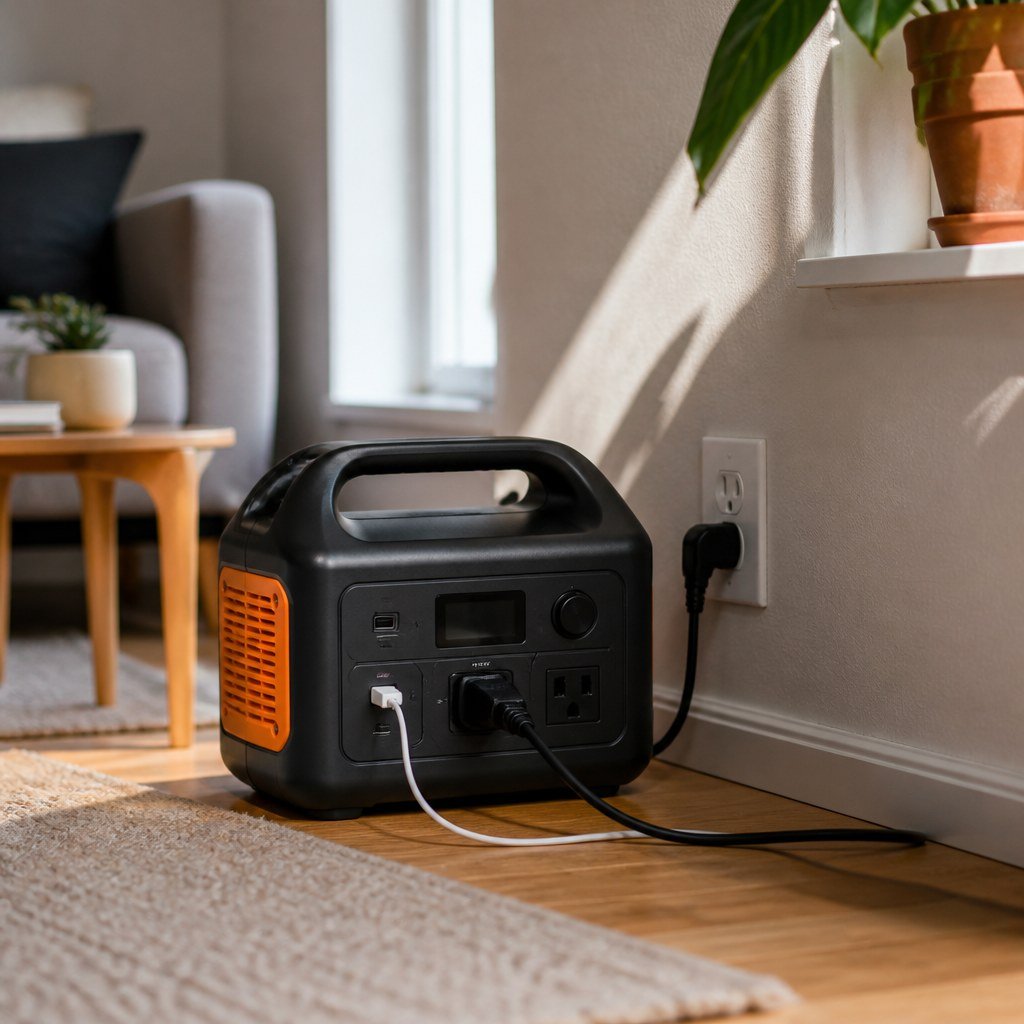
Measure your intended devices before comparing battery capacity or sale prices.
- List only the devices you must operate during an outage.
- Read each device label or use a plug-in energy meter to find running wattage.
- Add the loads that may run at the same time.
- Divide the station’s watt-hours by your combined wattage for an ideal runtime estimate.
- Allow extra capacity for conversion losses, startup surges, and battery reserve.
For example, simultaneous loads of 100W and 50W total 150W. A 768Wh station gives an ideal 5.12-hour estimate, but the practical plan should be shorter. Test the setup before an emergency, using the same cables and outlets you expect to rely on.
Our guides to smart plug safety, smart-home energy monitoring, and backup power planning can help you identify loads before spending more.
⚡ Safety: Never connect a portable power station to a wall outlet to energize household wiring. A licensed electrician must install an approved transfer system if you want to supply home circuits.
Which pricing mistakes cost the most?
The costliest mistake is buying from the discount percentage instead of the required capacity and output.
- Do not compare watt-hours alone; 2 stations with similar capacity can have very different AC output limits.
- Check whether a solar panel, charging cable, or expansion battery is included rather than assuming the product photo represents the package.
- Compare the delivered price after coupons, shipping, and taxes.
- Read the written warranty terms and return policy on the seller’s current listing.
- Confirm the battery chemistry, recharge methods, operating temperature limits, and replacement support on the manufacturer’s specification page.
Keep a screenshot of the exact bundle description when ordering.
A large unit can also be awkward in an apartment. If you cannot lift it safely or store it near a suitable charging outlet, a smaller station may serve you better. Renters may also find our reversible DIY picks for renters useful when planning a compact emergency-power area without permanent mounting.
Start with your actual power needs
Write down your essential devices and their wattage, then compare only stations that can run them safely.