Do Smart Home Devices Work Without Wi-Fi?
Most smart home devices need Wi-Fi for remote control and voice assistants, but a real subset works without it. Devices on Zigbee, Z-Wave, Thread, or Bluetooth talk to a local hub instead of your router, and a handful of battery timers and mechanical devices skip networking entirely. Which category a device falls into changes what happens the moment your internet drops.
Here’s the honest breakdown — which devices need Wi-Fi, which don’t, and what actually keeps working during an outage.
Do smart home devices need Wi-Fi to work at all?
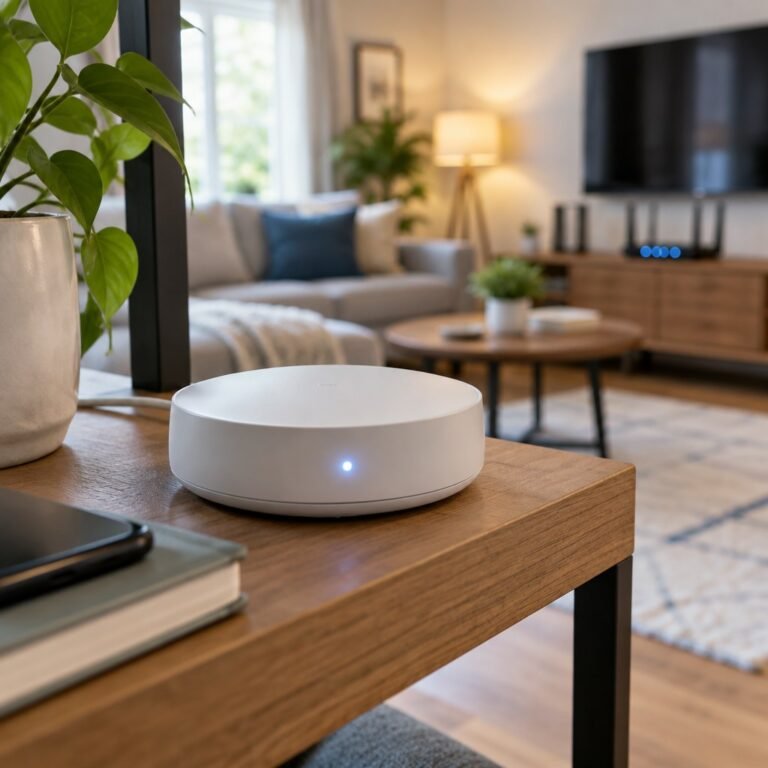
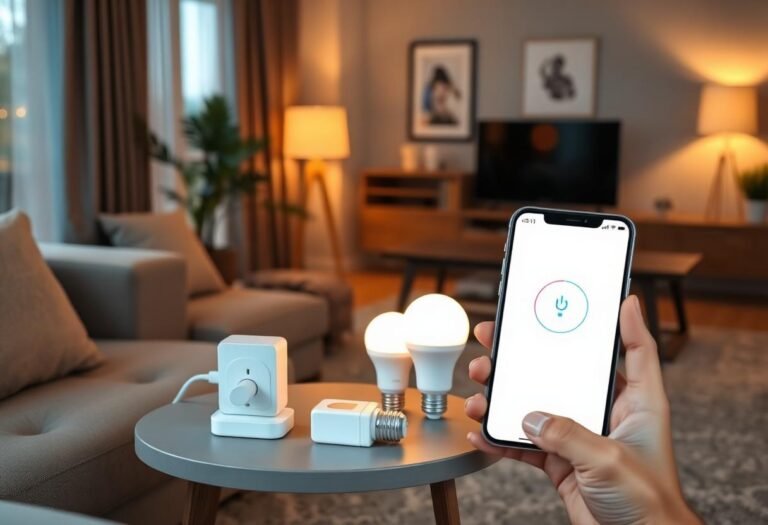
It depends on the device’s radio, not the brand. A smart plug or bulb that connects straight to your router needs Wi-Fi for every command, including ones from your phone while you’re standing next to it — the signal still has to leave the house, hit the manufacturer’s cloud, and come back. Devices built on Zigbee, Z-Wave, or Thread don’t talk to Wi-Fi directly; they connect to a hub (a SmartThings, Hubitat, Home Assistant, or Amazon/Google hub with a Zigbee radio built in), and that hub is the only part of the chain that needs internet, and usually only for remote access and voice control.
Which smart home devices work without any Wi-Fi at all?
A small set of devices need no network, no app, and no hub. These aren’t “smart” in the connected sense, but they cover the same jobs:
Mechanical or battery-powered timers that plug into an outlet and turn a lamp on and off on a schedule need nothing but a AA battery. Solar-powered outdoor lights with built-in motion or dusk sensors run entirely on their own circuitry. Simple RF-remote plugs — the kind that came in packs before “smart plug” was a marketing term — pair a plug to a physical remote over 433MHz radio, with no cloud account involved. Basic mechanical or keypad locks provide code-based entry without a Wi-Fi radio inside them at all.
None of these give you a phone app, a usage history, or an Alexa command. They’re the fallback tier, not a full smart home.
What happens to your devices when the Wi-Fi actually goes down?
What keeps working depends entirely on where the automation logic lives. If a motion sensor triggers a light through a local hub running Zigbee or Z-Wave, that automation typically keeps firing during a Wi-Fi outage — the hub and the devices are still talking to each other over their own radio, just not to the internet. What you lose is anything that has to leave the house: the phone app, voice commands through Alexa or Google Assistant, remote access while you’re away, and any automation that depends on a cloud service (weather-based routines, geofencing, IFTTT).
Devices that connect straight to Wi-Fi with no local hub — most budget smart plugs, many video doorbells, and cheap Wi-Fi cameras — go fully offline the moment your router drops. There’s no local fallback path for them to use.
Wi-Fi-only vs. hub-based vs. no-network: what’s the difference?
The dividing line is whether a device talks to your router directly or to a local hub first. Here’s how the main categories compare on internet dependence:
| Device type | Needs your Wi-Fi router directly | Keeps working if internet drops | Works with a phone app |
|---|---|---|---|
| Wi-Fi smart plug/bulb (no hub) | Yes | No | Yes, when online |
| Zigbee/Z-Wave device + local hub | Hub only | Local automations, yes; app/voice, no | Yes, when hub is online |
| Bluetooth lock or sensor | No | Yes, within range | Yes, phone must be nearby |
| Thread/Matter device | Border router only | Local mesh, often yes | Yes, when border router is online |
| Battery timer / RF remote plug / mechanical lock | No | Yes, fully | No |
Can you build a whole smart home with no internet connection?
Mostly yes, if you accept some trade-offs. A self-hosted platform like Home Assistant, running on hardware you own, can process Zigbee, Z-Wave, and Thread automations entirely on your local network with no cloud dependency for the core logic. You’ll still need an internet connection at least once for initial setup and firmware updates, and features that inherently require an outside service — weather data, voice assistants hosted by Amazon or Google, remote push notifications — either need a workaround (a local voice add-on) or simply won’t work. For most households, a fully offline smart home is possible but requires more setup effort than a typical Wi-Fi-and-app system.
What should you buy if you want less Wi-Fi dependence?
Check whether a device pairs to a hub or only to your router. Look for two things on the box or spec sheet: whether the device pairs to a hub instead of your router directly, and whether the manufacturer documents a “local control” or “local API” mode. Zigbee and Z-Wave product lines from brands like Philips Hue, Aqara, and Inovelli generally support local hub control. Devices that only advertise a phone app and a cloud account, with no hub mentioned anywhere, are almost always Wi-Fi-dependent with no offline fallback.
Frequently asked questions
Do smart plugs need Wi-Fi?
Most retail smart plugs connect straight to your router and need Wi-Fi for every command, even from your phone while you’re home. A small number of RF-remote plugs skip networking entirely and pair to a physical remote instead.
Will my smart locks keep working if the internet goes out?
A smart lock’s physical locking mechanism runs on its own battery, so the door still locks and unlocks by keypad, key, or Bluetooth even without Wi-Fi. What stops working is remote unlock from outside the house and any notification tied to a cloud account.
Can Alexa or Google Home control devices without internet?
No. Both rely on a cloud service to process voice commands, so a Wi-Fi or internet outage stops voice control entirely, even for devices that would otherwise keep working locally through a hub.
Is Bluetooth a good no-Wi-Fi alternative for a smart home?
Bluetooth works well for single-room devices like a lock or a speaker since it doesn’t touch your router at all, but its short range means it’s a poor fit for whole-home automation — your phone has to be nearby for most Bluetooth devices to respond.
Do I need a hub if I want devices that survive a Wi-Fi outage?
Generally yes. A local hub running Zigbee, Z-Wave, or Thread is what lets automations keep running on your local network when the internet drops; without one, most devices default to needing a live connection to the manufacturer’s cloud.
Last updated: September 2026.
Next: for more on how these radios compare day to day, see Matter vs. Zigbee vs. Z-Wave, and for the wiring question behind all of this, Are Home Automation Systems Wireless or Hardwired?