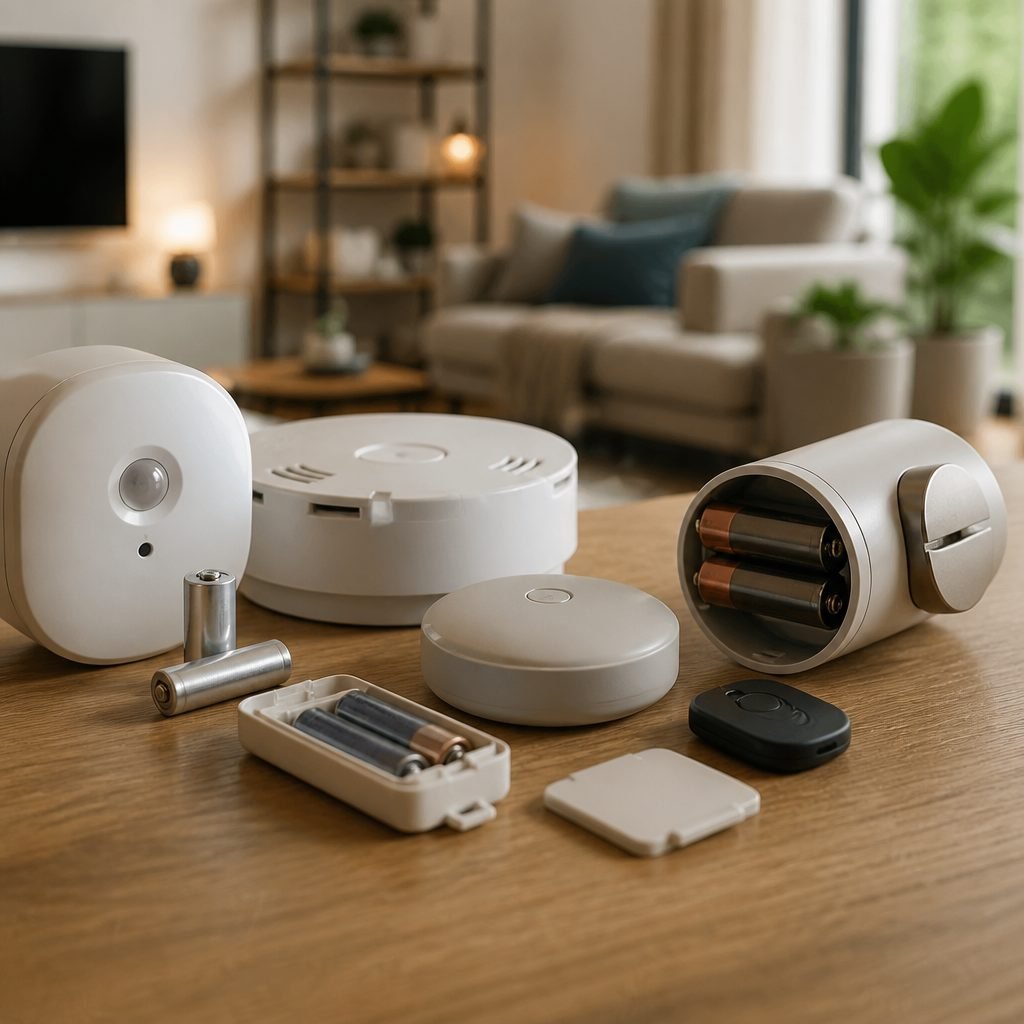
How Often Should You Replace Smart Home Device Batteries?
Replace most smart home device batteries when the app reports low power, not on a single calendar schedule. As a planning baseline, check sensors every six months; many coin-cell sensors run about one to two years, while cameras may need charging every few weeks or months. Follow the manufacturer’s current estimate for your exact model.
By Olami Y.
Last updated September 07, 2026
Why battery life varies
No universal replacement interval works because radios, traffic, temperature, signal strength, and battery chemistry differ. A sleepy door sensor uses far less power than a camera recording frequent motion.
Wi-Fi devices generally consume more energy than low-power Zigbee, Z-Wave, or Thread sensors, but settings matter too. Live view, bright status lights, weak wireless connections, cold weather, and constant alerts can shorten service between changes. Rechargeable lithium packs also lose usable capacity as they age.

What replacement schedule should you use?
Use the table as a reminder schedule, then let each device’s low-battery alert and official instructions decide the actual replacement date.
These are inspection intervals, not promises of runtime. For life-safety alarms, use the test button and replacement instructions printed on the unit. The US Consumer Product Safety Commission advises monthly smoke-alarm testing; replace the alarm itself according to its label and manufacturer guidance.

How do you check batteries safely?
Check batteries with the app, a physical inspection, and a function test; avoid waiting for complete failure.
Set a recurring reminder, gather approved replacements, and work through devices in this order.
- Open the device app and record battery percentage, low-power messages, and the date. A percentage is an estimate, so watch for sudden drops or repeated alerts.
- Confirm the exact battery size and chemistry in the manual or battery compartment. Do not substitute a rechargeable cell where the manufacturer specifies alkaline or lithium.
- Disarm any monitored security system or place it in maintenance mode before opening a sensor. If service is professionally monitored, follow the provider’s procedure to prevent a false dispatch.
- Inspect for swelling, leakage, rust, or damaged contacts. Stop using a swollen or leaking battery, avoid skin contact, and follow local household hazardous-waste instructions.
- Install the approved battery with polarity matched to the compartment markings. Close the cover, restore monitoring, trigger the device, and confirm the app clears its warning.
Never mix old and new cells in a multi-battery device unless its instructions explicitly permit it. Replace the set together with matching batteries.
Should you replace batteries early?
Replace early for critical devices, upcoming travel, harsh weather, or a warning that returns after reseating the battery.
For an ordinary button or temperature sensor, waiting for the app alert is usually reasonable. For a door lock, leak sensor, or monitored contact, use a larger safety margin. Change a weakening lock battery before a trip or move-in handoff, then keep the physical key accessible.
Choose reactive replacement if the device is noncritical and reports battery status reliably. Choose scheduled replacement if failure could block entry, hide a leak, interrupt monitoring, or leave someone without an easy backup.
Our smart lock maintenance coverage, smart home hub compatibility guidance, and security sensor explainers can help separate a battery problem from a network or automation problem. Renters may also want our reversible DIY picks for sensors that remove without wall damage.
Why is the battery draining so fast?
Fast drain usually points to heavy activity, poor signal, cold temperatures, incorrect cells, outdated firmware, or an aging rechargeable pack.
- Review event history. A camera aimed at a busy sidewalk, moving tree, or reflective window may wake far more often than expected. Narrow motion zones or reduce sensitivity if that still covers the area you need.
- Check connection quality. Moving a compatible hub or router closer may reduce repeated transmissions. Do not buy an extender until you confirm weak signal in the device app or hub logs.
- Check temperature limits in the manual. Cold can reduce available battery performance temporarily. Move indoor-rated devices inside and use only outdoor models where exposure matches their current rating.
- Update firmware if the manufacturer documents a battery-related fix. Then restart the device once and monitor the next seven days rather than changing several settings at once.
If fresh approved batteries drain rapidly twice, contact the manufacturer. The device may have a fault; repeated battery purchases are rarely the cheapest diagnostic path.
How should you store and dispose of batteries?
Store spares in their original packaging at normal room conditions, and use an approved local collection route for disposal or recycling.
Loose batteries can short against keys or coins. Keep terminals protected, separate depleted cells from fresh stock, and keep every battery away from children and pets. Coin cells are especially dangerous if swallowed; the US Consumer Product Safety Commission directs suspected ingestion cases to immediate emergency help.
Disposal rules vary by battery chemistry and location. Check the battery label, your municipal waste authority, or a retailer collection program. Do not place damaged or recalled lithium batteries in household trash; follow the manufacturer’s recall and shipping directions exactly.
What should you track?
Track installation dates, battery types, alerts, and completed function tests in one simple home-maintenance record.
A note in your phone is enough. List each device by room, record the exact battery designation, and add a reminder based on the table above or the manual. Photographing the compartment label can prevent guesswork later.
After every change, write down the date and test result. A shortening interval becomes obvious, which gives you useful evidence for support.
Make your next battery check easy
Start today with the lock, leak sensor, camera, or alarm whose failure would matter most. Record its battery type and test result, then schedule the next inspection before you close the note.