Are Home Automation Systems Wireless or Hardwired?
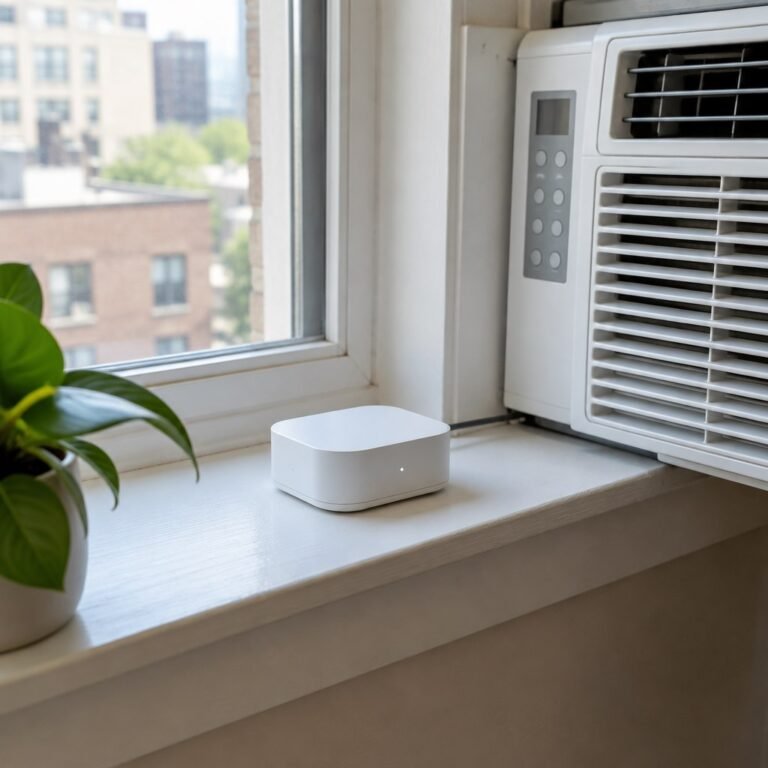
Most home automation systems sold today are wireless, running on Wi-Fi, Zigbee, Z-Wave, Thread, or Matter instead of dedicated cabling. Hardwired systems still exist — mainly in new construction and higher-end whole-home installs — because a physical wire never drops a signal or needs a battery change. For most existing homes, wireless wins on cost and installation speed; for a home being built or gutted down to the studs, hardwiring parts of the system is worth a serious look.
Here’s how the two approaches actually differ, where each one falls apart, and how to decide which fits your house.
What makes a system “wireless” vs “hardwired”?
A wireless system sends commands over radio signals; a hardwired system sends them over a physical cable. Wireless devices — smart plugs, Wi-Fi bulbs, Zigbee sensors, Z-Wave locks — talk to a hub or router through the air. Hardwired devices, like in-wall dimmers on a Lutron HomeWorks or Control4 backbone, or a Insteon system riding your existing electrical wiring, move data through copper. Some systems, like Insteon and certain Control4 setups, blend both: wireless where it’s convenient, wired where reliability matters most.
Why most modern smart homes go wireless
Wireless automation dominates because it needs no construction. You peel a sensor onto a door frame, screw in a smart bulb, or plug in a smart plug, and it’s live in minutes. That matters for a few practical reasons:
Retrofitting an existing home with wired automation means opening walls, running low-voltage cable, and often hiring an electrician — costs that can run into the thousands before a single device is installed. Wireless protocols like Matter and Thread have also closed much of the old reliability gap; a well-placed mesh of Zigbee or Z-Wave devices rarely drops commands the way early 2010s Wi-Fi-only setups did. And because wireless devices are self-contained, you can take most of them with you when you move — a real advantage for renters and anyone who isn’t staying put for a decade.
How do wireless and hardwired systems compare side by side?
| Factor | Wireless | Hardwired |
|---|---|---|
| Install cost | $20–$100 per device, DIY | $150–$500+ per point, often needs an electrician |
| Best timing | Any time, existing home | New build or full renovation |
| Reliability | Very good with Matter/Thread/Zigbee mesh; can suffer interference | Extremely stable, no dropped signal or battery |
| Portability | Moves with you | Stays with the house |
| Maintenance | Batteries, firmware updates, occasional re-pairing | Minimal once installed |
| Resale value | Neutral to modest bump | Can meaningfully raise home value |
When does hardwiring still make sense?
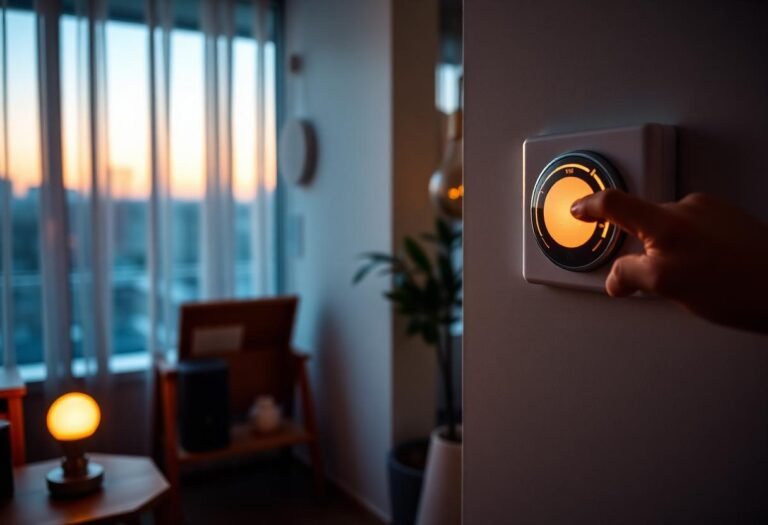
Hardwiring pays off when the walls are already open or the home is new construction. A builder can run low-voltage cable to every switch location for a fraction of the retrofit cost, and a wired backbone — think structured wiring for lighting, audio, and security — avoids relying on Wi-Fi congestion entirely for the systems you use every day. Whole-house lighting control systems from Lutron and Control4 lean on this approach for exactly that reason: no battery to die on a light switch, no risk of a router reboot taking down your hallway lights.
It also makes sense for anything mission-critical: a hardwired smoke and CO system, a wired security panel, or a home theater’s core AV switching. Wireless is fine for convenience; a few core safety and infrastructure systems still favor a cable.
Can you mix wireless and hardwired in one home?
Yes — most real installations already do. A common pattern is a hardwired security and lighting backbone laid in during construction or a remodel, with wireless devices — smart plugs, cameras, thermostats, sensors — added afterward to fill gaps and cover anything that would be too disruptive to wire. Home automation platforms like Control4 and Home Assistant are built to bridge both worlds through one interface, so the distinction becomes invisible to whoever is just trying to turn off the lights from their phone.
Frequently asked questions
Is Wi-Fi considered wireless home automation?
Yes. Wi-Fi is one of several wireless protocols used in home automation, alongside Zigbee, Z-Wave, Thread, and Bluetooth. Wi-Fi devices connect straight to your router, while Zigbee, Z-Wave, and Thread usually need a hub or Matter-compatible border router.
Is hardwired home automation more expensive than wireless?
Almost always, especially in an existing home. Retrofitting cable behind finished walls typically costs several times more per point than installing a wireless device, mainly due to labor. In new construction, the price gap narrows because the walls are already open.
Do hardwired systems ever fail?
Rarely, but they can — a severed wire, a failed control panel, or a power outage without battery backup will still take a hardwired system down. The advantage isn’t invincibility, it’s that day-to-day interference, dead batteries, and re-pairing issues aren’t in play.
Which is better for a rental?
Wireless, without much debate. Renters need devices that install without drilling or wiring and that can be unplugged and taken to the next apartment, which rules out hardwired systems entirely.
Can I add a hardwired system later if I start wireless?
Yes, but it usually means opening walls you’d otherwise leave alone. It’s far cheaper to decide during a renovation or new build than to retrofit a finished, wireless-first home a few years in.
Last updated: September 2026
Next: see how the underlying protocols connect in how smart home devices work together, and check whether you actually need a hub before buying wireless gear.